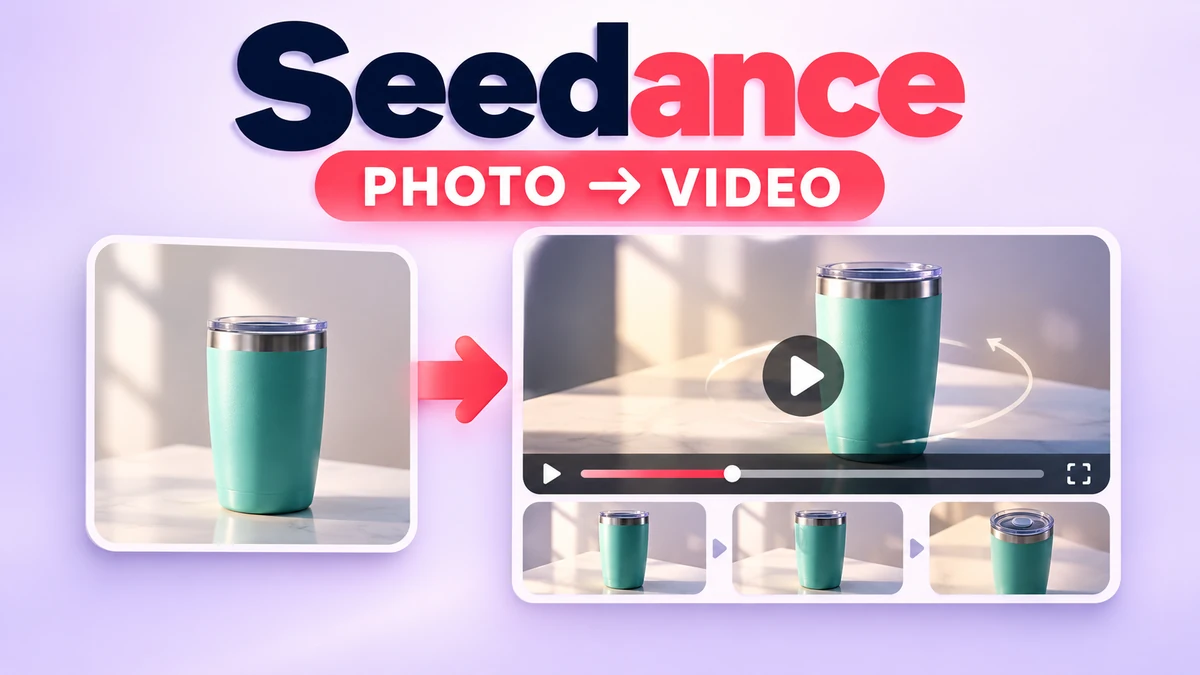
- One stationary subject and one camera movement make the first shot easier to define.
- The simplified AI App and the Video workspace have different duration and credit displays.
- Introductory image credits do not automatically cover video. Compare usable balance and the selected request cost.
Photo attachment and a Korean prompt were tested. The4s480p request reached a purchase prompt; no video, playback or download was verified.
Files for this exercise
AIHotple example files and prompts. Try the exercise before substituting real work data.
Define the shot in one sentence
A vague promotional-video request leaves room for unwanted rotation, lid opening or added people. Start with a stationary product and a very slow camera push-in. This gives you a clear intention to inspect later.
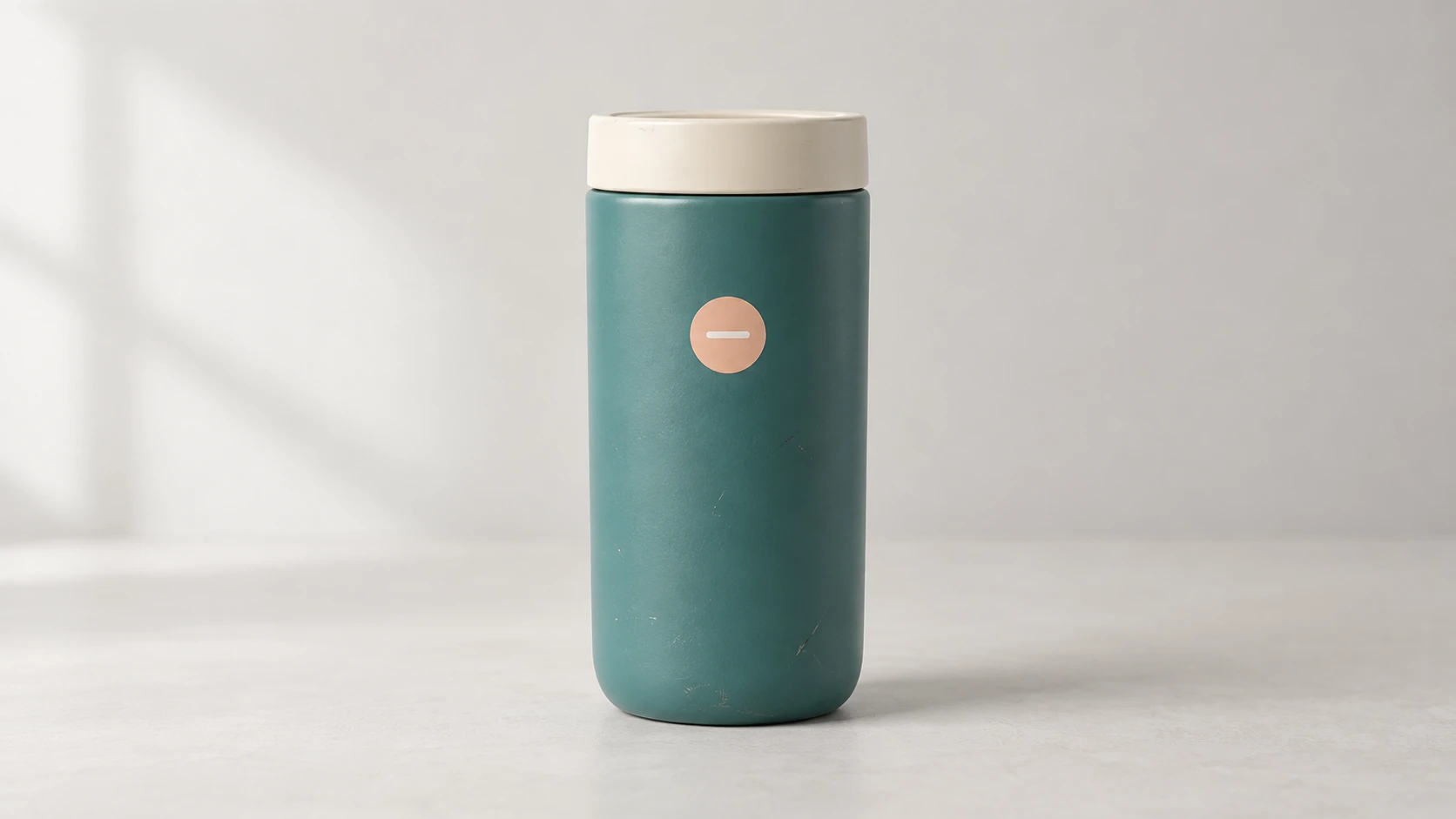
The image below is the actual input source, not a frame extracted from a generated Seedance video.
Separate the model specification from the current screen
The model documentation describes up to30 seconds. Lumina’s simplified Seedance 2.5 Image to Video app advertises6-seconds, while the Video workspace exposes separate settings. Do not transfer the maximum capability to every template.
We used the second path below. No ModelArk API key or developer-account top-up was used.
Open the tested AI Video workspace ↗
Inspect the separate6-second app ↗
| Path | Observed display | Scope |
|---|---|---|
| AI Apps → Seedance 2.5 Image to Video | 6-seconds,276/time | Page inspected only |
| Video → AI Video → Seedance 2.5 | Adaptive480p4s,84 credits | Inputs and purchase gate checked |
| ModelArk API | Separate activation and pricing | Not used |
1. Check the model and settings
Sign in to Lumina and choose Video in the sidebar. Confirm AI Video and Seedance 2.5 under the input. Mini and Fast entries are separate models.
Our setting was Adaptive480p4s. Open the settings button and recheck the credit display after changing duration or resolution. Do not assume a landscape input becomes a vertical social video automatically.
2. Attach a photo using material → local upload
Click material and choose local upload from the menu. Select source.png from the unzipped pack and wait for its thumbnail. Opening a picker is not evidence that an upload completed.
For a vertical campaign, prepare suitable framing and confirm the workspace’s ratio controls. Leave space around the item so a camera move does not force it out of frame.
3. Separate camera movement from product movement
Adapt the prompt to your item. It asks for one slow push-in, a stationary closed product and no added people or cuts. Avoid asking the model to demonstrate a feature not established by the reference.
Only the Korean input was exercised. This English adaptation has not generated a verified video or audio track. Inspect any separate sound controls before assuming silent output.
Animate the supplied fictional tumbler photograph as one restrained product shot. The tumbler stands upright and remains stationary with its lid closed. Only the camera performs a very slow push-in. Preserve the teal body, cream lid, peach circular front mark and its single white horizontal line. Keep the entire product in frame. No cuts, hands, people, straw, handle, extra text, logo or subtitles. Choose silent output if that option is available.4. Compare credits before generating
Our4-second 480p request showed84 credits against59 general credits. Clicking it opened a299 credit$0.99trial offer. We did not purchase it; no video was completed.
The official FAQ distinguishes general from dedicated promotional credits, with restrictions on dedicated-credit use. We did not establish any dedicated free-video entitlement for this account. Do not exchange Lumina credits for ModelArk dollar rates or Artlist credits.
If the available balance is insufficient, review settings or stop. A free sign-in does not establish free access to every model and template.
5. What to inspect if your account can generate
The following is an editorial review sequence for a generation-enabled account, not an execution claim. Play the entire result and inspect its beginning, middle and end. After downloading, confirm actual playback, duration, dimensions and sound.
| Area | Question |
|---|---|
| Product | Did the lid open or a new handle appear? |
| Mark | Does it deform or disappear between frames? |
| Framing | Is the top or base cropped during the move? |
| Shot | Were unwanted cuts or people added? |
| Sound/text | Did unsupported narration, subtitles or claims appear? |
| File | Does the saved file play with suitable dimensions and length? |
6. Choose the next tool around the task
This article prepares a single shot from one image. Kickart instead centers on product information and proposed advertising creatives. Sharing a BytePlus sign-in does not establish a shared subscription or balance.
Check the still image first: animating a distorted product does not make its appearance accurate.
Sources & verification
On 17 October 2026 we selected Video→AI Video, Seedance 2.5, Adaptive480p4s, uploaded our fictional tumbler source and entered a Korean prompt. The84credit generation button opened a$0.99trial prompt with59 general credits remaining. Following the user’s no-payment decision, no purchase, completed generation, MP4, motion or audio test followed. The separate6-second AI App displayed276/time and was not run. Review sheets and prompts are editorial suggestions; English is unexecuted. Dedicated promotion entitlement and ModelArk activation were not tested.
- Lumina · AI Video
- Lumina · Seedance 2.5 Image to Video
- BytePlus · Seedance 2.5 prompt guide
- Lumina · Frequently Asked Questions
Sources checked: 2026.10.17