- Choose a product URL or prepare authorized images with a factual product sheet.
- Check extracted selling points against the source before approving an advertising creative.
- Our account required an active plan before photo upload; a Lumina trial balance did not establish Kickart access.
Logged-in Product URL and Materials controls were inspected. Upload files required an active plan, so the later creation steps are documented procedures rather than tested outputs.
Files for this exercise
AIHotple example files and prompts. Try the exercise before substituting real work data.
Start with what the ad should actually say
Animating a product image is different from deciding which verified features an ad should show. Kickart describes a workflow from product URLs or materials through product information and advertising creation.
A visible teal body does not establish capacity, thermal performance or certification. We prepared a fictional sample to make those boundaries explicit. It is not a real item for sale.
Check access first: sign-in is not a creation entitlement
The current workspace exposes Product URL and Materials. Our signed-in account showed0 credits. Materials→Upload files opened an active-plan requirement before any file could be selected. No creative was generated.
This was separate from the68 Lumina introductory credits used for our image exercise. Check the entitlement for the specific service before preparing a paid workflow.
1. Choose a product URL or supplied materials
Product URL opens an address input. Use an exact product/variant page and retain the source for later checks. Option prices and shipping conditions can otherwise become mixed.
Materials→Upload files is the image route, where our account encountered the subscription gate. If enabled in your account, use authorized imagery and a factual product sheet. Korean-store or sign-in-only URLs have not been verified.
| Input | Question |
|---|---|
| Product URL | Correct item and variant, publicly readable? |
| Product image | Accurate item and usage rights? |
| Fact sheet | Only manufacturer/seller-confirmed information? |
| Purpose | One clear aim, such as showing the color? |
2. Separate visible appearance from product performance
Open product-facts-en.txt in the pack. It lists the visible body, lid and mark, while leaving price, capacity, thermal performance, certifications and material unspecified. This is editor-authored input.
Do not infer insulation from the word tumbler, or material from a metallic appearance. Keeping unsupported claims out of the input reduces later correction work.
Name: Hotple demo tumbler
Visible: teal body / closed cream lid / peach circular front mark
Price, capacity, thermal performance, certifications, material and store: unspecified
Purpose: practice presenting the fictional item’s appearance
No real shopping link, testimonials or performance claims
3. Ask to review information before final generation
The remaining workflow is official-document-based for accounts with the required plan. Supply the materials and ask to inspect facts first. Our current default was Kickart Seedance 2.5; an older official guide lists Pro/Plus/Lite, so follow the actual selector rather than expecting those older labels.
The input also exposes rights and virtual-avatar agreement checkboxes. Review those terms yourself for the material you actually use. We did not check or accept them.
Use only the supplied fictional product image and facts to propose a short 9:16 product presentation. The Hotple demo tumbler is not sold. Visible features: teal body, closed cream lid, peach circular front mark. Price, capacity, thermal performance, certifications, material and retailer were not supplied; do not invent them. First show extracted product facts and questions. Propose three scenes: full product, close-up of the front mark, full product ending. No testimonials, discounts, performance claims, shopping links or sales metrics. No people or voice. Do not generate a final video before I confirm facts and the scene plan.4. Remove unsupported selling points
The official User Guide places product-detail and selling-point review before creative generation. Treat extracted information as something to verify against the product page and your facts, not as ground truth.
These are hypothetical review examples written by AIHotple, not text actually generated by Kickart.
| Hypothetical text | Problem | Revision |
|---|---|---|
| Keeps drinks hot12 hours | No performance evidence | Remove; mark unspecified |
| Lightweight stainless steel | No weight or material supplied | Describe only the visible teal appearance |
| Customer-approved bestseller | No reviews or sales evidence | Remove |
| Cream lid and teal body | Supported by the supplied image | Use for an appearance-focused shot |
5. Attach an evidence-based purpose to each scene
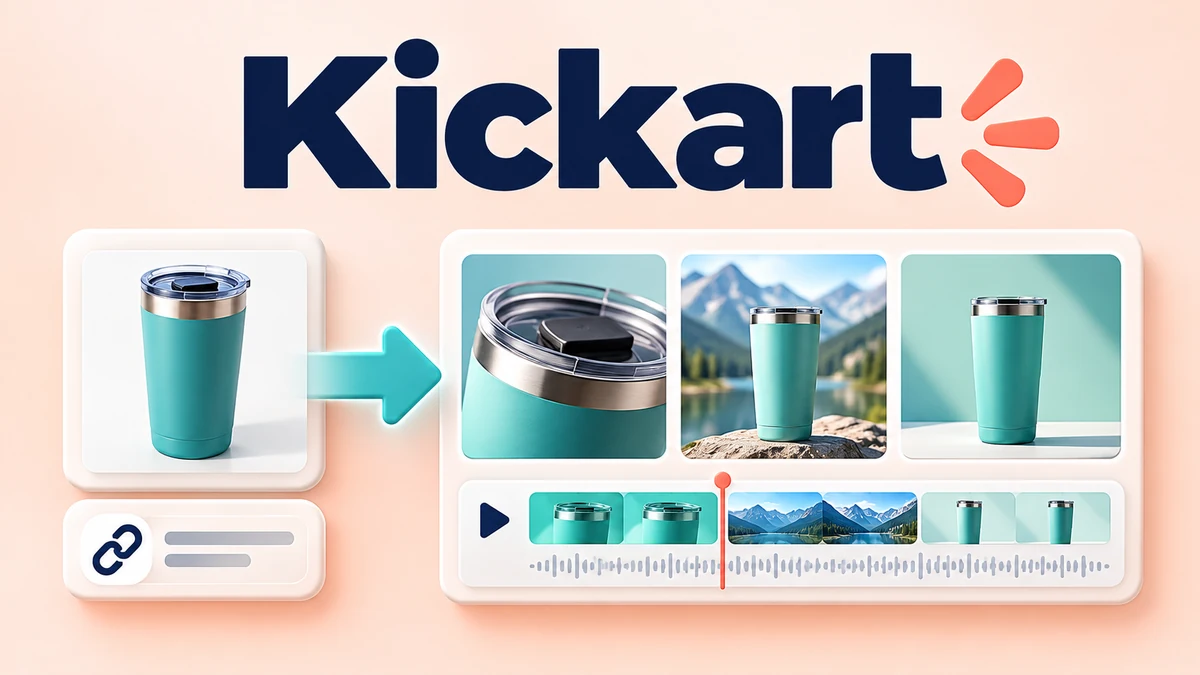
The official creative step proposes alternatives before selecting a video to generate. Each scene should map to supplied material or verified information. This is our own proposed scene sheet, not a generated Kickart creative.
A close-up should bring the mark closer without changing it. An ending should not invent pricing, discounts or a shopping link.
| Scene | Show | Do not invent |
|---|---|---|
| Full product | Closed lid and complete body | Capacity or material |
| Front-mark detail | Existing circular mark | Certification or brand |
| Full-product ending | The same item and tidy setting | Testimonials, price or shopping URL |
6. Check conditions before rendering and exporting
For an enabled account, check the displayed cost, length, ratio, voice and output conditions before rendering. Review every scene for product changes and unsupported text. Finished files and export controls were not exercised here.
Social-account connection and publication are separate actions. Verify the file and claims before deciding where it should be used.
Sources & verification
On 17 October 2026 a logged-in Kickart account displayed0 credits and default Kickart Seedance 2.5. We inspected Product URL and Materials→Upload files. Clicking upload opened You have no active plan. Subscribe to a plan first. No file upload, legal acceptance, product URL submission, information extraction, creative generation, video, export or social connection/publication followed. Later steps are based on official User Guide and Smart Editor documentation; older mode names are distinguished from current UI. Downloadable facts, scene plan and prompts are AIHotple fictional inputs, not Kickart outputs.
- Kickart · User Guide
- Kickart · Beginner Guide to Video Agent
- Kickart · Smart Editor Prompt Guide
- Kickart · Billing Method
- Kickart · Current workspace
Sources checked: 2026.10.17