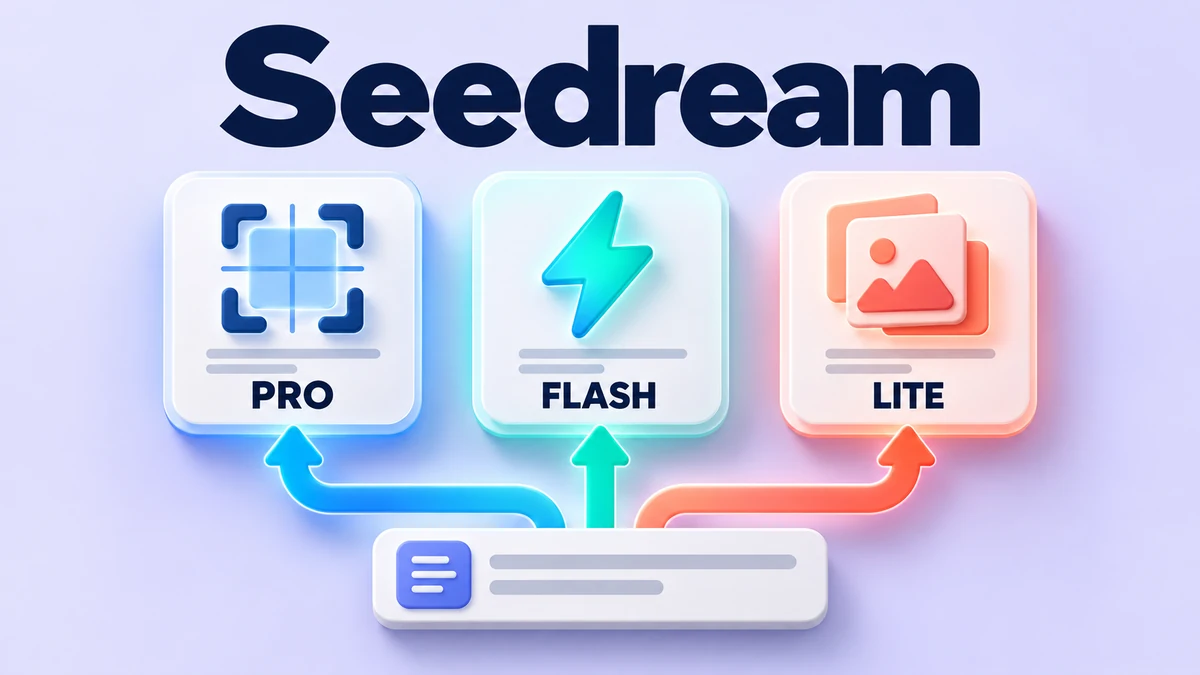
- The API documents spatial editing and layer decomposition for Pro and Flash, and batch output and streaming for Lite.
- Listed API resolutions are 1K/1.5K/2K for Pro and Flash, and 2K/3K/4K for Lite.
- A documented API feature need not be exposed in every Lumina interface.
Based on the official API capability table updated October 13 and checked October 18, 2026. No matched speed, quality or billing benchmark was run.
Files for this exercise
AIHotple example files and prompts. Try the exercise before substituting real work data.
The differences that change the workflow
Selected capabilities from the official ModelArk API table updated October 13, 2026. This is not a table of Lumina UI options or measured quality.
| API capability | 5.0 Pro | 5.0 Flash | 5.0 Lite |
|---|---|---|---|
| Text/reference input → one image | Yes | Yes | Yes |
| Related images in one request | No | No | Yes |
| Marker/coordinate-aware editing | Yes | Yes | No |
| Layer decomposition | Yes | Yes | No |
| Streaming image output | No | No | Yes |
| Listed resolutions | 1K, 1.5K, 2K | 1K, 1.5K, 2K | 2K, 3K, 4K |
Translate the table into a task choice
All three can take references for a single-image edit. Lite lacking the specific spatial-editing feature does not mean that it cannot edit a photograph with a text instruction.
| Need | Initial candidate | Reason |
|---|---|---|
| Change a body color or background | Available Pro or Lite | Both support reference-based single-image output |
| An API edit targeted by a marker | Pro or Flash | Documented spatial editing |
| Separate visual elements for further composition | Pro or Flash | Documented layer decomposition |
| Several related outputs in one request | Lite | Batch output |
| A documented 4K output option | Lite | 4K appears in its API capability table |
Treat vendor positioning separately from a measured benchmark
BytePlus positions Flash for latency- and cost-sensitive applications. We did not test three identical requests and measure their processing times or total charges.
This article does not establish a universal quality winner or a speed multiplier. Filter for required capabilities first, then compare the same input and the amount of rework needed.
Flash may not appear in the Lumina model menu
Open the current model button beside the prompt field in Lumina Image. Our October 18 observation included Seedream 5.0 Pro and Lite but not Flash. A different model was selected by default, so simply opening the Image page does not select Seedream.
Do not label another model’s output as Flash. A model ID in the ModelArk documentation does not establish availability for your account or region. We did not create an API key or activate an API model.
Read the API and Lumina 4K descriptions separately
The API table lists 4K as a Lite output resolution. The Lumina model-menu description instead referred to native 2K and 4K upscaling. Do not transform the API’s 4K support into a claim of native 4K generation in Lumina.
Inspect the actual pixel dimensions of a downloaded file. A K label alone does not establish detail quality or printing suitability. We produced no 4K file for this article.
Do not mix credits with API dollar prices
An Image workspace can display a per-image charge while a separate editing app shows a per-request charge. Record the interface and unit before comparing anything. We did not confirm a current dollar-price ranking.
| Record | Question |
|---|---|
| Interface and exact model | Lumina Image, an AI App or ModelArk API? |
| Unit | Per output image or per request? |
| Output settings | Which resolution, count and optional settings? |
| Usable balance | Does that balance apply to this model and operation? |
| Actual usage | What was deducted? What are the retry and failure billing conditions? |
Layer decomposition does not promise a PSD download
The official explanation describes a base image, individual PNG layers with alpha channels and placement/stacking information for reconstruction in a tool or canvas. That is different from promising an automatically downloadable editable PSD.
Decide whether you need a finished flat picture or separated elements plus placement data. API support does not establish that a corresponding control exists in the current Lumina prompt screen.
Write the required output in one sentence
“Three 4K concepts for the same product” and “change a marked part of a poster” lead to different choices. Use task-choice.csv to record the output, necessary feature and intended interface before selecting a model.
For your own comparison, keep the original and prompt constant and record output settings, visible quality and rework cost. costs.csv intentionally contains no invented benchmark results. If credits are unavailable, prepare the inputs and comparison criteria without executing.
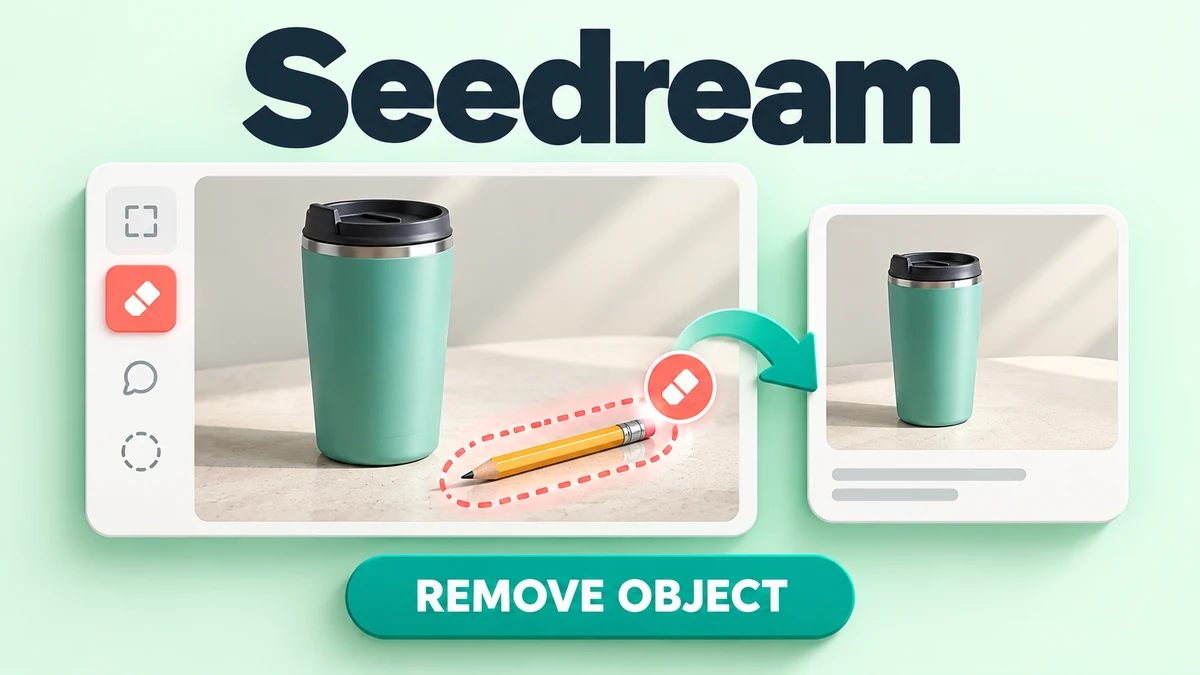
Prepare an object-removal prompt →
Sources & verification
On October 18, 2026 we checked the ModelArk image tutorial’s October 13 capability table and the model list in the general Lumina Image workspace. API capabilities and UI availability are separate. The observed Lumina list showed Seedream 5.0 Pro and Lite, but not Flash; this is not a finding about every account or region. We made no new generation request, API call, speed or billing comparison, 4K output or layer-reconstruction test. Recommendations reflect documented task support, not a measured ranking.
- ModelArk · Image generation tutorial (updated 2026-10-13)
- BytePlus · What is Seedream? (updated 2026-09-23)
- Lumina · Image Edit Seedream 5.0 Pro
Sources checked: 2026.10.18