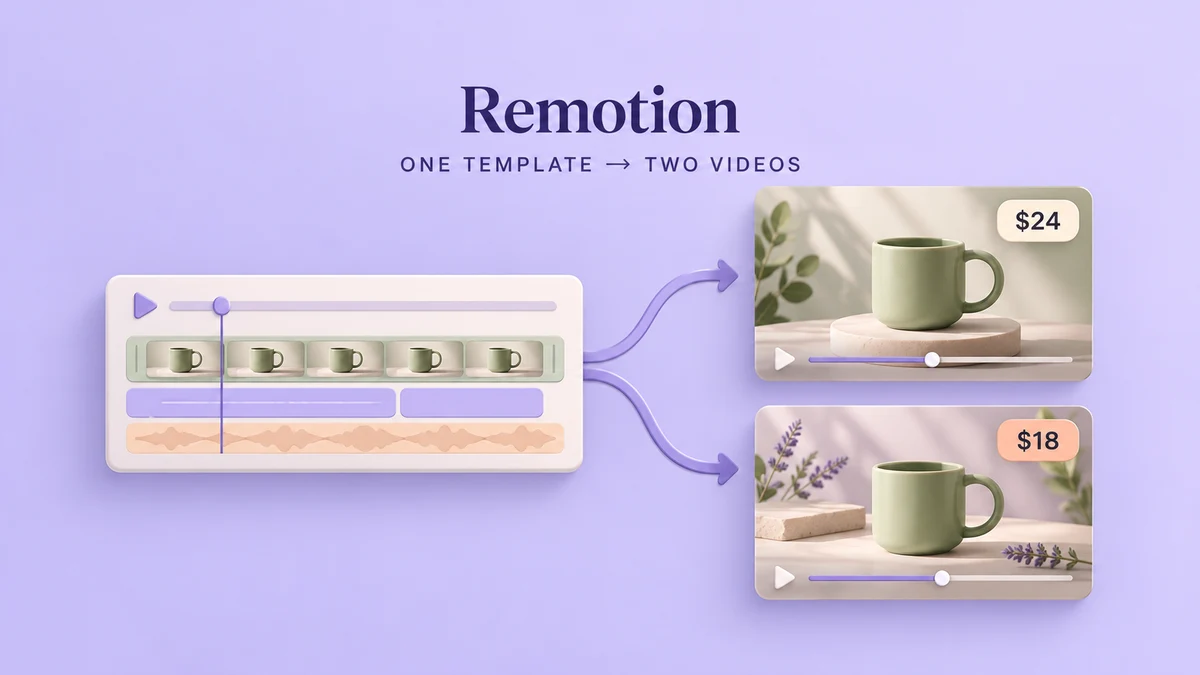
- Make product data an input to a reusable composition.
- Check generated code before treating validation as protection.
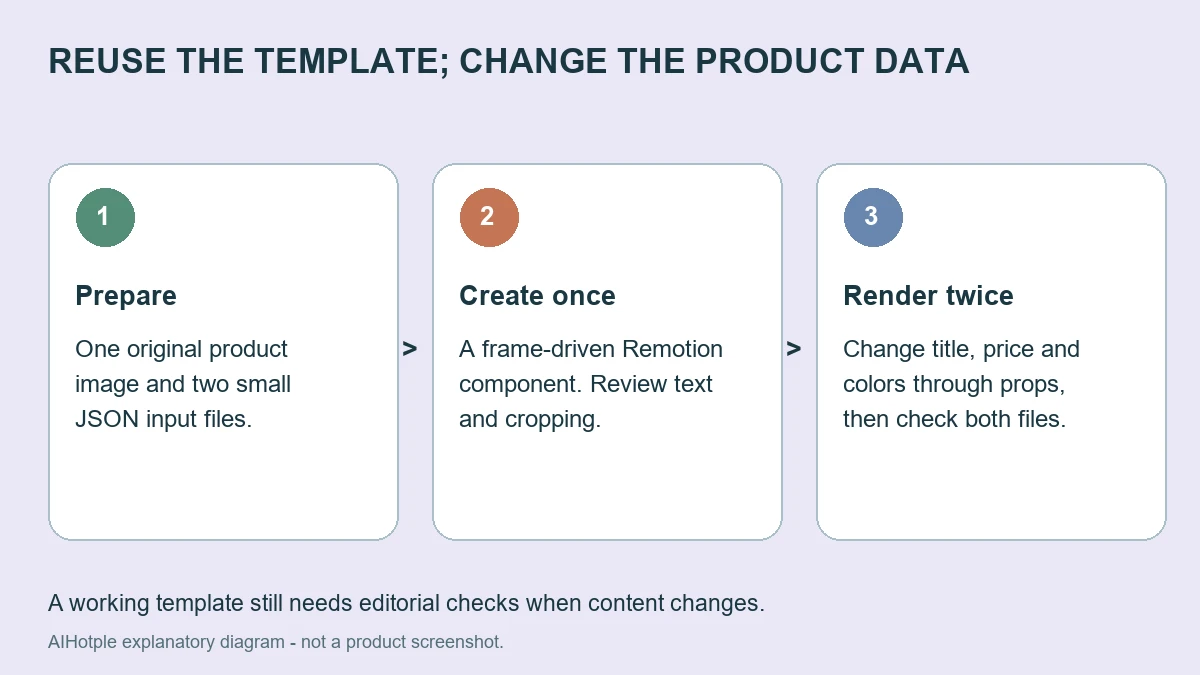
- Inspect each rendered variant; a working template does not guarantee every title will fit.
Use the official Remotion plugin to create a composition once. Pass product text and colors as input props, then render and inspect each variant. Changing a JSON file should not require rebuilding the video layout.
Files for this exercise
AIHotple example files and prompts. Try the exercise before substituting real work data.
Start with the job you want to repeat
If you need one product clip, a simple editing workflow may be enough. Remotion becomes more useful when the structure repeats: the same image area, title, price and call to action, with different product data. Its video is a React composition whose appearance is calculated for each frame. The official skills help a coding agent work within that model.
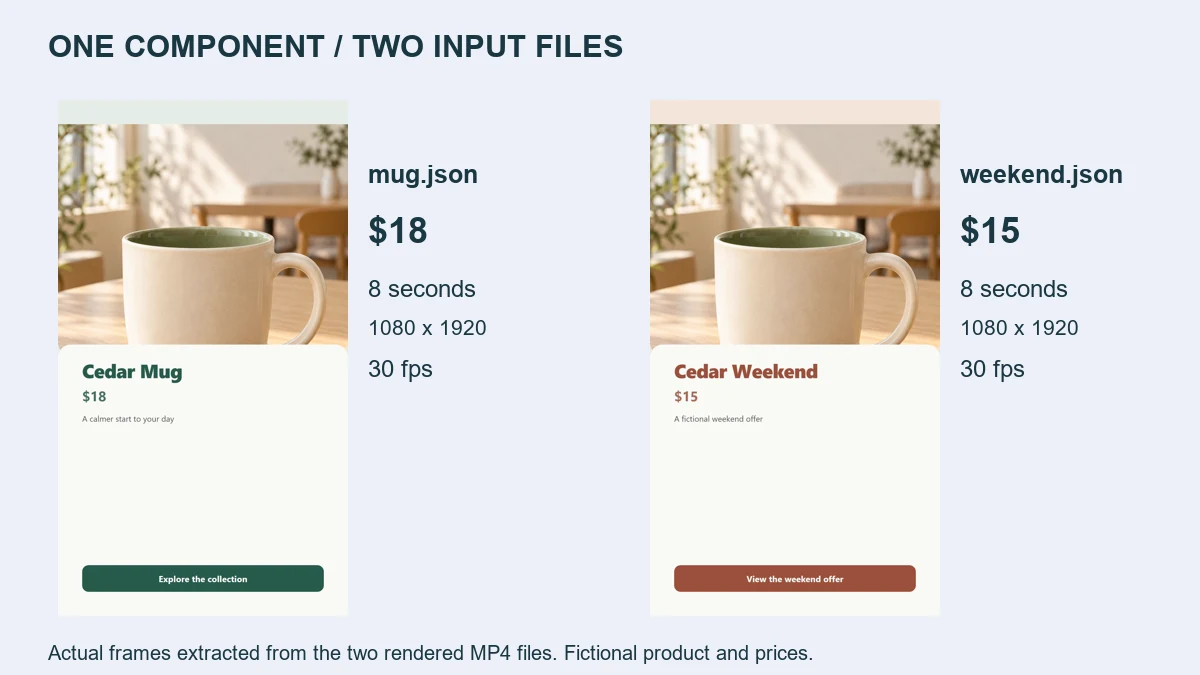
Our exercise keeps the scope small. The first input shows Cedar Mug at $18; the second shows a fictional Cedar Weekend offer at $15. The same mug image is reused. These are two offers in one demonstration, not evidence of a real discount or two photographed products. Both outputs use the same component source.
Download the lab before following the commands. It contains the source, two input JSON files, the original image and both completed MP4s. The videos are silent and are supplied as downloads; this page does not start a player.
1. Prepare the project and load the official plugin
You need Node.js and a working coding-agent account. Extract the ZIP into a new practice folder, open that folder in a terminal and run npm install. The package manifest pins the versions used in this exercise; the lockfile records the dependency graph. Do not copy a node_modules folder from another project.
For the official Claude Code installation route, add the Remotion marketplace and install the plugin using the commands below, then restart Claude Code. In the Claude desktop Code area, the documented route is Customize → Plugins → Discover → search Remotion → Add. Check the publisher and source repository before choosing a similarly named listing.
Our recorded run used a temporary --plugin-dir pointing at the official source checkout, rather than changing a global marketplace installation. The session initialization listed remotion 4.0.538, and its tool record contained an actual remotion:remotion-create skill call. A downloaded skill folder and a successful skill invocation are different pieces of evidence.
claude plugin marketplace add remotion-dev/claude-code-plugin
claude plugin install remotion@remotion- Use a separate practice folder
Keep the extracted video project separate from an existing application or website.
- Install the project dependencies
Run npm install inside that folder. Inspect a dependency or installation warning before continuing.
- Verify the skill entry point
In a fresh Claude Code session, find the Remotion commands and invoke the creation skill with a bounded brief.
2. Ask for an editable composition, not an unexplained MP4
Tell the agent which fields change and which parts stay fixed. Our brief required an eight-second portrait composition named Promo, a local image, frame-driven animation, readable text and no remote assets. It prohibited new dependencies, browser launch and rendering during the code-writing run. We rendered separately after reviewing the files.
The agent created src/index.ts, src/Root.tsx and src/Promo.tsx. Root registers the composition and its dimensions; Promo uses the frame number to calculate its entrance motion. The JSON values change the title, price, caption, call to action and colors. The call-to-action shape is part of the video image, not a clickable checkout button.
A useful brief also states the output contract. If your real product title is longer than the template supports, shorten the copy or deliberately adapt the layout. Do not hide overflowing text by making every line progressively smaller.
/remotion:remotion-create Build an editable eight-second 1080x1920 product composition named Promo at 30 fps. Read products/mug.json and use public/mug.png. Accept title, price, caption, cta, image, background and accent as props. Use frame-driven motion and local assets. Keep important text inside safe margins. Do not install dependencies, launch a browser or render yet. Explain what I must review before rendering.3. Check the input gate before rendering
The first generated component exported a validation function but did not call it during rendering. It also allowed very long titles for this layout. An exported helper does not protect a render unless the render actually uses it. We wired the check into the component, added role-specific text limits and required six-digit color values.
The supplied final template rejects a blank title, a non-string price, remote or parent-path image inputs, overly long title or button copy, and invalid color notation. The editorial check accepted both intended variants and rejected eight invalid cases. This is a small local input check, not a general security audit or a guarantee for untrusted internet uploads.
Keep image as a bare filename that exists in public/. A price is display text here: the code does not validate a shop’s live catalog or determine whether a promotion is truthful. Verify those facts against your own approved product source before publishing a real advertisement.
node check-products.mjs
npx remotion render src/index.ts Promo out/cedar-mug.mp4 --props=products/mug.json --concurrency=2
npx remotion render src/index.ts Promo out/cedar-weekend.mp4 --props=products/weekend.json --concurrency=2
4. Compare what changed in the actual files
The final source produced two H.264 MP4 files. Each is eight seconds long with 240 frames at 30 fps and a 1080×1920 frame size. Neither contains an audio stream. We extracted a frame at two seconds from each MP4 and checked the different titles, prices, colors and call-to-action wording.
The product image uses a crop inside the template. Check the handle, label and any detail that matters to a buyer when replacing the image. A container can have the right dimensions while the product is poorly framed. Also inspect the first and last states when adapting the animation; a middle still alone cannot establish that every transition looks right.
The figure below shows the actual extracted frames. It does not show a comparison against a paid video service, a measured conversion improvement or a claim that the agent completed the entire job without editorial repairs.
5. Decide whether this workflow fits your work
This approach fits repeatable product cards, title sequences and other layouts you can express as a template. It is a less direct starting point when you mainly need to trim a recorded interview or adjust a speaker’s captions; an editing tool may be more convenient for those tasks.
The skill itself is not a free allowance for every service involved. Your coding agent has its own plan or usage limits, and Remotion has license conditions that depend on your entity and use. Read the current license before commercial deployment. Our two examples used local rendering and no purchased video-generation credits.
Start by changing only one field in weekend.json and rendering again. Once you can trace that change through the file, consider a spreadsheet-to-JSON step or a batch runner. Those are extensions to build and test; this exercise does not claim a hundred-product production pipeline.
Make a one-off photo promo before building a reusable template →
Use an editor when the starting point is a recorded long video →
Continue this workflow
Try an agent-created explainer, with actual MP4 and caption review →
Sources & verification
On 26 October 2026, Claude Code 2.1.310 with Claude Sonnet 4.6 invoked remotion:remotion-create from the official Remotion plugin 4.0.538, pinned to commit f4cfab3c9c2d27888d45fd29fd1b6df8386b8f24. We reviewed and repaired input validation before rendering locally with Remotion 4.0.538 and React 19.3.1. Two silent H.264 MP4 files contain 240 frames each: 1080×1920, 30 fps, eight seconds. Metadata and extracted still frames were checked without video playback. The mug image is our existing AI-generated fictional product illustration; names, offers and prices are invented. No voice service, paid video generator, storefront or external publishing account was connected.
- Remotion · Official Claude Code plugin
- Remotion · Agent Skills
- Remotion · Parameterized videos
- Remotion · License
Sources checked: 2026.10.26