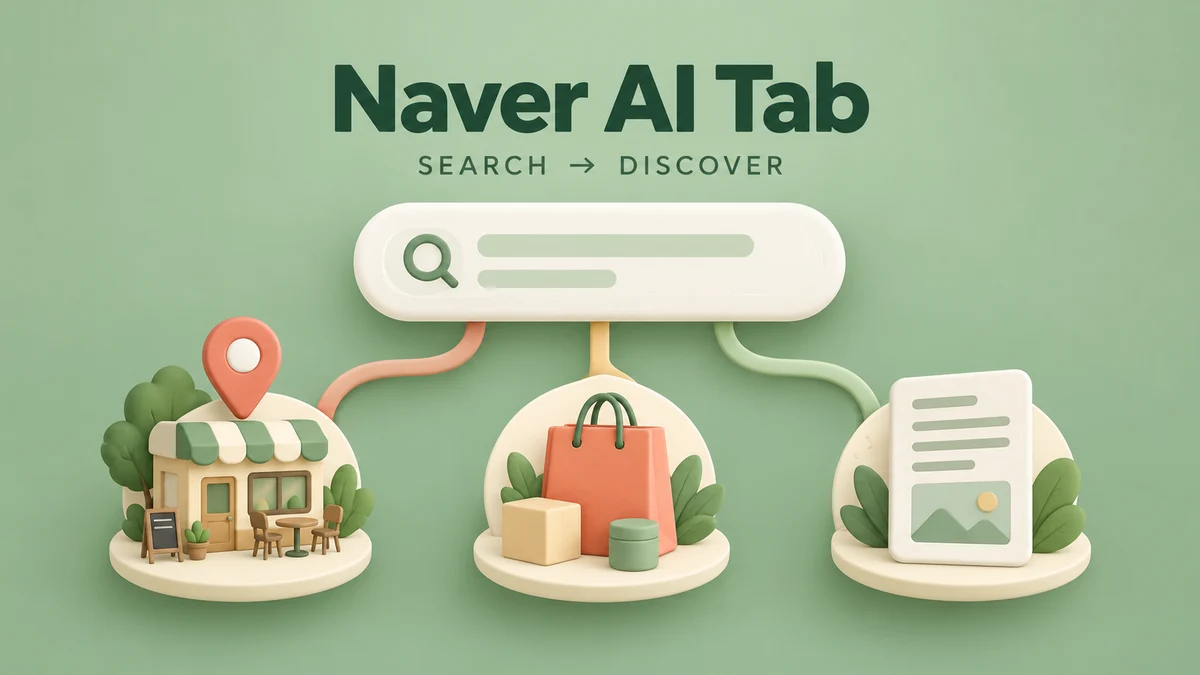
- AI Tab is a conversational search experience inside Naver, with links into its wider services.
- Place discovery, shopping and information research are documented use cases; transaction support depends on the linked service.
- English questions worked in our companion exercise, but the cards and detailed answers still included Korean.
Naver AI Tab turns questions into conversational search and connects with Naver services such as places, maps, shopping and reservations. Start with a specific request, open the supporting sources and verify any purchase or booking conditions separately.
What is Naver AI Tab?
Naver is the service behind the Naver search, Map and Place pages you may encounter while researching Korea. AI Tab is its conversational search experience: describe what you need in ordinary language, inspect the answer and refine the request. It is a useful starting point when a list of links alone leaves you unsure which local candidate fits your conditions.
The precise product covered here is AI탭, or AI Tab. “Naver AI” is broader wording; this article does not describe every AI product or developer offering associated with Naver. You can start in a browser rather than installing a separate AI application.
Naver’s service introduction describes contextual answers using current information and expanding connections with shopping, reservations and maps. An answer can vary with the question and the time. Our practical recommendation is to use the conversation to discover candidates, then inspect the linked evidence before acting.
Which features are useful?
The official starting page groups examples into places, shopping and information exploration. Reservation connections are also promoted. The table below translates those areas into practical tasks; it is a feature overview, not a claim that we completed every workflow.
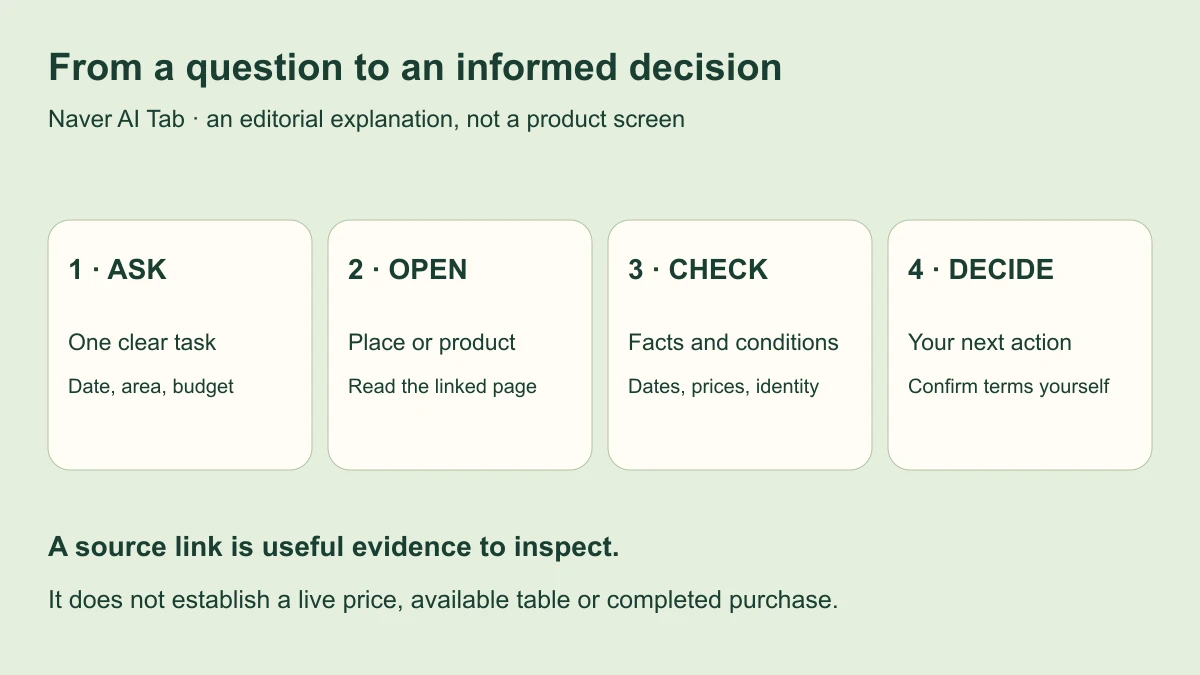
For a Korea visit, local discovery is a natural first exercise: a Korean place name and a matching map profile give you something concrete to inspect. For a purchase, a product suggestion is only a candidate until you check the seller page and transaction conditions.
| Area | What to ask for | What to check next |
|---|---|---|
| Conversational research | Explain a question and refine the conditions | Open supporting sources and check dates |
| Local places and maps | Find cafes, restaurants, exhibitions or nearby stops | Match the Korean name, address, hours and route |
| Shopping discovery | Find products for a stated budget and use | Verify the actual item, seller, price and delivery terms |
| Reservation connections | Find the relevant reservation route where supported | Check the date, party size, login rules and real availability |
How to open it: the buttons to look for
The simplest starting route is Naver’s official introduction page. Select AI탭 시작하기 (“Start AI Tab”). In the question screen, 무엇이든 물어보세요 means “Ask anything” and 전송 means “Send”. An optional introduction in our companion run offered 건너뛰기 (“Skip”).
Naver’s access help also describes AI Tab entry buttons on the main page, in the Naver app search box and in Whale. From ordinary search results, select AI탭 at the top to continue with the search topic. Some AI Briefing answers expose AI로 더 알아보기 (“Learn more with AI”) as another entry route. A briefing summary and a continuing AI Tab conversation are different surfaces.
If the button layout differs, return to the official starting page rather than installing an unrelated extension with a similar name. The direct question-screen link below is the destination observed in our Seoul exercise.
Open the observed official AI Tab question screen ↗
- Open the official starting page
Select AI탭 시작하기, or use AI탭 in supported Naver search interfaces.
- Enter one specific task
Use 무엇이든 물어보세요. Add the place or product, date, budget and desired source links.
- Inspect the result and refine
Press 전송, look for concrete candidates and open the source/profile controls before relying on the answer.
Do you need an account or a download?
Naver’s current eligibility help says AI Tab itself can be used regardless of login. It supports PC and mobile with current Chrome, Edge, Whale and Safari. Users under 14 require guardian consent; Naver notes that eligibility can change.
This entry rule does not settle the requirements of a linked merchant or reservation service. Before creating an account or entering payment details, inspect that service’s actual conditions. We have not established that a foreign phone number, overseas payment card or overseas network works through every later step.
Can English speakers use it? What we actually observed
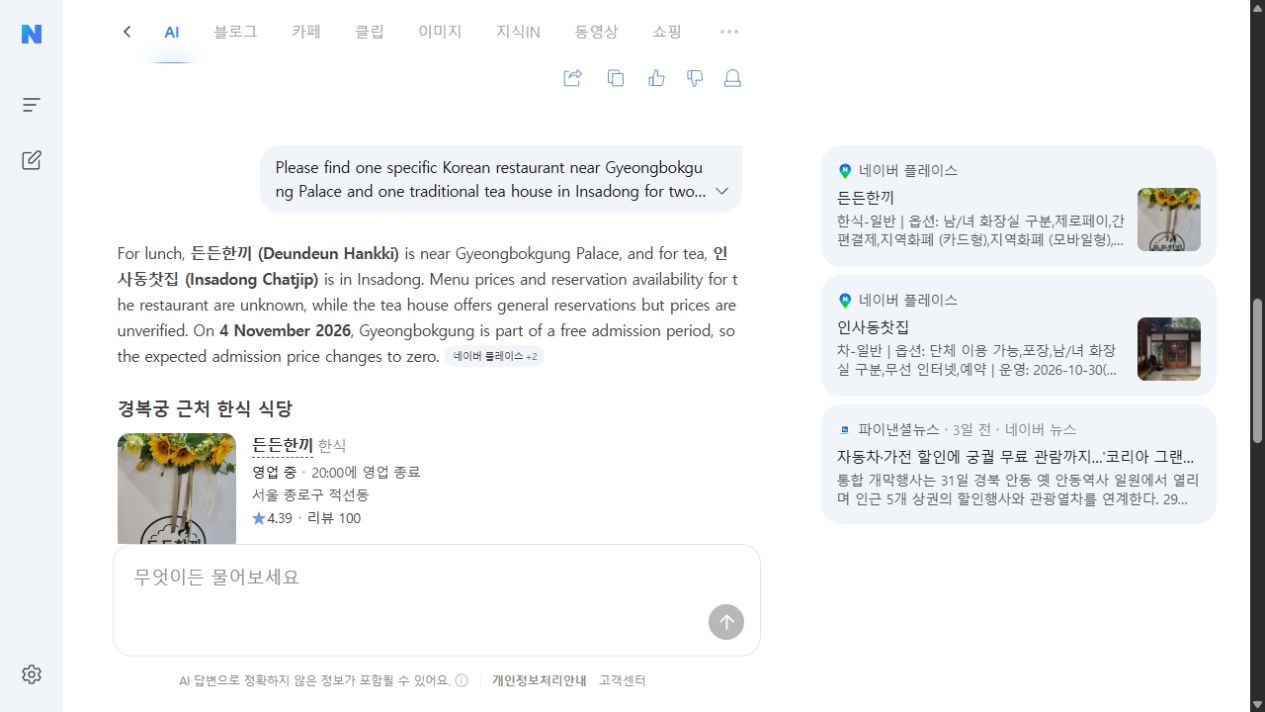
In the companion Seoul day-trip exercise, we sent two English requests in an existing signed-in browser with a Korean interface. The broad request returned general English advice without usable venue links. A narrower follow-up returned two Naver Place candidates and source controls.
The follow-up’s introductory prose was English, while the place cards, details and closing question included Korean. This is evidence that English input worked in that run, not a promise of a fully English interface or equal results for all visitors. Browser translation may help with reading; keep the Korean place names available to match a listing.
The screenshot below comes from that earlier exercise. We also found old menu-update dates and a reservation amenity without a verified online slot. Those are reasons to inspect the profile rather than treat a polished answer as a finished booking.
Follow the complete English-led Seoul exercise, with actual prompts and results →
Try a small request before building a whole itinerary
Choose one district and one type of place. Ask for the Korean name, a matching profile link and anything that remains unknown. If the first answer is vague, narrow the request instead of repeatedly asking it to plan a whole trip.
The following is an editorial starter prompt you can adapt. It has not been run as a separate test for this overview. The companion article preserves the two exact requests we actually sent and the responses we received.
Find one traditional tea house in Insadong, Seoul, for two adults. Answer in English and keep the Korean place name. Give a clickable Naver Map or Naver Place link. Say which hours, menu prices and reservation details you can verify and which are unknown. Do not book, pay, contact anyone or use my location.When to use it—and when to check elsewhere
Start with AI Tab when your question benefits from a Naver place, map or shopping destination. If you already have a document or dataset to transform, this overview provides no evidence that AI Tab is the right file-processing tool. Choose according to the task rather than assuming every conversational service has the same capabilities.
For opening rules, use the venue’s official notice. For current menu prices, inspect the merchant listing and reconfirm old information. For reservations, check an actual available slot and the terms before confirming. Source-backed discovery is useful even when it stops short of a completed transaction.
For a first practical result, continue to our Seoul exercise. It shows the initial weak answer, the narrower request, real profile links and the independent checks used to build an editorial plan.
Next: plan a Seoul day trip and check the places, dates and budget →
Compare direct AI Tab use with finding Naver information through ChatGPT →
Sources & verification
Official service introduction, promotional page, access instructions and eligibility help checked on 30 October 2026. The English-response observations and screenshot come from our separately published Seoul day-trip exercise: two real English requests in an existing signed-in Naver session, followed by public place/menu and official-notice checks. This overview does not add another product run. Shopping, purchase, reservation completion, a newly registered foreign account, signed-out use and access from an overseas network were not tested. Example starter prompts are editorial suggestions, not recorded successful outputs. No payment, booking, location permission or external message was performed.
- Naver Help · AI Tab service introduction
- Naver · AI Tab features and example searches
- Naver Help · access routes
- Naver Help · eligibility and supported browsers
Sources checked: 2026.10.30