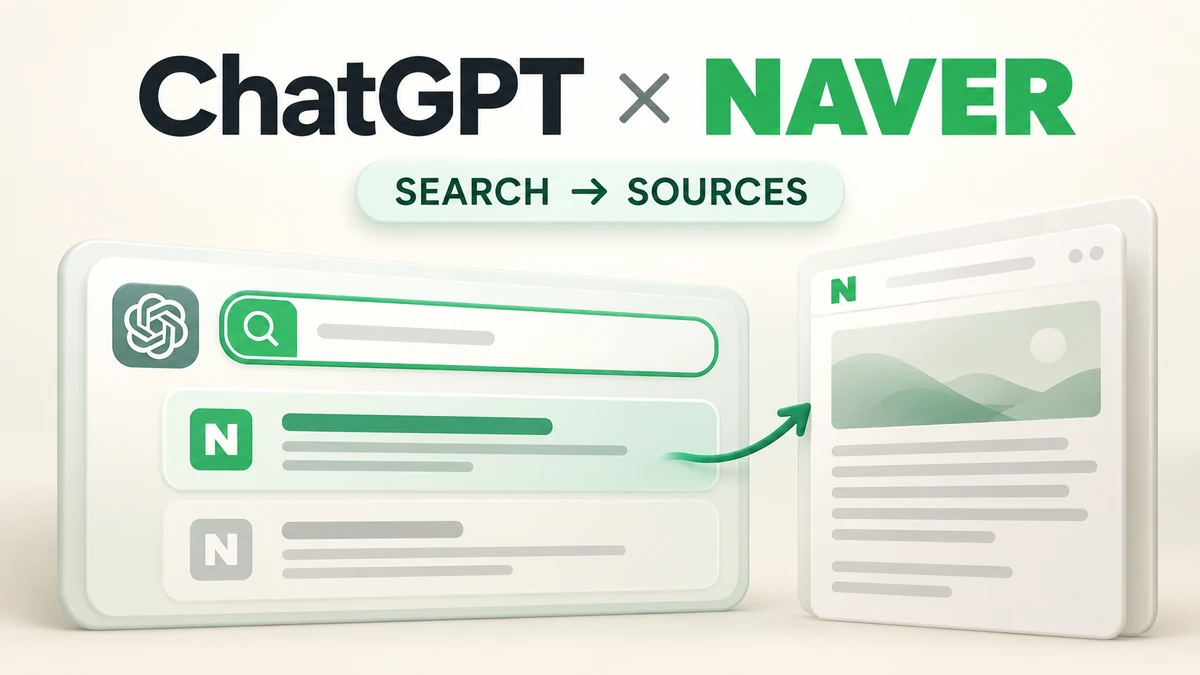
- Distinguish web discovery, opening Naver and reading an individual source.
- Check conditions in the original, beyond the search snippet.
- Retain access failures and unknowns alongside source URLs.
On 16 October 2026 we ran a public search task in ChatGPT web Work, GPT-6.1 Sol/Light. The UI showed Browser tool use and a completed response. The response reported a connected-browser error followed by a separate public-browser workflow. The editor independently opened the same Naver and museum pages. We did not test installing a user Chrome connection, a Naver API/MCP, private pages or universal blog access. English prompts are unexecuted adaptations.
Files for this exercise
AIHotple example files and prompts. Try the exercise before substituting real work data.
Why do two search snippets show different opening hours?
Our Naver results mixed official guidance with older and third-party snippets. Some displayed10:00 opening while the official guidance displayed09:30. Searching more pages is not enough: check which source and conditions support the decision you need to make.
1. Choose the kind of search you need
Built-in web search can discover a Naver link without interacting with Naver search itself. Browser work is a separate path; an API or MCP result is another distinct source. Ask for the actual Naver URL and page title, then request the original page for each consequential claim.
2. Connect a browser when that is the intended workflow
OpenAI documents desktop browser setup through Settings → Computer Use. Follow Install for your chosen browser, return to check Manage, then start Work or Codex and select that browser or tab through @. Review website-access prompts. Availability can vary. This documented installation path was not independently executed in this test.
3. Specify the source and stopping point
The executed request was Korean. This is an English adaptation for changing to your own topic.
Search Naver for National Museum of Korea visiting hours. Distinguish opening Naver directly from finding a Naver link with another search engine. Open the official museum guidance and report URLs, titles, regular hours, Wednesday/Saturday extensions, entry cutoffs and unknowns. Do not claim to read an unopened page. Do not log in, reserve, pay, post or install plugins. If direct access fails, explain that and check only available public official sources.4. What the actual task returned
Work showed Browser tool use and a final table. Its response explicitly reported a connected-browser failure and use of a separate public browser. We do not describe this as successful use of the user’s existing browser profile. The editor then opened the same Naver search and museum guidance independently.
Original museum guidance checked ↗
| Condition | Checked 16 Oct 2026 | Still to check |
|---|---|---|
| Mon Tue Thu Fri Sun | 09:30–17:30; last entry 17:00 | Temporary notices |
| Wed Sat | 09:30–21:00; last entry 20:30 | Separate exhibition hours |
5. Open the links before relying on the result
Check that the Naver URL contains the intended query. Open the official link and compare the days, hours and entry cutoff. A statement that a page was opened is not proof of every access path; inspect the tool indication and the original source. This exercise did not cover temporary notices or separate exhibitions. The ZIP contains the actual Korean response and an editor check sheet.
If a page does not open
Record whether the failure occurred at search or at the individual article. A visible snippet is not a read original. You can provide relevant text from a page you can normally access, identifying its URL and marking it as pasted material. Public-source browsing does not establish access to private communities or every blog. Ask for unknowns rather than inferred conditions.
Adapt the decision fields
For stores, compare holidays and last-order times. For software, compare plan, platform and limits. Define the columns that change your decision before searching; collect the evidence for those fields.
Continue this workflow
Try Naver AI Tab directly for an English-led Seoul day-trip exercise →
Sources & verification
On 16 October 2026 we ran a public search task in ChatGPT web Work, GPT-6.1 Sol/Light. The UI showed Browser tool use and a completed response. The response reported a connected-browser error followed by a separate public-browser workflow. The editor independently opened the same Naver and museum pages. We did not test installing a user Chrome connection, a Naver API/MCP, private pages or universal blog access. English prompts are unexecuted adaptations.
Sources checked: 2026.10.16