- Fix the exact branch and intended arrival time.
- Include entry cutoffs, URLs, dates and unknowns.
- Check the CSV before opening or importing it as UTF-8.
The original ChatGPT CSV retains unknowns. A separate editorial XLSX adds independently checked official information.
Files for this exercise
AIHotple example files and prompts. Try the exercise before substituting real work data.
The result: arriving at 19:30 on an October Wednesday
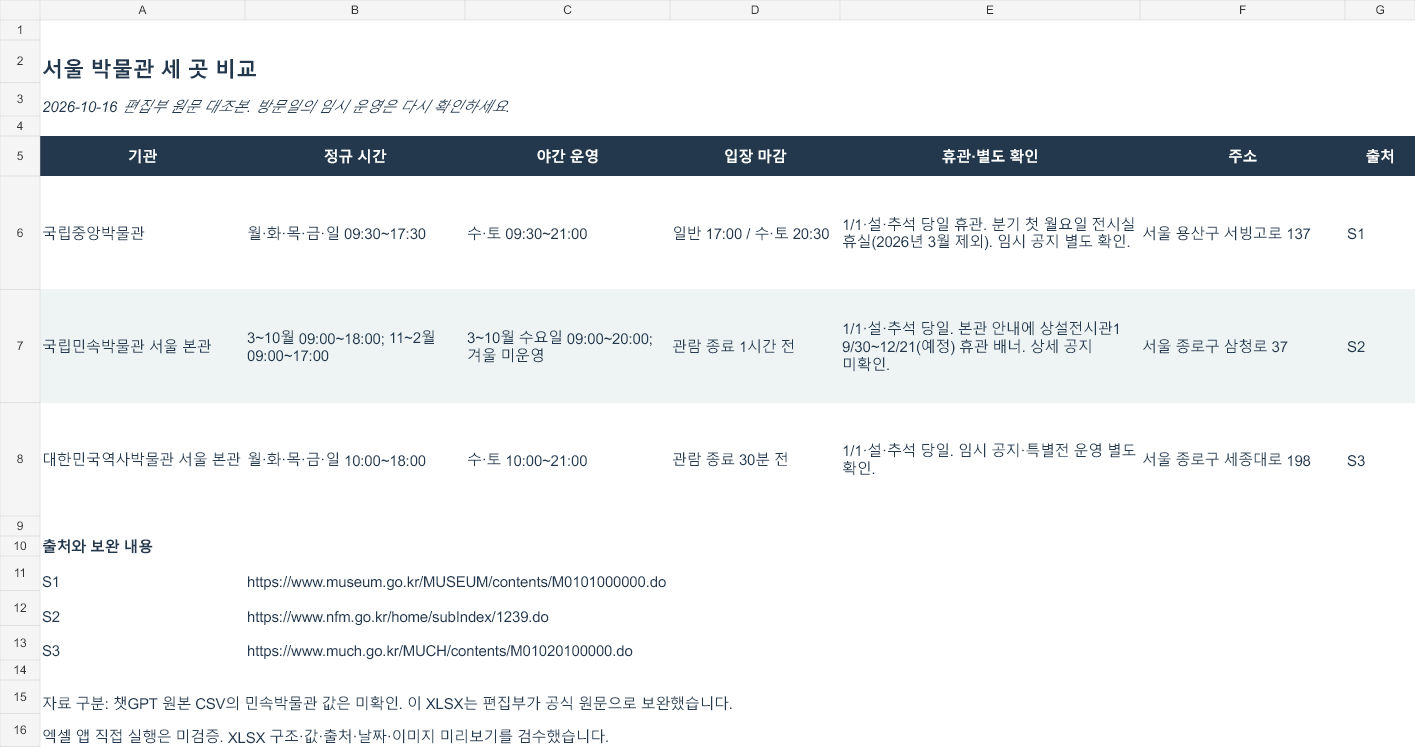
From regular schedules, the National Museum and Contemporary History museum are before last entry; the Folk Museum is after last entry despite closing at 20:00. This is an illustrative decision from the editor-checked table. Check temporary notices and exhibitions for your actual visit date.
| Museum | Schedule / last entry | 19:30 arrival |
|---|---|---|
| National Museum | 09:30–21:00 /20:30 | Before cutoff |
| Folk Museum, Seoul main | 09:00–20:00 /19:00 | After cutoff |
| Contemporary History | 10:00–21:00 /20:30 | Before cutoff |
1. Open web Work and fix the comparison
Sign in at chatgpt.com, start a new conversation and select Work where available. This walkthrough assumes that workflow is available to your account. Fix each institution and branch; exclude Paju and the children’s museum from the Folk Museum target.
2. Request columns and a downloadable file
Adapt the request to the fields that change your decision. This English request was not executed.
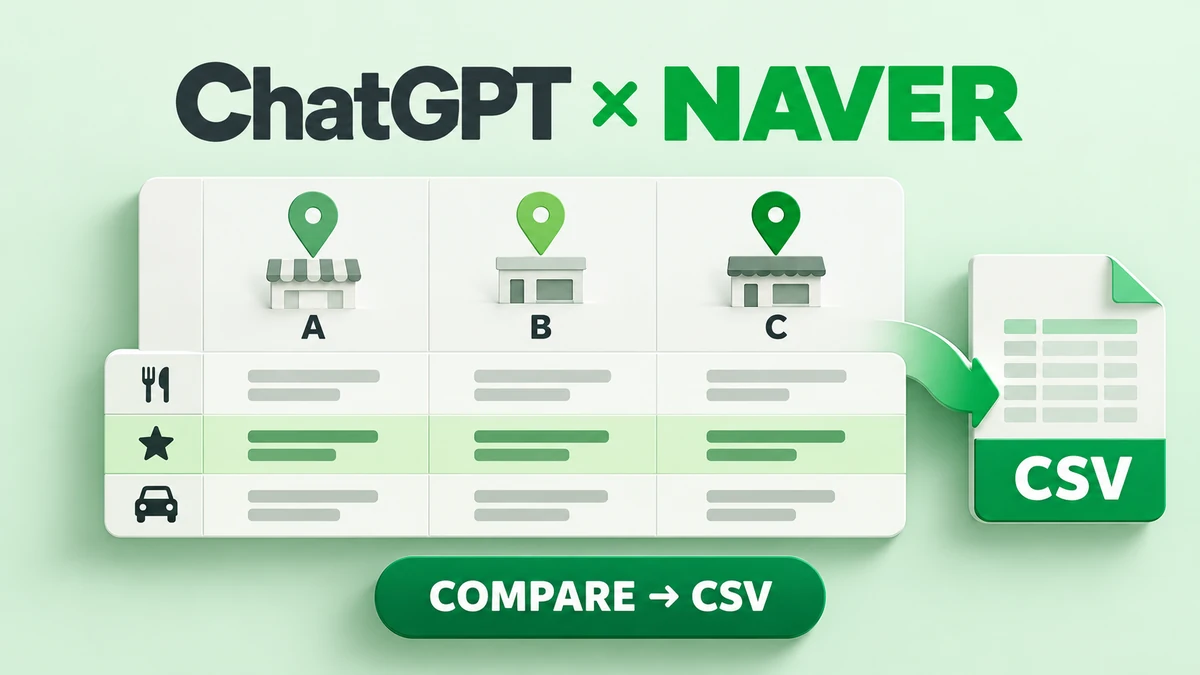
Search Naver for visiting information for the National Museum of Korea, National Folk Museum Seoul main building (not Paju or the children’s museum), and National Museum of Korean Contemporary History. Open official guidance and compare name, address, weekday hours, entry cutoff, closures, source URL, check date and unknowns. Provide an Excel-readable UTF-8 BOM CSV. Distinguish direct Naver access from other search engines. Leave unread source values unknown. Do not log in, reserve, pay, post or install plugins.3. Resolve unknowns with identified evidence
The actual model CSV retains Folk Museum unknowns after source-access failure. Open the official URL yourself where accessible, or paste the relevant text with branch, URL and date. Ask to update only that row and identify supplied material. The editor independently checked all three guides for the separate XLSX.
4. Download the CSV file card
Use the generated file card’s download control. The actual CSV has 3institution rows and 10columns. Inspect the file, not only the chat table. Quoted fields can contain commas, so counting commas is not CSV validation. If only a table appears, ask for a downloadable UTF-8 BOM CSV.
5. Open in Excel and save as XLSX
Use File → Open; change the dialog filter to text/all files if necessary. Microsoft documents normal opening for UTF-8 with BOM, as this sample has. If text is garbled or in one column, use Data → From Text/CSV, UTF-8/65001 and comma separation. Inspect the preview, load, check URLs/dates/unknowns, then Save As → Excel Workbook(.xlsx). Renaming the extension is not conversion. These documented steps were not executed in desktop Excel.
6. Apply and reuse the decision fields
Recheck seasonal and temporary conditions for your visit. The editorial Korean XLSX contains independently checked corrections and source URLs, separate from the model CSV. The ZIP includes a blank comparison form and reusable requests; change the subjects, conditions and check date for another task.
Continue this workflow
Find local candidates with Naver AI, then check dates, menus and reservation claims →
Sources & verification
Executed in Korean on 16 October 2026 in ChatGPT web Work, GPT-6.1 Sol/Light. We observed Browser use, the final response and downloaded CSV. The response reported direct Naver searches, two source checks and one access failure. The editor independently checked three official guides and authored a separate XLSX. CSV encoding/dimensions and workbook values/rendering were checked; desktop Excel was not executed. English prompts are adaptations.
- OpenAI · Web ChatGPT
- Microsoft · UTF-8 CSV
- Microsoft · CSV import
- 국립중앙박물관 · 관람 안내
- 국립민속박물관 · 본관 관람 안내
- 대한민국역사박물관 · 일반관람
Sources checked: 2026.10.16