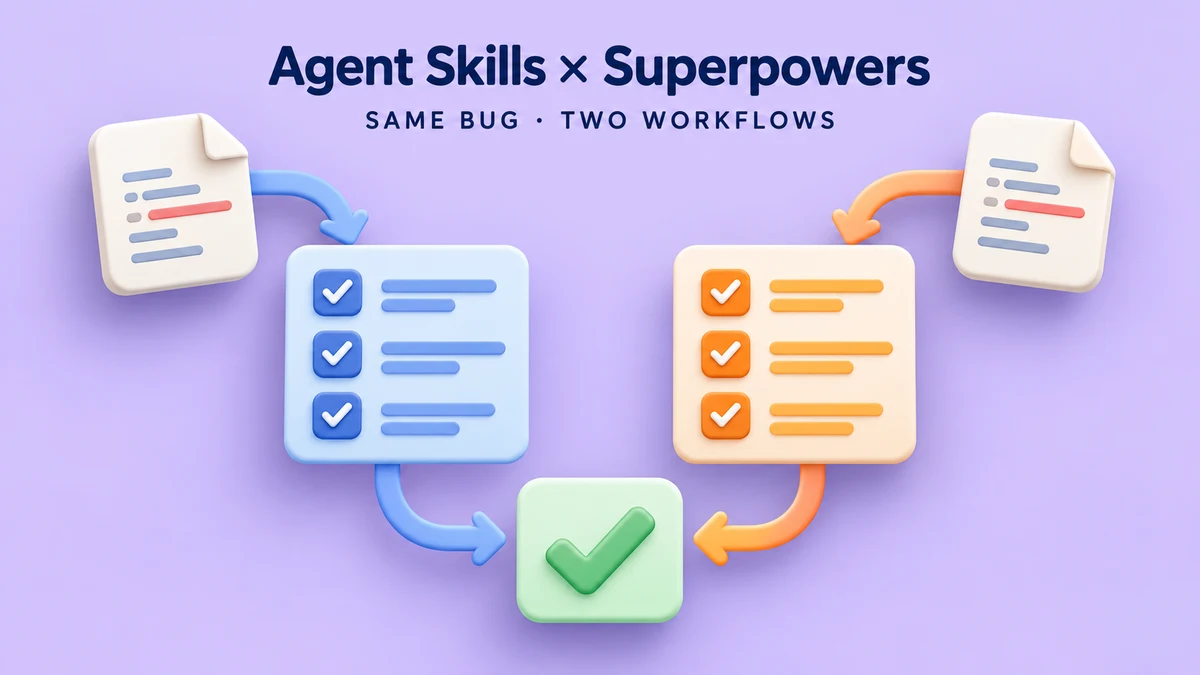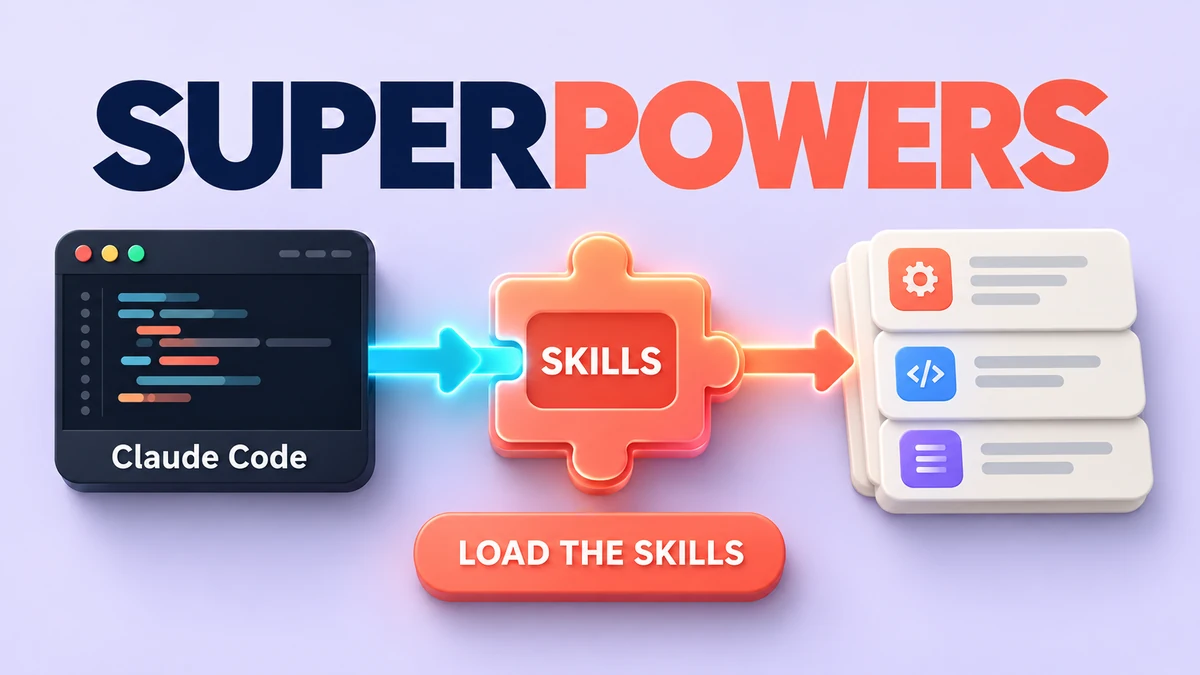
- Superpowers supplies workflows to coding assistants; it is not a new model.
- Check loading, discovery, invocation and the actual result separately.
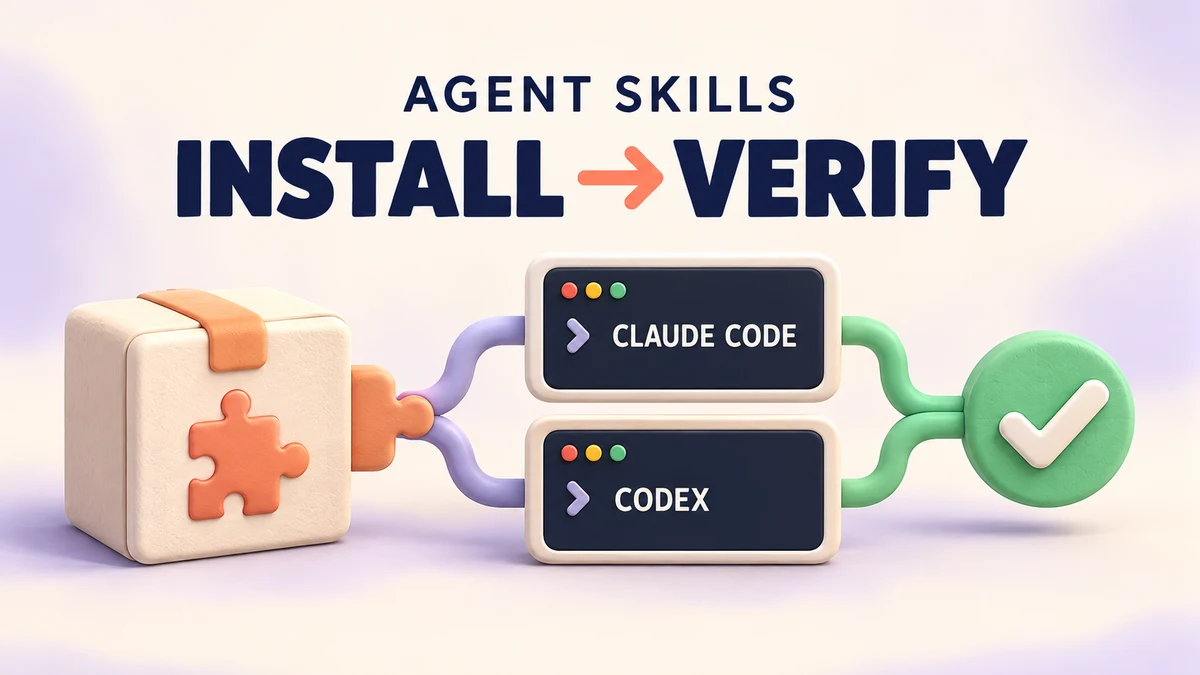
- Claude Code and Codex need their own installation checks.
Session-only loading and a Korean first response were tested in Claude Code2.1.301. Persistent marketplace installation and Codex installation were not tested.
Files for this exercise
AIHotple example files and prompts. Try the exercise before substituting real work data.
The first output was a question, not an app
We explicitly invoked brainstorming with a fictional request for a reading queue. The actual Korean response asked about a recent time the user wished they had saved an AI article. That confirms this invocation, not app completion or automatic triggering in every task.
| Check | Observed result |
|---|---|
| Plugin | superpowers@inline · 7.0.0 |
| Packaged Superpowers skills discovered | 15 |
| Explicit command | /superpowers:brainstorming |
| Actual output | A Korean question about the user’s situation |
| Files or app created | None |
Know what you are adding
This is an open-source workflow package for design, planning, testing and investigation inside coding tools. It is not another chatbot account, and its workflow role differs from an MCP connection to an external service.
You need a working, authenticated Claude Code or Codex environment first. The project’s software licence does not cover your assistant usage charges. GitHub stars indicate attention, not measured accuracy or speed.
For persistent Claude Code use, open the plugin installer
Open Claude Code in your project and enter the command below. Current Anthropic documentation says an in-session install command opens the detail panel, where you review the plugin, choose its scope and complete installation. Decide whether it belongs across your projects or only in this one.
Reload plugins or start a fresh session and check discovery. This is the documented route; we did not complete its persistent installation UI. If the entry is missing, check the official project instructions and your tool version rather than installing a similarly named item.
/plugin install superpowers@claude-plugins-officialFor a temporary test, load the source for one session
In an empty practice folder, run the following terminal commands. Git and an authenticated Claude Code installation are required. Clone downloads source, checkout pins our tested code, and --plugin-dir loads it for this session. Review the source before loading.
This is the route we tested. It does not persistently register the plugin for unrelated sessions launched without that option. The downloaded folder remains on disk. No command to disable approvals or overwrite global configuration is needed.
git clone https://github.com/obra/superpowers.git
git -C superpowers checkout bb92a77741419a4ab5f06e711a283343f1ada0c3
claude --plugin-dir ./superpowers
Send a first command inside Claude Code
This is the actual input. It asks for a Korean question, which we received; the English article is not a separately executed English response test. Read whether you get a meaningful question rather than only installation advice. An explicit invocation is not proof of automatic selection.
Behaviour can differ when the request already supplies all necessary decisions or the user opts out of questions. Do not use a fixed number of questions as the success test.
/superpowers:brainstorming I want to make a small reading queue so I stop losing AI articles. This is an editorial test with fictional data. Do not create files, code, browser companions or subagents. Ask the first useful question in Korean; stop after the question. Only use the skill and read its required local material.Install separately on the Codex side
The project README directs Codex app users to Plugins and the Superpowers entry. For the interactive Codex CLI it describes /plugins, searching for Superpowers and choosing Install Plugin. Do not paste Claude Code’s /plugin command into a different host and assume equivalent behaviour.
OpenAI documents plugins as packages that may include skills or MCP capabilities, installed from supported directory surfaces. We did not install or invoke this package in Codex. Menu placement, successful installation and matching output are therefore unverified here; check the current official instructions and account support if it is absent.
If discovery or invocation fails
An installed entry and a plugin loaded in this conversation are different checkpoints.
| Symptom | First check |
|---|---|
| No Claude Code command | Reload or fresh session, installation scope and project folder |
| Local loading failure | The selected directory contains .claude-plugin/plugin.json |
| Command pasted in ordinary Claude chat | Whether this surface is Claude Code |
| Nothing in Codex | Separate Codex installation and enabled state |
| A small task becomes slow | Whether the chosen workflow is proportionate to the task |
Next, inspect a useful artefact
Use a small feature to judge the workflow: a readable plan, a failing case, or a fresh verification result. These three exercises are separate sessions, not one uninterrupted autonomous development run.
Sources & verification
On18October2026 we loaded the official repository commit bb92a77741419a4ab5f06e711a283343f1ada0c3, manifest7.0.0, using --plugin-dir on Windows with Node24.20.0 and Claude Code2.1.301. The init record identified superpowers@inline and15 Superpowers skills. An explicit brainstorming command produced a real question; the recorded model was claude-sonnet-5-5. This was not a test of automatic skill selection, persistent installation, Codex UI/CLI installation, another OS, cost savings or quality superiority. Inputs were fictional and no global plugin setting was changed. English explanations and alternative prompts are editorial translations.
- Superpowers · README and installation
- Anthropic · Install and manage plugins
- OpenAI · Plugin quickstart
- Superpowers · using-superpowers
Sources checked: 2026.10.18