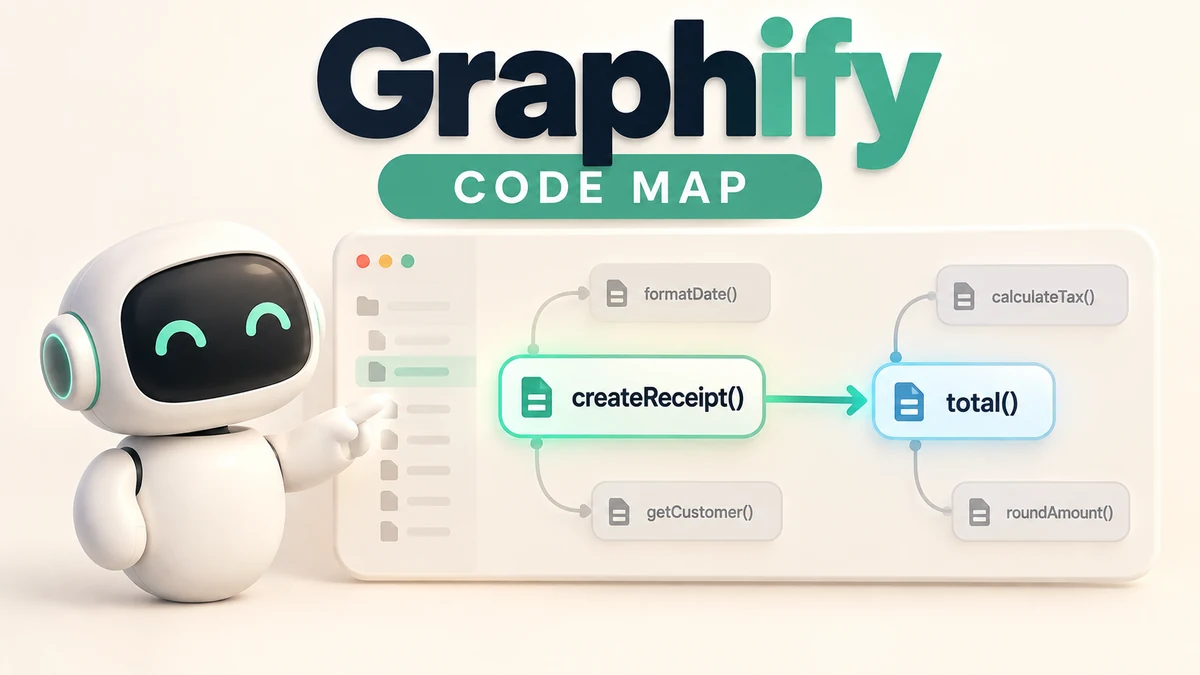
- graphify update . is the local code-refresh command.
- A partial match on subtotal does not prove the old total node survives.
- Compare source references and calls, not just graph size.
Tested with Graphify 0.9.91, Windows and Python 3.12.14 on original fictional JavaScript files. The trial covered local AST extraction and CLI operations, without API keys, document/PDF semantic processing or assistant skill invocation. These are fixture results, not a coverage or accuracy benchmark for a real project.
Files for this exercise
AIHotple example files and prompts. Try the exercise before substituting real work data.
An old graph can answer a question about the wrong code
Queries read a persisted graph.json. Editing source does not by itself prove the graph is current. This exercise renames a function, adds a discount and removes an unused module. The final KRW9,000 is fictional program output checked with Node.js, not a sales figure calculated by Graphify.
1. Retain a baseline outside the scanned folder
Extract refresh-sample alone. Keep changes/v2 and changes/v3 outside it until their step; otherwise the graph can index multiple versions at once. Initial extraction of main, catalog and legacy produced seven nodes and eight relationships. Make a separate copy of the whole baseline folder before applying changes.
graphify --version
graphify extract . --code-only --max-workers 1
graphify path "createReceipt" "total"
2. Replace both the definition and caller with v2
Copy the two files from changes/v2 over their same-named sample files. Both the definition and import/call now use subtotal. Run the local update command, not an assistant skill instruction. Node and edge counts remained 7/8, but catalog_total was replaced by catalog_subtotal and the new calls path appeared. Equal counts do not imply unchanged content.
graphify update .
graphify path "createReceipt" "subtotal"
graphify explain "catalog_total"
A name match can be misleading
After the rename, explain total partially matched subtotal and legacyTotal. The exact former ID catalog_total was absent with exit 4, and the old node was gone from graph.json. This separates name matching from stale-node detection.
No node matching 'catalog_total' found.3. Add the discount module and its caller in v3
Copy discount.mjs and main.mjs from changes/v3 into the sample. main now passes subtotal into applyDiscount, which multiplies by 0.9. The update produced nine nodes and twelve relationships; createReceipt had a calls path to applyDiscount. The fixture arithmetic is 10,000×0.9=9,000KRW.
graphify update .
graphify path "createReceipt" "applyDiscount"
node main.mjs
4. Remove only the sample legacy.mjs
Delete only legacy.mjs in this new exercise folder, then update. In0.9.91 the run succeeded without --force and produced seven nodes and eleven relationships. legacyTotal was absent, while the subtotal and discount calls remained. We compared the final graph with a fresh full extraction of the final source: node labels, source files and relationships matched.
graphify update .
graphify explain "legacyTotal"
graphify path "createReceipt" "subtotal"
graphify path "createReceipt" "applyDiscount"
Four observed stages
Counts belong to this fixture and installed version, not every project or release.
| Stage | Nodes / edges | Observed change |
|---|---|---|
| v1 baseline | 7 / 8 | createReceipt calls total |
| v2 rename | 7 / 8 | Old ID removed; subtotal call |
| v3 addition | 9 / 12 | Discount added and called |
| v4 deletion | 7 / 11 | Legacy references removed; other calls retained |
Code refresh does not validate changed document meaning
The official workflow separates local code refresh from assistant-driven semantic updates. We did not test README, PDF or image changes. Use the current integration and backend instructions for those inputs.
If a shrinking-graph guard triggers, inspect the intended folder, exclusions and deletions and retain a backup first. --force allows accepting a smaller graph; it does not repair incorrect extraction. It was unnecessary here. If a viewer looks old, compare the current JSON with the displayed HTML and regenerate the viewer with graphify export html when needed.
Query Graphify to find who calls a function, then inspect the source →
Sources & verification
Tested with Graphify 0.9.91, Windows and Python 3.12.14 on original fictional JavaScript files. The trial covered local AST extraction and CLI operations, without API keys, document/PDF semantic processing or assistant skill invocation. These are fixture results, not a coverage or accuracy benchmark for a real project.
Sources checked: 2026.10.16