- Use query for nearby context, path for routes and explain for one node.
- Resolve duplicate names using the reported file and node ID.
- Neither no path nor a successful process exit proves the absence of a dependency.
Tested with Graphify 0.9.91, Windows and Python 3.12.14 on original fictional JavaScript files. The trial covered local AST extraction and CLI operations, without API keys, document/PDF semantic processing or assistant skill invocation. These are fixture results, not a coverage or accuracy benchmark for a real project.
Files for this exercise
AIHotple example files and prompts. Try the exercise before substituting real work data.
Locate what to read before changing a function
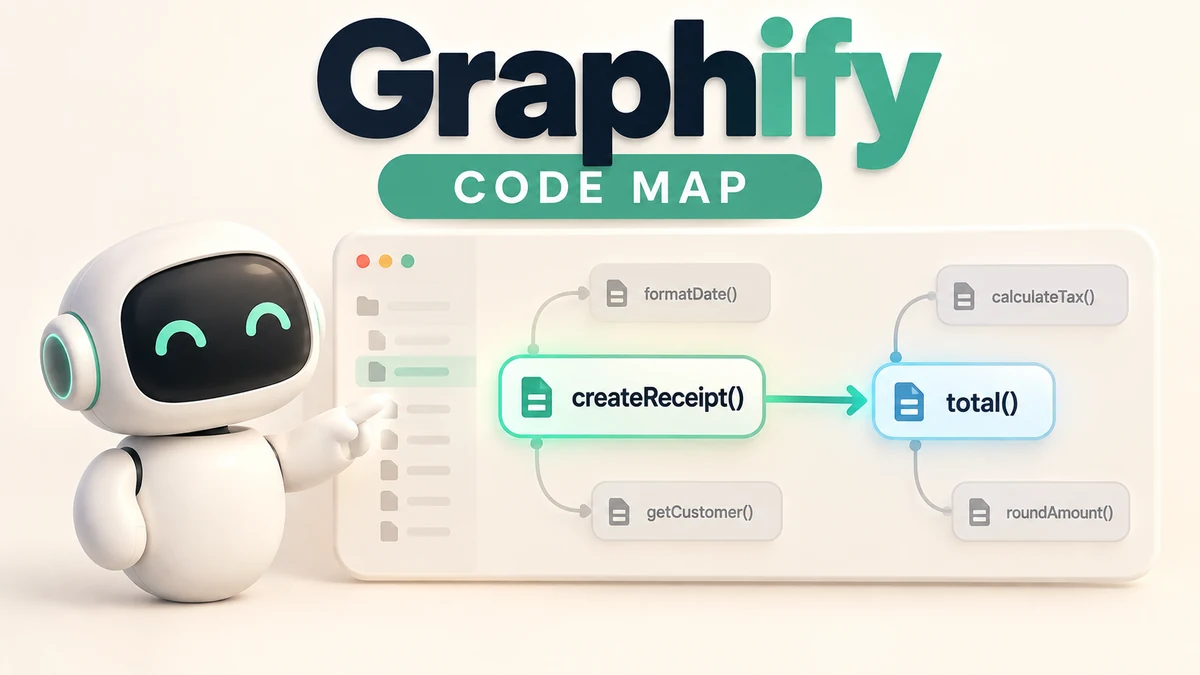
Finding a calculation function is only part of the job: you also need its callers. Our two-file exercise has createReceipt in main.mjs calling total in catalog.mjs. Trace that relationship, then inspect both source files. This is a bounded reading workflow, not a claim of understanding a whole project.
1. Start inside the two-file sample folder
Unzip query-sample into a new location and open a terminal where main.mjs and catalog.mjs are visible. See the linked first-project article if installation is needed. The official package is graphifyy; the command is graphify. These are shell commands, distinct from an assistant skill request. The actual extraction produced five nodes and seven relationships.
graphify --version
graphify extract . --code-only --max-workers 1
2. Use query to locate relevant context
The fixture query returned nodes, edges and source references rather than a chat-style prose answer. Inspect fields such as src=catalog.mjs and loc=L3. A seed explicitly chooses the starting node. The budget option limits query output; it is not a measured cost-saving percentage.
graphify query "createReceipt total" --budget 800
graphify query "receipt" --seed "createReceipt" --budget 800
3. Trace the call and inspect its source
The first command returned a one-hop calls relationship. explain reported ID catalog_total at catalog.mjs L3, with import and call references from main.mjs. Compare main.mjs line3, return total(items), with the definition in catalog.mjs line3. An EXTRACTED label does not validate calculation correctness. The fictional arithmetic 2×3,000 + 1×4,000 = 10,000 is a separate check.
graphify path "createReceipt" "total"
graphify explain "total"
Actual output: a one-hop call
This is the path output from the local fixture. The ZIP includes the sanitized command transcript.
Shortest path (1 hops):
  createReceipt() --calls [EXTRACTED]--> total()
4. Reverse direction asks a different question
The reversed query returned No directed path found. Adding --undirected found the same connection with a reverse arrow. Version 0.9.91 returned exit 0 even for the no-directed-path response. Read the answer; successful process completion does not mean a requested route exists.
graphify path "total" "createReceipt"
graphify path "total" "createReceipt" --undirected
5. Disambiguate repeated function names
After the baseline exercise, copy optional-ambiguity/preview.mjs into query-sample and re-extract. Both files now define total. explain total returned two candidates and exit 3. Using the reported catalog_total ID resolved the intended node; a missing doesNotExist returned exit 4. IDs shown here belong to this fixture, not every project.
graphify extract . --code-only --max-workers 1
graphify explain "total"
graphify explain "catalog_total"
graphify explain "doesNotExist"
6. Ask an assistant to retain the evidence trail
This original prompt is a suggested next step, not a tested assistant-skill run. Keep graph findings separate from the assistant’s interpretation.
Find which calculation function createReceipt calls in the current graph.json. Inspect candidate files and actual node IDs first. Distinguish calls from imports, show source references and provenance, then open the code to verify. If no path is found, check direction, input scope and graph freshness. Do not present unverified behavior as fact.Treat the result as a place to investigate
A call relationship does not evaluate rounding, tax or error handling. Read the located definitions and callers and check relevant behavior before changing real code. After editing, refresh the graph before asking the same question again.
Install Graphify and extract a first graph →
Refresh Graphify after a rename, a new function and a deleted file →
Sources & verification
Tested with Graphify 0.9.91, Windows and Python 3.12.14 on original fictional JavaScript files. The trial covered local AST extraction and CLI operations, without API keys, document/PDF semantic processing or assistant skill invocation. These are fixture results, not a coverage or accuracy benchmark for a real project.
Sources checked: 2026.10.16