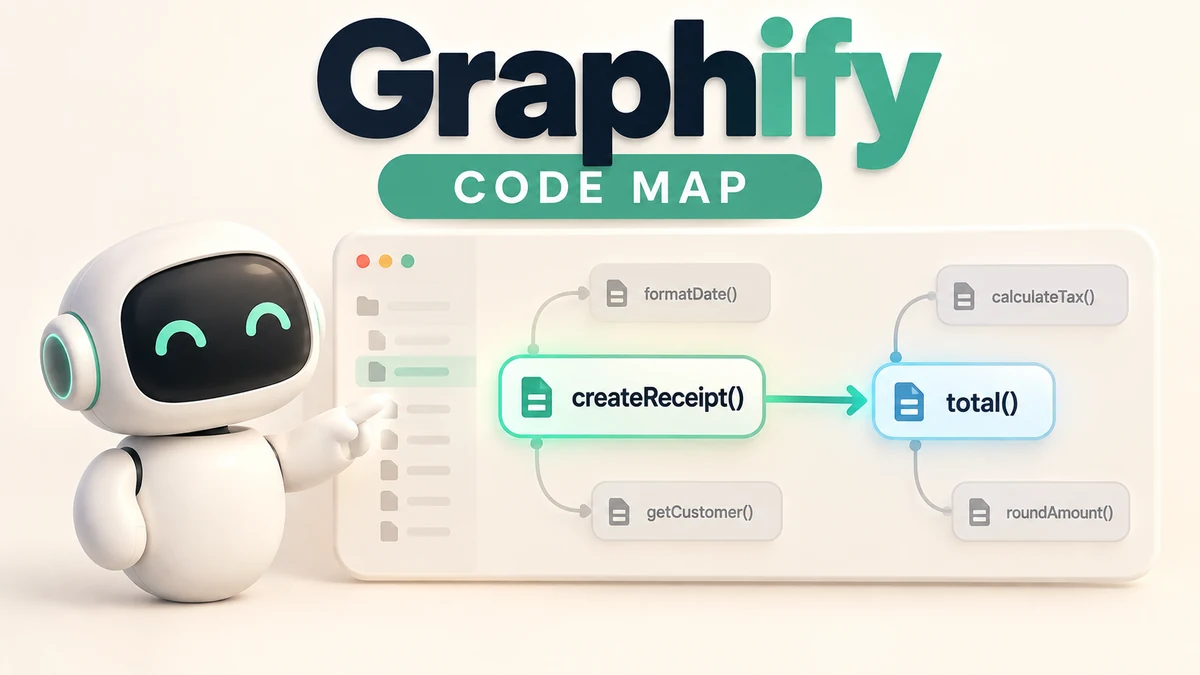
- Export an existing graph into Markdown notes and Canvas with one command.
- Extract the results ZIP and open obsidian-export as an existing vault to inspect the output first.
- Follow [[total()]] from createReceipt() to understand the call relation.
Graphify 0.9.91 generated 7 Markdown notes and a Canvas. We checked 25 internal-link targets and Canvas file references. Obsidian UI steps follow official documentation; desktop interaction was not tested.
Files for this exercise
AIHotple example files and prompts. Try the exercise before substituting real work data.
Keep the relationship and your explanation together
After locating a function relationship, you may want to revisit it later. Graphify can export files, symbols and groups as linked notes for Obsidian. The graph supports navigation; notes make room for reading and your own explanation.
These are independent tools. This exercise needs no Claude-specific plugin or connected AI account: it exports files from the standalone code-only graph.
1. Open the supplied result first
Extract the results ZIP. It contains checked-results and obsidian-export. In Obsidian, choose Open beside Open folder as vault and select obsidian-export, not the outer folder or checked-results.
Use the existing-folder option rather than Create new vault. Expect createReceipt(), total(), main.mjs, catalog.mjs, items and two community notes. This ZIP is actual output from our fixture, not an installer.
Install Obsidian from its official site if needed. Markdown can also be read in a text editor. The linked introduction covers opening a small vault.
2. Or export your own first graph
Complete the first-graph article so graph-sample/graphify-out/graph.json exists. Run this command from graph-sample; it reads that graph and writes obsidian-export beneath the working folder.
Use a new output folder for the first attempt. Version 0.9.91 generated 7 Markdown notes and graph.canvas here. Other graphs produce different counts. If the option is unavailable, inspect ..\.venv\Scripts\graphify.exe export --help for your installed release.
..\.venv\Scripts\graphify.exe export obsidian --dir ./obsidian-export3. Follow createReceipt() to total()
The createReceipt().md note records source_file: main.mjs and location: L2. Under Connections, the total() link carries a calls relation. Open [[total()]] in reading view to move to the calculation function.
This excerpt is from the generated note. The main.mjs link opens a Markdown description of the file, not executable source code. source_file is metadata, not an automatically attached source file.
Download the separate source ZIP and open main.mjs in a text editor to compare return total(items). That extra check tells you what the exported relation actually represents.
# createReceipt()

## Connections
- [[main.mjs]] - `contains` [EXTRACTED]
- [[total()]] - `calls` [EXTRACTED]
4. Distinguish Graph view from Canvas
Obsidian Graph view draws relationships from internal note links. graph.canvas is a separate Canvas file exported by Graphify; open it from the file list. They are distinct views and need not have the same layout.
The two _COMMUNITY_ notes describe extracted relationship groups. They are not filesystem folders or categories manually chosen by you. Start by understanding the two function notes.
5. Put your explanation in a separate note
Create a note named My project and add the observed relation plus one next action. Keeping manual writing separate from generated notes makes later exports easier to manage.
This exercise does not configure synchronization or merge into an existing vault. A later export can use --dir ./obsidian-export-2 for comparison. Check actual regeneration behavior for your version rather than assuming existing files are always preserved.
# My project

[[createReceipt()]] calls [[total()]].
I compared this with return total(items) in main.mjs.

Next: choose one calculation function in my project
and inspect callers in a small source folder.
Decide whether the workflow helps your task
The useful outcome is reaching related source and keeping your explanation with a next step. More notes alone do not establish accuracy or productivity. Evaluate that in your own project.
We verified extraction on the small fixture, generated files and the existence of internal-link targets. Real work still needs source checks for missing or incorrect relationships.
Sources & verification
Graphify 0.9.91 generated 7 Markdown notes and a Canvas. We checked 25 internal-link targets and Canvas file references. Obsidian UI steps follow official documentation; desktop interaction was not tested.
- Graphify · Obsidian exporter
- Graphify · Installation
- Graphify · Local development
- Obsidian · Create a vault
- Obsidian · Internal links
Sources checked: 2026.10.15