- Use the exact warning and current Usage display.
- A new conversation does not reset account usage.
- Keep source references and unknowns in a compact handoff.
- Do not enable paid usage as an automatic troubleshooting step.
Read the exact message and Settings → Usage. An account usage restriction is different from a prompt or conversation that is too long. A compact handoff can help a new conversation work with less context; it cannot reset your account quota. This walkthrough supplies a fictional handoff exercise and a checklist, without exhausting usage or enabling paid credits.
Files for this exercise
AIHotple example files and prompts. Try the exercise before substituting real work data.
Start with the words in the warning
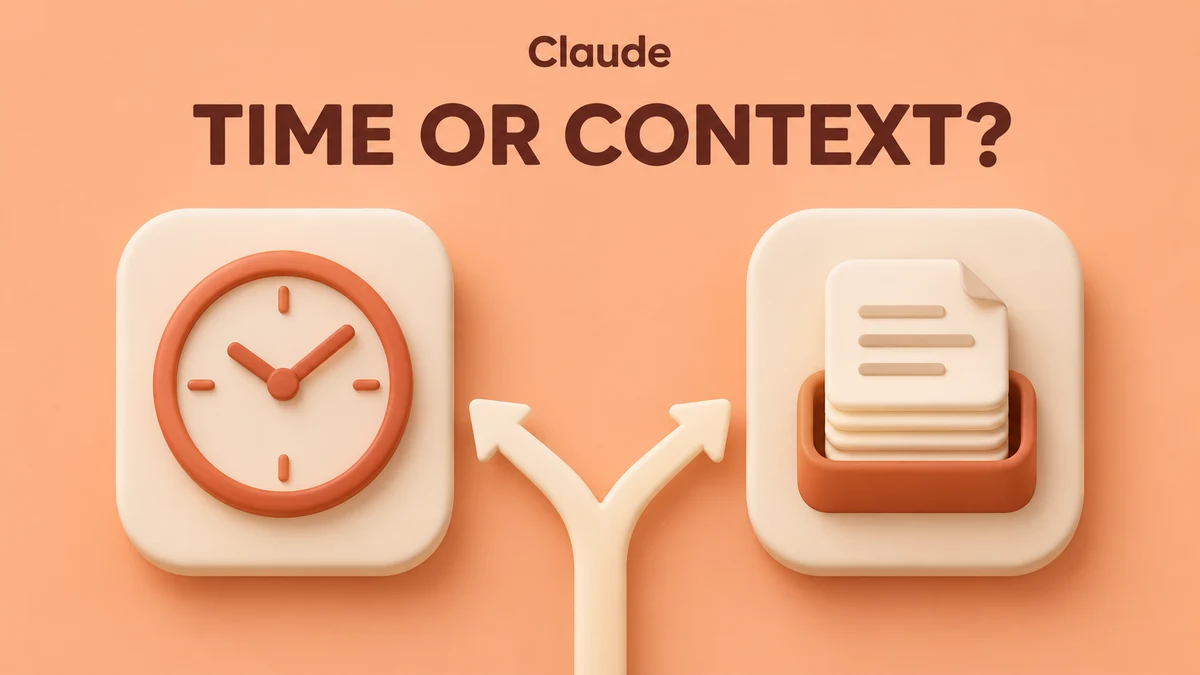
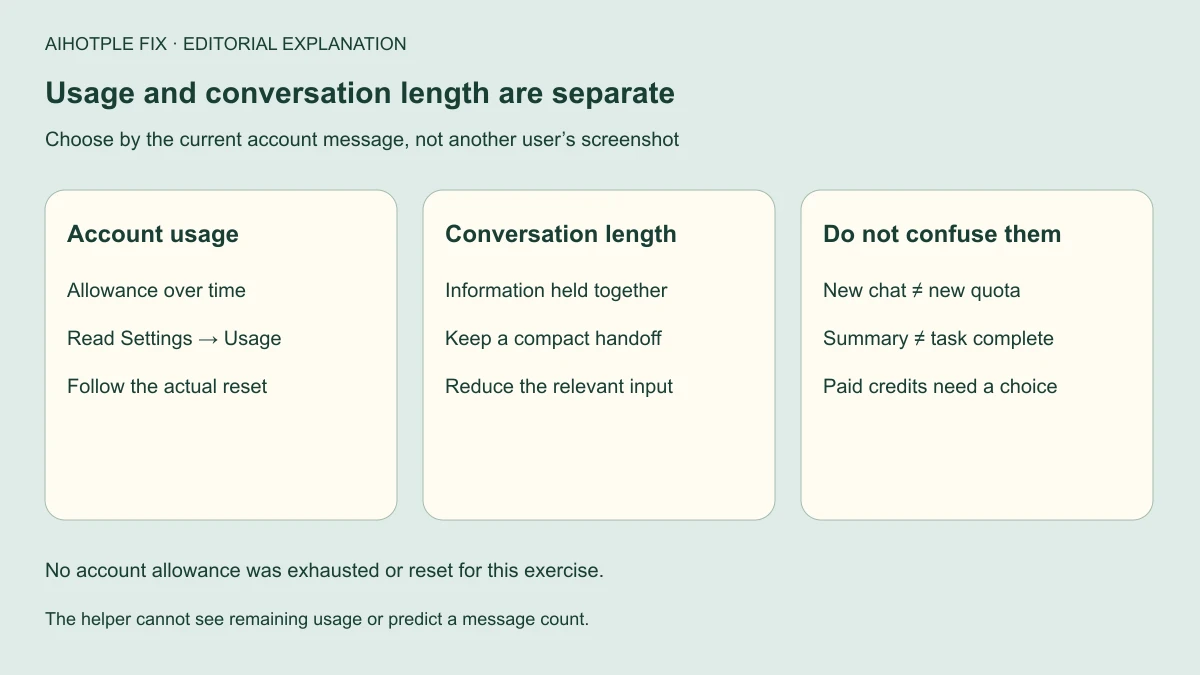
A time-based usage restriction and a conversation-capacity warning can both interrupt work, but they answer different questions. The first concerns how much account allowance has been used over a period. The second concerns how much information can be handled together in one conversation.
Copy the visible wording into a private note and inspect Settings → Usage. Preserve any reset time and its time zone. Do not substitute an online screenshot from another account for your own current allowance.
Choose your situation in AIHotple Fix ↗
If the account shows a usage restriction
Read which limit is named and when the account says it resets. Claude has multiple plan and model conditions; its official documentation and the current Usage display should guide the decision. Treat a reset shown for one allowance as specific to that allowance.
If you want to avoid additional spending, wait rather than enabling paid usage automatically. A new chat does not grant a new account allowance. Activity across Claude surfaces can share usage, so an interruption in one place is not necessarily caused only by the last message you sent there.
If the prompt or conversation is too long
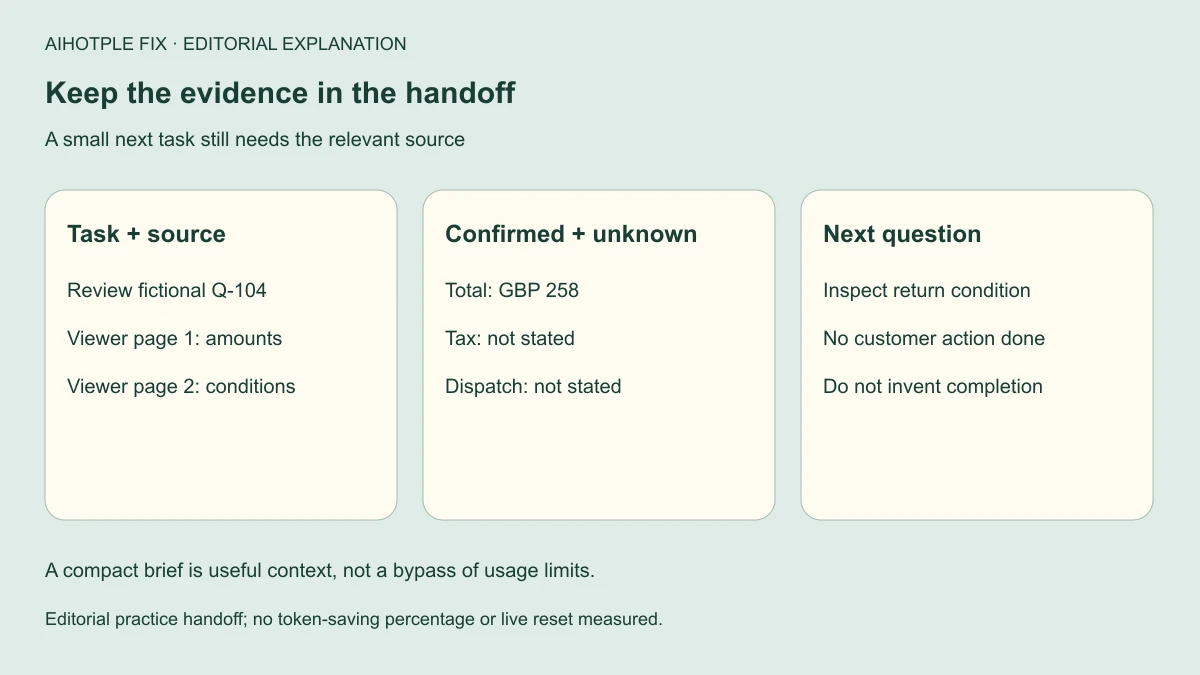
Preserve a short brief with the exact source version, confirmed findings, unresolved questions and next small task. Cut material that is irrelevant to that task, while keeping the references needed to verify the answer. Starting over without the important constraints can create new mistakes.
Our fictional quote review demonstrates the distinction. The confirmed amounts are on viewer page 1; the unresolved question concerns the condition on viewer page 2. The next task needs that condition and the source, not a long narrative of every earlier conversation turn.
| Keep in the handoff | Why it matters |
|---|---|
| Task and source Q-104 | Identifies what is being reviewed |
| Confirmed amounts and viewer page | Keeps the evidence with the conclusion |
| Tax and dispatch still unknown | Prevents a confident reconstruction |
| Next task: inspect page 2 condition | Bounds the work without declaring it done |
Prepare a compact handoff using only the notes below. Separate confirmed work, open questions and the next small task. Preserve source references and unknowns. This is not a request to bypass usage limits.

Task: Review fictional quote Q-104.
Confirmed: viewer page 1 states subtotal GBP 240, delivery GBP 18 and total GBP 258.
Unknown: tax treatment and dispatch date.
Open question: Does viewer page 2 promise an automatic refund?
Next task: inspect that page only, then report the exact condition.
Completed customer actions: none.
Review the handoff before using it
The kit includes an editorial reference handoff. Compare it with your own notes: does it preserve the unknown fields and say that no customer action has been performed? Do not let a summary turn a planned action into a completed one.
When continuing, attach or reference the permitted source in the way your account supports. A source name in a handoff does not prove that the file is present in the new conversation. Ask for a short evidence-based answer to the next question, and verify it against the original.
Do not confuse automatic summarization with a quota reset
Some Claude configurations manage long conversation context automatically. That can help continuity, but it does not turn account usage into a separate free budget. Repeated large tasks and tool use can still consume allowance.
Use the current official description for your model and account, and avoid hard-coding a universal conversation size or reset schedule into your workflow. The AIHotple helper classifies the wording you select; it cannot read your usage meter or predict how many messages remain.
Escalate a mismatch with a concise private record
If the warning and account display disagree, record the time, model or product surface, exact warning and what the Usage screen shows. Share relevant information through official support or your organization’s administrator. Do not expose private prompts just to prove that the task was small.
If the real problem is that a PDF visual is missing after an attachment succeeded, continue with the file-reading walkthrough. Increasing or waiting for an allowance cannot correct a wrong source interpretation by itself.
Check PDF reading conditions when the attachment succeeds but details are missing →
Sources & verification
Official Claude usage/length documentation checked on 6 November 2026. No account quota was deliberately exhausted, no reset timing was measured and no payment or usage-credit setting was changed. The handoff and scenarios are editorial practice material, not a transcript of an actual limit error or a guaranteed token-saving result. We do not assume every plan or model has the same limits or automatic context behavior.
Sources checked: 2026.11.06