- Start with a limited background and lighting change rather than a redesigned appearance.
- The actual edit changed the background and also altered fine hair, skin and clothing details.
- Separate a public profile picture from a resume photo or an official identity photograph.
A fictional portrait was actually edited with the built-in image tool. This is not a test of the ChatGPT web upload, generation or download flow.
Files for this exercise
AIHotple example files and prompts. Try the exercise before substituting real work data.
Start with an identifiable source and a limited change
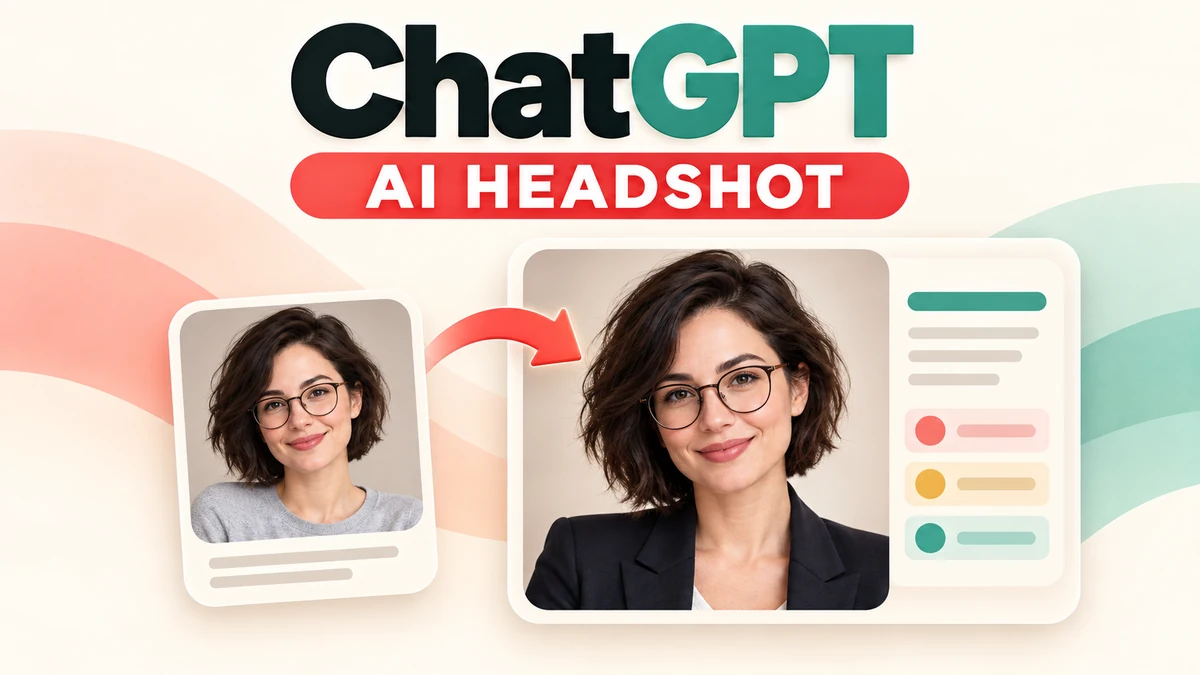
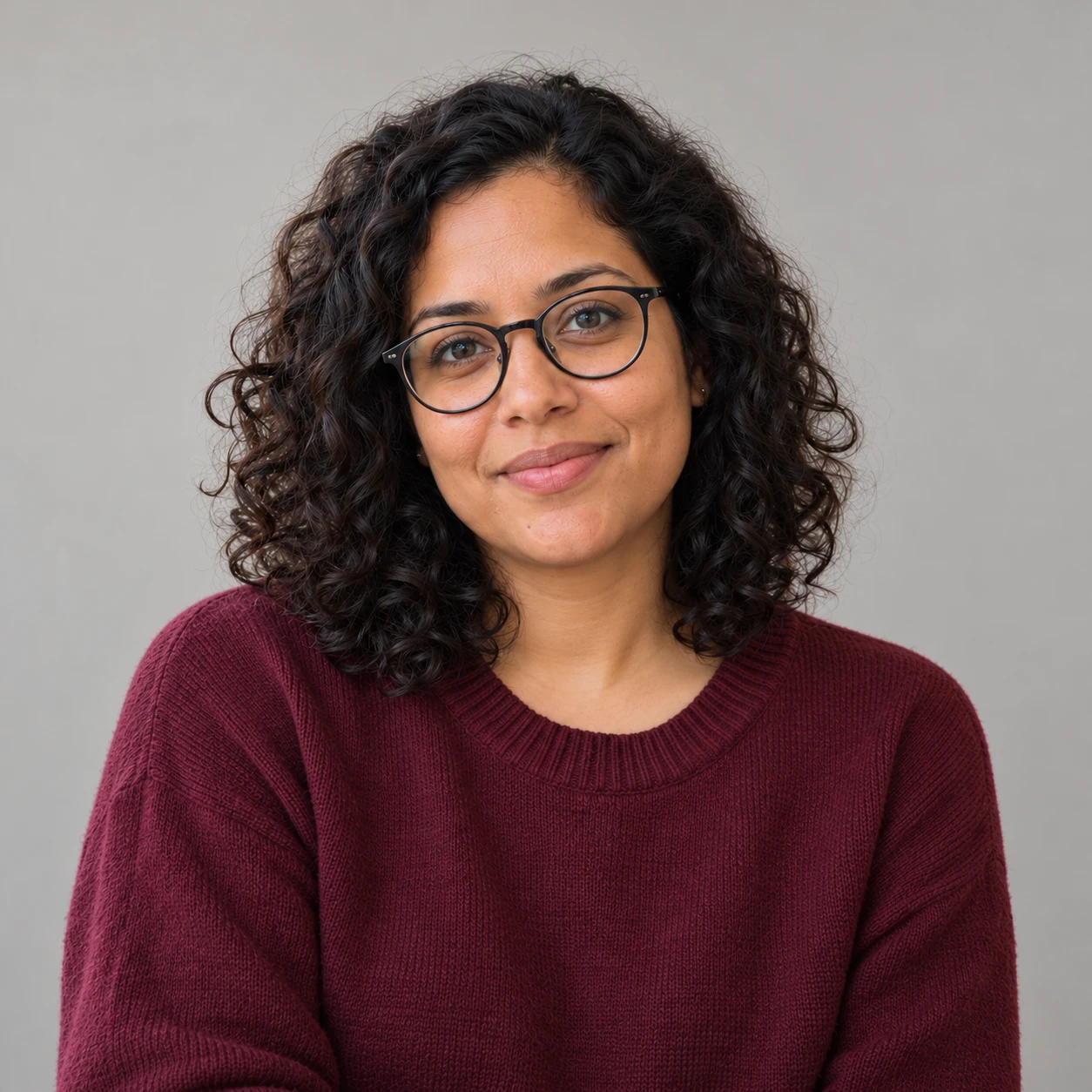
A bookshelf or plant can compete with a face in an otherwise useful photograph. Our request replaced the home background with warm light grey and gently balanced lighting, while asking for the face, glasses, expression and sweater to remain.
The source below is an independently AI-generated fictional adult. For your own public profile, start with a photograph of yourself that you have the right to use.
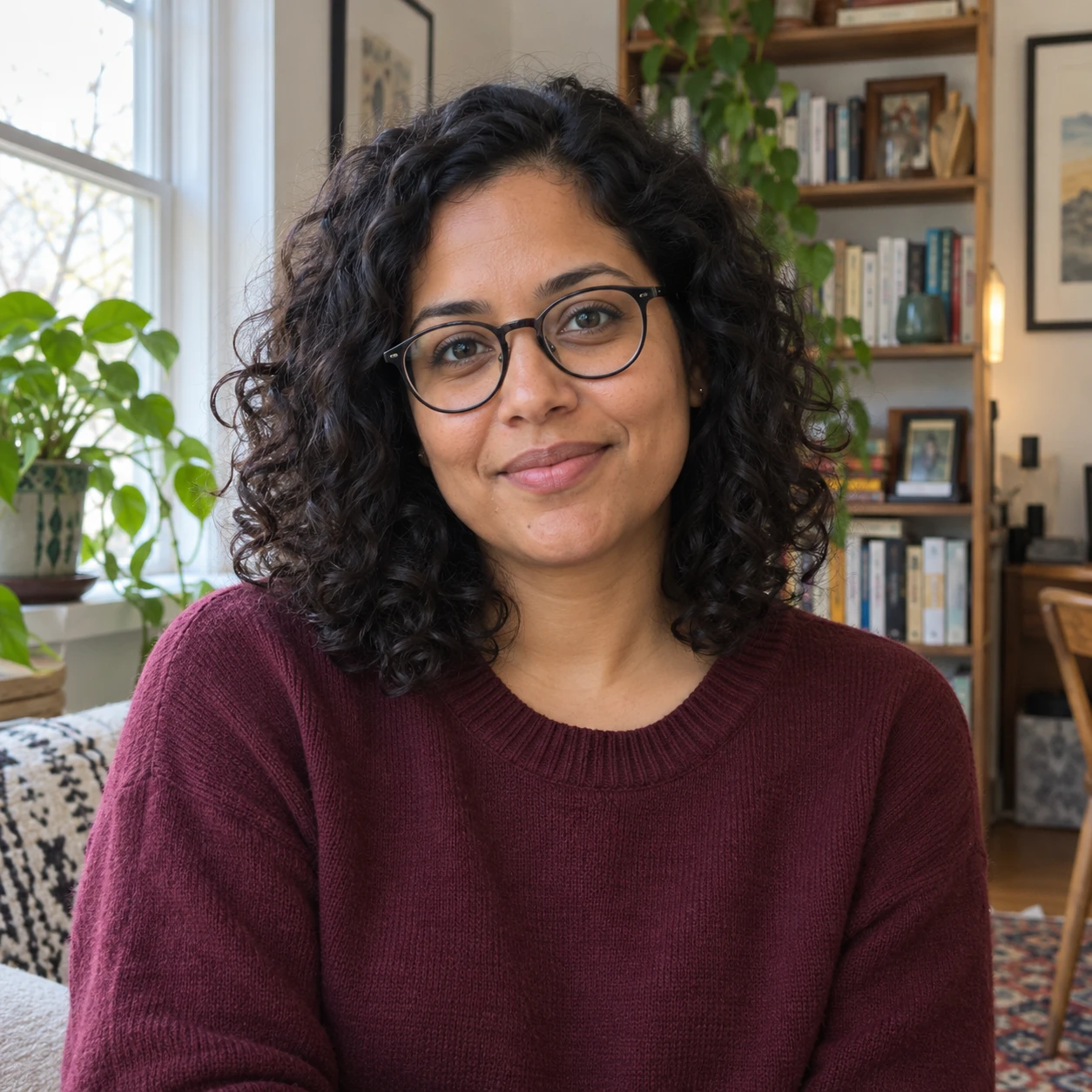
What the actual edit changed
The busy room became a grey background. Black glasses, curly hair, the burgundy sweater and the broad expression remained visually recognizable. Hair edges, skin shading/texture and fabric folds were not identical.
Resemblance is not a verified identity match. With your own photo, compare proportions, apparent age, glasses and personal features against the original. This single fictional example cannot establish success rates for real faces.
Prepare the request in ChatGPT
OpenAI documents reference-image editing through the web composer: attach the source and describe the intended changes and fixed details. In a new chat, use the file-add control for your own source and supply a focused request. Availability and usage limits depend on the account, plan and workspace.
Our file edit used the built-in tool rather than a web account’s generation allowance. We did not test a free-web entitlement. Check any limit or payment message before proceeding.
A short prompt to adapt to your own photo
This shorter editorial template removes the fictional-example description so you can adapt it to your own photo. It was not executed as another edit. The exact English prompt used for the demonstrated built-in edit remains in prompt-en.txt in the ZIP.
Edit my attached photo for a professional public profile. Replace only the busy background with plain warm light grey and gently balance the lighting. Preserve facial proportions, apparent age, skin tone and natural texture, hair, glasses, expression and clothing. Do not slim the face or apply excessive skin smoothing or whitening. Use a chest-up composition with space above the hair. Add no text, logos or decorations.Review identity-relevant details before aesthetics
Compare at the same scale, then inspect a small circular preview. The preview is a recommended review step, not a LinkedIn upload test.
| Area | Check |
|---|---|
| Face | Jaw, eyes, nose, mouth and apparent age have not been redesigned |
| Skin | No excessive smoothing or unintended lightening |
| Glasses | Frames, arms and reflections remain plausible |
| Hair | No clipped edges or blending into the new background |
| Clothing | Color, neckline and details have not been invented |
| Small preview | Face and hair remain inside the intended crop |
If the face drifts, restart from the source
This narrower retry is an editorial suggestion, not another executed test. Avoid repeatedly editing an increasingly altered output.
Start again from the original photo. Replace only the background with warm light grey. Do not retouch or redesign the face, eyes, nose, mouth, skin texture, hair or clothing. Preserve the original framing. If you cannot preserve an important feature, explain the limitation rather than claiming an exact match.A profile headshot is not automatically a resume requirement
A public networking profile and an application document have different purposes. Harvard’s US resume guidance advises against a picture. Follow the instructions for your target role and location rather than inserting a photograph everywhere.
This article does not cover passport, visa or identity-card photography. The fictional example has not been checked for official specifications or identity verification.
Retain both files
Save the edit without overwriting the source. The ZIP includes both PNGs, the prompt and comparison notes. Check that the actual file was saved and opens rather than relying solely on a result link.
We measured no improvement in recruiting responses or profile engagement. The useful review is whether the intended background change occurred and whether unintended appearance changes remain acceptable.
Sources & verification
On October 18, 2026 we supplied an independently AI-generated fictional adult portrait as a file reference to the built-in image_gen tool in Codex, with one English editing request. We visually reviewed source and output PNGs. No real person, biometric-identity test, ChatGPT web generation, LinkedIn upload, recruiting outcome or identity-document suitability was tested. Web instructions follow official OpenAI documentation. Fine facial, hair and clothing details are not pixel-identical; this fictional person is not a real applicant. The shorter prompt currently shown in the body is an unexecuted editorial adaptation. The original executed inputs and output files remain unchanged.
Sources checked: 2026.10.18