- Verify the intended account, then test one harmless known message.
- Use the latest body and deadline evidence, not only the subject.
- Separate text in chat, a saved Gmail draft and a sent message.
On 16 October 2026 we inspected ChatGPT web’s Gmail plugin, management page, connected-account section and OAuth label without changing settings. We did not read real inbox messages, save Gmail drafts or send mail. A text-only Chat exercise used three fictional threads and two reply iterations. Execution was Korean; English requests are adaptations.
Files for this exercise
AIHotple example files and prompts. Try the exercise before substituting real work data.
A subject can be urgent while its deadline has moved
Thread A’s original deadline was extended; B reports a delay without demanding a reply; C is promotional despite an urgent subject. The ZIP uses only fictional example.com addresses. You can rehearse the interpretation in Chat without connecting Gmail. Correct reading and a working connection are separate questions.
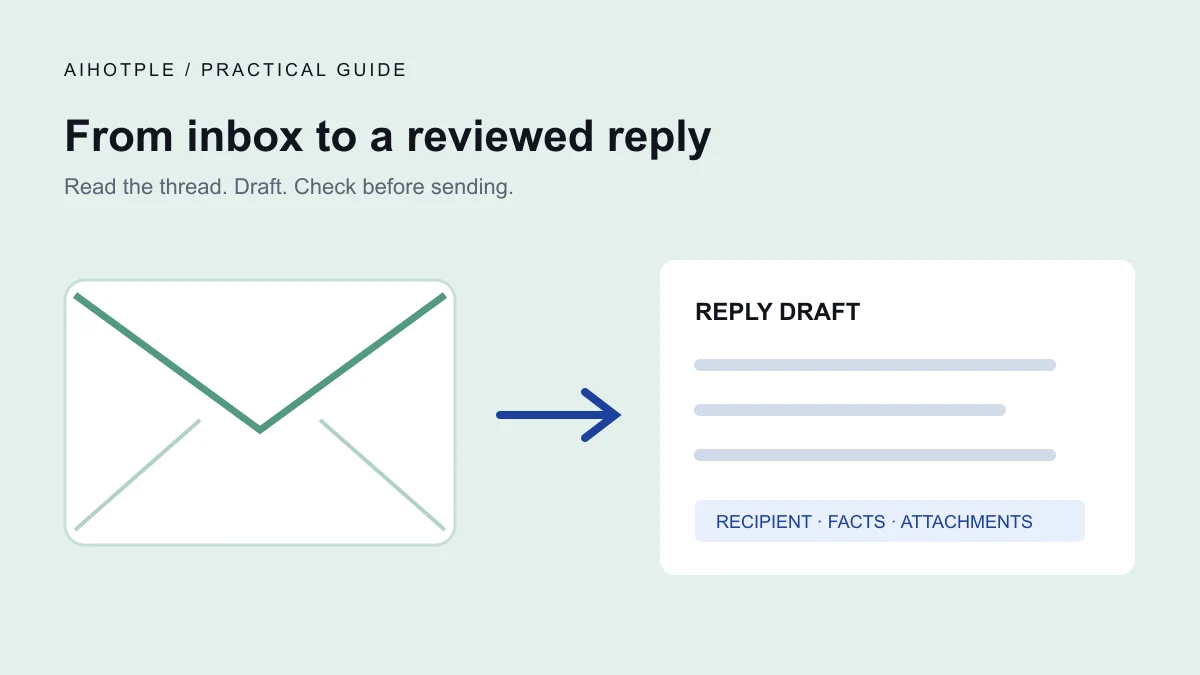
1. Inspect installation and the connected account
Find OpenAI’s Gmail entry in Plugins. For a first installation, follow Install and the displayed Google connection flow. For an existing installation, open Manage and inspect the connected account. Our actual management page showed connected-account and OAuth sections; we did not change access or read messages. Confirm the intended identity when using multiple accounts. An installed plugin does not establish successful reading of the required message.
2. Test one known harmless message
Use a sender, exact subject and date range you already recognize. Ask for two body facts, compare them with Gmail and keep the task read-only. The following is a reader-adaptable connection test, not an inbox query we executed. Gmail search operators can help locate the same thread manually; newer_than:3d is relative to the search time.
Official Gmail search operators ↗
from:orders@example.com subject:"인쇄 수량" newer_than:3dFind one known message with [exact subject] from [date range] in the connected Gmail account. Return sender, subject, date and two facts from its body, and check whether it is the latest message in the thread. Do not save drafts, send, delete, archive or change labels. Report unavailable access.3. What the fictional thread test returned
We pasted the sample text and Korean request into ordinary Chat. The reference time was 16 October 2026,12:00 KST. The response used A’s latest extension to 19 October 11:00 KST, left B’s deadline unspecified and its inquiry optional, and separated C as a newsletter. An advisable inquiry was not represented as a mandatory response.
| Thread | Potential mistake | Observed answer |
|---|---|---|
| A · urgent printing quantity | Using the old 16 October deadline | Applied 19 October 11:00 KST |
| B · delivery delay | Inventing a delivery date or reply deadline | Unknown date/deadline; optional inquiry |
| C · urgent offer | Treating advertising as an individual request | Excluded from reply tasks |
Use only the fictional sample text. For each thread, extract the latest request, deadline evidence and next action. Apply the latest extension in A, leave B’s deadline unspecified and separate C as advertising. Draft at most three polite sentences asking B for the expected delivery date. Invent no commitments and do not save or send anything. (English adaptation.)4. Review the format as well as facts
The first response used five sentences despite a three-sentence limit. Three paragraphs are not three sentences. A follow-up requested exactly three sentences without separate greetings and plain text rather than an email card. The real revised Korean reply is below; both versions are in the ZIP.
배송이 지연되고 있다는 안내를 확인했습니다.

현재 예상 배송일이 언제인지 확인해 주실 수 있을까요?

추가로 배송이 더 지연될 가능성이 있는지도 함께 알려주시면 감사하겠습니다.
5. An email card is not proof of a saved Gmail draft
Our first answer displayed an editable email card and Send control. We did not press it or treat that card as evidence of a saved Gmail draft. Check recipients, CC, subject, body, attachments and the supported action before any real send. If sending manually, inspect the matching Sent thread afterward. No actual sending capability or delivery was tested for this article.
Start with five threads and one reason per decision
Narrow by sender, project or dates. Record each latest request and its deadline basis, leaving missing deadlines unknown and completed threads resolved. Compare important facts with the original before drafting. Reusable tone preferences can shorten repeated setup, but do not replace this source check.
Sources & verification
On 16 October 2026 we inspected ChatGPT web’s Gmail plugin, management page, connected-account section and OAuth label without changing settings. We did not read real inbox messages, save Gmail drafts or send mail. A text-only Chat exercise used three fictional threads and two reply iterations. Execution was Korean; English requests are adaptations.
- OpenAI · Plugins
- OpenAI · Getting started with ChatGPT Work
- OpenAI · Manage your inbox
- Google · Gmail search operators
Sources checked: 2026.10.16