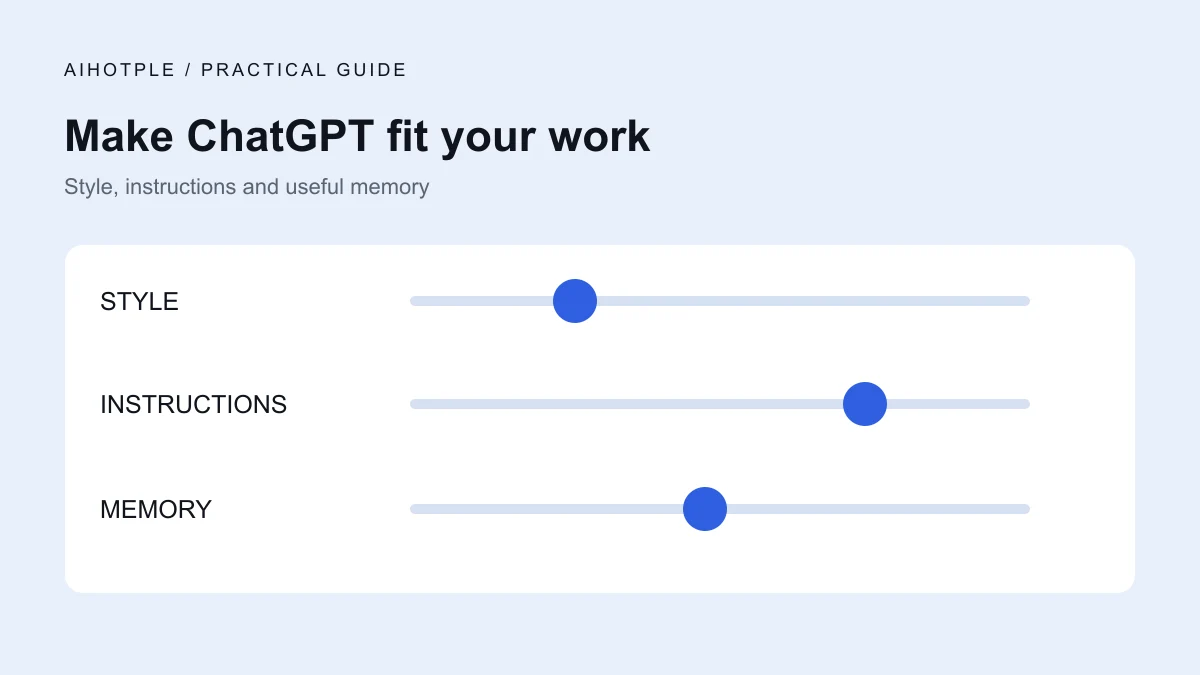
- Separate expression, recurring instructions, useful context and current-task facts.
- Distinguish web ChatGPT instructions from Codex instructions.
- Check both persistence of a setting and the usefulness of the next answer.
We checked a signed-in ChatGPT web personalization screen and official documentation on 16 October 2026. We did not change custom instructions, memory or tone, or run a controlled before/after persistence test. Examples are editorial material.
Files for this exercise
AIHotple example files and prompts. Try the exercise before substituting real work data.
Pick one recurring correction first
If you repeatedly ask for shorter answers, plainer explanations or removal of an invented date, identify the specific problem. Stiff wording and unsupported facts are different issues; one tone choice does not establish that both are solved.
Our example is a supplier reporting a one-week delay. The replacement date is unknown. Drafting a polite request for a confirmed schedule lets you inspect length, tone and invented facts.
| Information | Place it first in | Reason |
|---|---|---|
| Use plain language and lead with the answer | ChatGPT custom instructions | Preference across chats |
| This supplier is one week late | Current request | A fact of this task |
| Prefer short, polite business drafts | Recurring instructions or stable context | Durable preference |
| Current company policy or source version | Task files/project instructions | An authoritative source that can change |
1. Open the web personalization screen
In the observed Korean interface, Open profile menu → Personal settings opened Settings → Personalization. You can also choose Personalization within settings. Labels and placement can vary with language and account.
The screen included ChatGPT memory, writing, base style and tone, and custom instructions. It offered separate ChatGPT and Codex instruction editors. For web ChatGPT preferences, choose the ChatGPT editor rather than changing Codex instructions.
Official documentation also distinguishes web ChatGPT memory from the local Codex memory store. This article does not tell web users to configure a local AGENTS.md file or use a desktop memory command.
2. Use tone for expression and instructions for repeated preferences
The observed tone menu offered Default, Professional, Friendly, Candid, Quirky, Efficient and Cynical options in Korean. Read the descriptions available in your account. A personality changes communication style rather than adding capabilities or source access.
Use the ChatGPT custom-instruction editor for recurring requirements. The example below focuses on plain explanations, separate drafts and no invented dates. Start with the correction you make most often rather than a long list of unrelated restrictions.
Before making your own change, retain existing text, complete the save action shown and reopen the editor to check it. Our inspection opened menus only and did not save or change the user’s settings.
Use plain language and lead with the answer. Keep short requests concise. Separate copyable business drafts from commentary. Do not invent dates, amounts or commitments missing from the source; flag them for confirmation. A request to draft a message does not mean send it.3. Keep this task’s facts in this request
A one-week delivery delay belongs to this supplier case. Putting it in global instructions could carry the situation into unrelated replies. Provide current names, dates and amounts with the task.
The request below conveys the immediate requirements without changing account settings. Try a preference within a conversation first; promote only a broadly useful requirement to recurring instructions.
A supplier says delivery will be one week late. The new date is unknown. Draft a polite reply of no more than five sentences that expresses concern and asks for a confirmable schedule. Do not invent dates, compensation or contract terms. Return only a draft; do not send it.Thank you for letting us know about the delay. We are concerned about the effect on our planned work. Could you confirm the delivery schedule currently available and whether further delays are possible? Please share an update as soon as the schedule is confirmed.
4. Review memory as useful context
The observed screen included a ChatGPT memory toggle, a Manage button for the memory summary and a Saved memories entry. Writing-style reference was separate. Memory management, writing style and custom instructions are distinct controls.
If you choose to use memory, review the context in the available management screen and correct outdated information through its controls. Read the affected scope before deletion or reset. We did not open personal memory content or delete anything during this inspection.
Keep authoritative business rules in a document or project instructions you manage as well. An assistant saying it will remember a rule is not proof it will retrieve the latest version correctly in another conversation.
5. Compare the same supplier-reply task
After making your own setting change, start a new chat with the same example. Check length, invented dates, compensation promises and whether the draft is separate from commentary. Outputs vary; a single difference does not establish a measured setting effect.
If the result misses the goal, change one recurring instruction or clarify this task. Asking for polite concern and a confirmable schedule gives the assistant a more specific action than simply requesting a friendlier answer. Good formatting does not excuse unsupported facts.
| Check | Expected |
|---|---|
| Length | No more than five sentences |
| Facts | No invented replacement date |
| Commitments | No invented discount, compensation or contract change |
| Usability | A draft you can copy separately |
| Action | No claim the message was sent |
When a preference seems to be ignored
First confirm you edited ChatGPT instructions and the saved text remains after reopening. Then inspect whether the current task or project requests another length or format. Narrow the possible conflict instead of resetting every setting at once.
If an old fact appears, inspect task sources separately from memory and explicitly provide current facts. The linked article explains organizing project sources. When a feature is missing, distinguish the account and web/app environment before assuming its controls are identical.
Sources & verification
We checked a signed-in ChatGPT web personalization screen and official documentation on 16 October 2026. We did not change custom instructions, memory or tone, or run a controlled before/after persistence test. Examples are editorial material.
Sources checked: 2026.10.16