- Prepare actual references and exact approved logo/text artwork.
- Separate ChatGPT planning from paid media generation.
- Check MCP support separately from model features, and budget draft and render separately.
On 16 October 2026 we used ordinary Chat with a fictional cafe shot list as text, producing four scenes and a blank estimate. No photos were uploaded or analyzed. Artlist connection, paid video/music generation, 1080p rendering and credit consumption were not executed; their procedures were checked in official documentation. Twenty seconds is an editorial target. English prompts are adaptations. On 19 October 2026 we updated the plugin-first setup route from official Artlist and OpenAI documentation; no new installation or connection was executed.
Files for this exercise
AIHotple example files and prompts. Try the exercise before substituting real work data.
A scene worksheet is a useful first deliverable
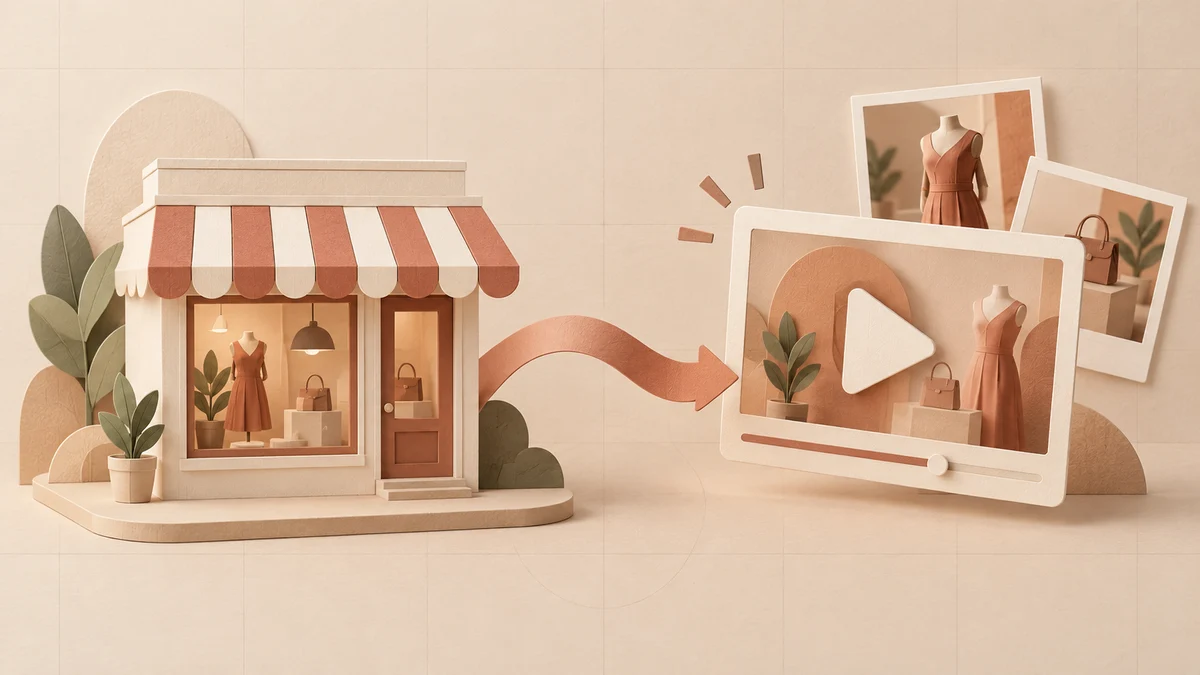
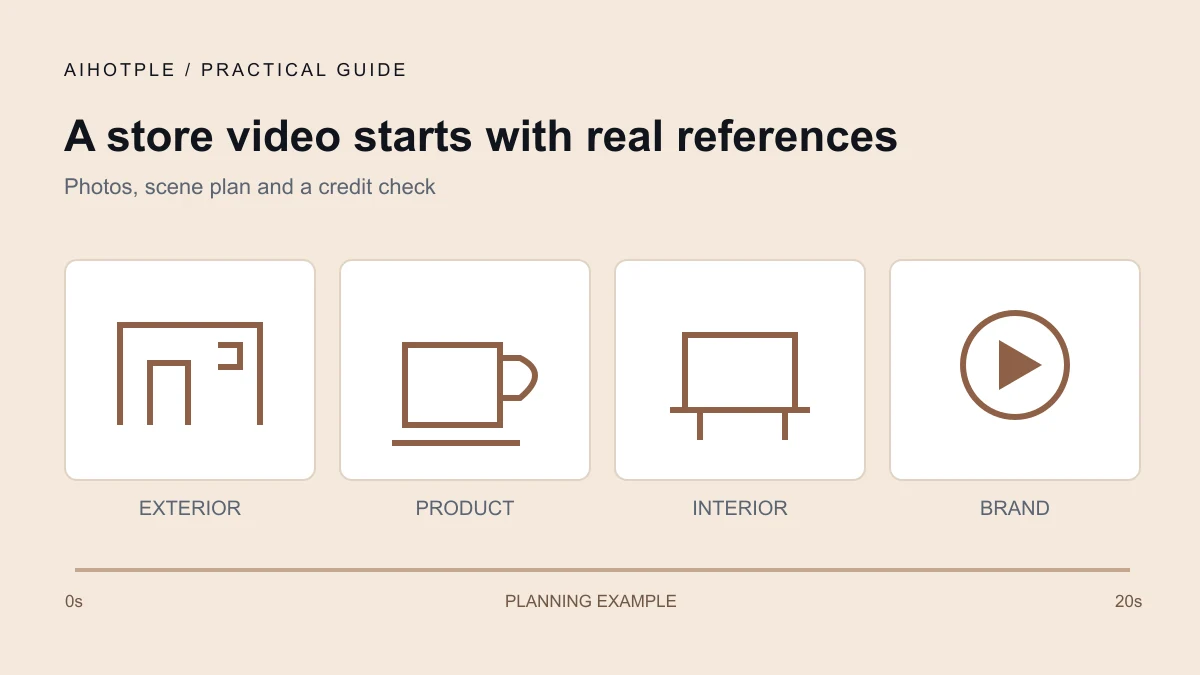
A store name alone gives little evidence of real seating, products or signage. We specified exterior, latte, interior and logo references for a fictional Moa Coffee brief. Twenty seconds is the sum of four editorial scenes, not a guarantee that one model call produces all four with perfect lettering and music. Planning can begin in ordinary Chat before connecting Artlist.
1. Give each proposed reference a job
Our actual input contained filenames and descriptions, not images. Replace them with lawful photos of your own store. We assigned exact logo and Korean text to post-production, excluded unverified hours, prices, parking and offers, and asked not to invent people or facilities.
| Proposed file | Source evidence | Do not invent |
|---|---|---|
| S01-exterior.jpg | Actual entrance and sign | Terrace or parking |
| S02-cup.jpg | An actual latte product | Hands, tools or other menu items |
| S03-interior.jpg | Real seating and window | Extra seats or people |
| logo.svg | Approved exact lettering | A regenerated logo spelling |
2. Request planning only
Chat explicitly acknowledged that it had not seen photos and returned four scenes, editing notes and empty estimate fields. Camera movement must be reconsidered after the actual images are available. The last scene reuses the exterior within one video timeline, with exact artwork overlaid in editing.
| Editorial time | Actual proposed reference | Movement / edit |
|---|---|---|
| 0–5s | Exterior | Slow push-in; inspect the sign |
| 5–10s | Latte | Subtle push-in; check cup shape |
| 10–15s | Interior | Gentle movement only if supported by the source |
| 15–20s | Exterior + logo artwork | Static/subtle pull-back; overlay exact approved text |
Plan only a fictional 20-second 16:9 cafe promo from the proposed exterior, latte, interior and logo file list. No images have been supplied. Give four five-second scenes with references, movement, post-production text and checks. Invent no facilities, people, offers or hours. Leave account/model/credit estimate fields blank. Do not connect services, browse or generate paid media. (English adaptation.)3. Connect separately from generating
Artlist’s official instructions checked on 19 October 2026 now lead with its ChatGPT plugin: find Artlist in Plugins, select Add, sign in to Artlist, and select @Artlist in a conversation. OpenAI likewise documents plugin installation and possible external-service connection. Installation, account connection and an actual tool call are distinct states.
If the plugin is unavailable, the official manual fallback describes Developer Mode in Settings→Plugins, an add control in Browse Plugins, and the MCP server below. Availability depends on the account, workspace and interface. Check the official plugin route before enabling a mode you may not need.
This update is documentation-based. We did not install the plugin, sign in, change Developer Mode, authorize a new connection or generate paid media. If already connected, first request only model and input discovery; keep generation as a separate action.
Official Artlist setup and supported tools ↗
https://mcp.artlist.io/mcpList available Artlist video models and supported image-reference, duration and ratio options. Leave unavailable information unknown. Do not generate images, video, music or any paid request.4. Model editing is not automatically MCP editing
The checked MCP documentation supports text-to-video, image-to-video and generation-status checks, while stating video-to-video is not available through MCP. Do not infer that a model-page description of timed edits makes “fix only the cup at 8–10 seconds” a working MCP action. Check the current web tool, regeneration or editing route before choosing a method. We have no generated clip or successful timed-edit test to present.
5. Budget the draft and final render separately
The Seedance 2.5 page describes a 480p draft followed by rendering that result in 1080p. Each step is billed, and the render option has a validity limit. Recheck current account conditions instead of treating this as a measured quote. Our actual Chat estimate remained blank. The CSV records each confirmed step’s unit cost and count, plus any added image/music work. Sum unit costs×counts rather than assuming the final render is free.
Official draft/render billing and limits ↗
| Step | Check before execution | This exercise |
|---|---|---|
| Planning | Shots, sources and exact copy | Completed |
| Draft | Model/input/duration/credits | Not generated; quote unknown |
| Revision | Supported route and added cost | Not executed |
| 1080p render | Draft identity, expiry and separate cost | Not executed |
| Sound/logo edit | Source, rights and placement | Direction only |
6. Completion needs a downloaded, reviewed video
Check signage, product shape and room layout against real references, then overlay approved artwork and text. Play the whole result, listen to transitions and the ending, and inspect the downloaded file’s duration and resolution. This ZIP contains planning materials and the actual planning response, not a finished video.
Sources & verification
On 16 October 2026 we used ordinary Chat with a fictional cafe shot list as text, producing four scenes and a blank estimate. No photos were uploaded or analyzed. Artlist connection, paid video/music generation, 1080p rendering and credit consumption were not executed; their procedures were checked in official documentation. Twenty seconds is an editorial target. English prompts are adaptations. On 19 October 2026 we updated the plugin-first setup route from official Artlist and OpenAI documentation; no new installation or connection was executed.
Sources checked: 2026.10.19