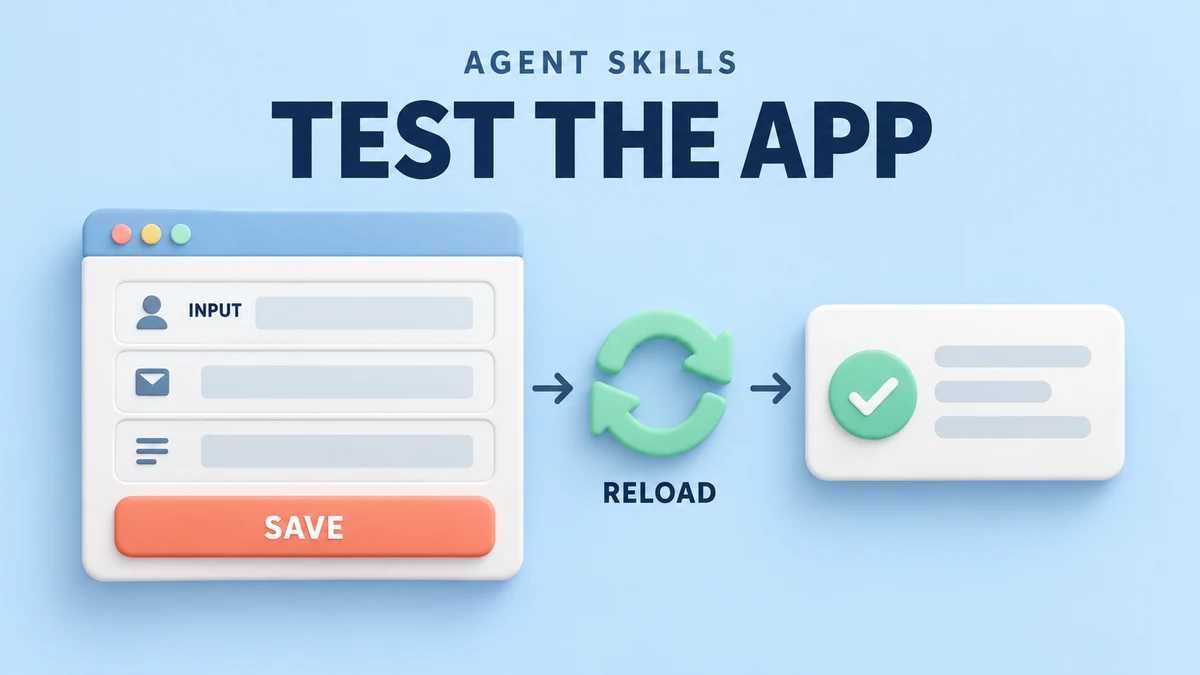
- Test a visible outcome after reload, not only after clicking Save.
- Specify negative and repeated-input cases before accepting a repair.
- Keep the assistant’s source review separate from observed browser execution.
Claude Code used the browser-testing skill to inspect the source and propose checks. It had no Chrome DevTools MCP connection; our separate browser replay verified nine cases and the core passed six tests.
Files for this exercise
AIHotple example files and prompts. Try the exercise before substituting real work data.
Turn “it seems to work” into a small acceptance test
A newly generated app can look finished while still losing work. In our Cedar Request Queue, clicking Save request in Before mode adds a row and displays a saved message. Reload the page and the row disappears. Nothing about the initial screenshot would reveal that failure.
The useful question is what should remain true after an action. For this example: one valid request should survive a reload; invalid input should add no row; the same request should not be added twice; and Reset should clear only this exercise’s data. These are checks a non-developer can perform while an assistant helps explain the source.
Agent Skills’ browser-testing-with-devtools workflow is designed for Chrome DevTools MCP. We invoked it without that server and explicitly told the assistant not to pretend it had browser access. It correctly limited its answer to source inspection. We then ran the browser checks through our separate editorial browser connection. The distinction matters whenever a polished response says “verified” without a corresponding runtime observation.
1. Open the example and reproduce the loss
Download and extract the browser-lab ZIP. It contains browser-lab/ and serve-practice.mjs at the same level. Open a terminal in that extracted root and run the server command below using a current Node.js release. Leave the terminal open, then visit the displayed local address in your browser.
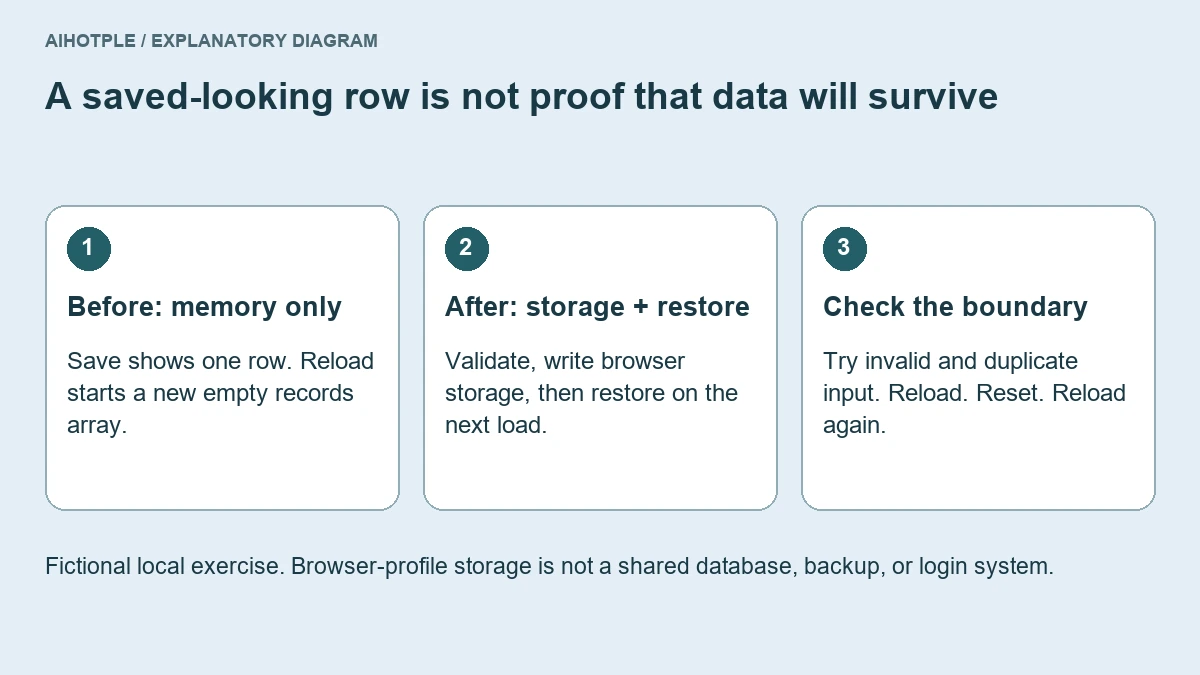
Click Before: broken save, then Reset this practice. Enter Setup help under Request title and hello@example.test under Contact email. Click Save request once. You should see Saved requests 1 and the fictional row. Reload using your browser’s reload control: the count returns to zero.
This is an intentional defect in the downloadable teaching example. Before mode appends to an in-memory array and returns before writing storage. It also skips validation. Do not copy that branch into a working application. Keeping the broken behavior observable makes the repair’s acceptance test much more precise than “make saving better.”
node serve-practice.mjs
# Open http://127.0.0.1:8590/browser-lab/- Choose Before: broken save
Use Reset this practice to start at zero rows.
- Save the fictional inquiry
Title: Setup help. Email: hello@example.test. Click Save request once.
- Reload the page
The Before version returns to Saved requests 0. Record that failure before discussing a fix.
2. Ask the skill for a bounded diagnosis
If you completed the installation exercise, open Claude Code from the extracted lab root with your complete Agent Skills clone loaded. Give the assistant only the files for this exercise and the failed acceptance test. Request a diagnosis before edits, so you can see whether the explanation matches the observed failure.
Our response identified the early return in the Before submit branch, the absent localStorage write, and the skipped restore step. It also noticed that Before mode bypasses validateRequest. Those are source findings, not proof that a browser was opened.
If you already have Chrome DevTools MCP configured in an isolated test profile, the workflow can inspect live UI, console and network information. The pinned skill includes the setup configuration. We did not run or validate that MCP setup in this session; our connected browser replay used a different tool. Keep that distinction when reproducing the article in your own host.
Inspect the pinned skill and its Chrome DevTools MCP prerequisites ↗
/agent-skills:browser-testing-with-devtools Inspect browser-lab/index.html, app.mjs and core.mjs. Before mode shows a saved row that disappears on reload. Explain the cause, then propose checks for whitespace-only input, malformed email, duplicate submissions, reload persistence and reset. State whether you have a browser connection. Do not claim unexecuted browser actions or edit yet.3. Replay the corrected workflow
Click After: checked save and then Reset this practice. With a whitespace-only title and the example email, Save request should show Enter a title and an email address while leaving the count at zero. Give the request a real title but use not-an-email: the app should ask for a valid email and still add nothing.
Now use Setup help and hello@example.test. Click Save request. The count becomes one and the status says Saved locally. No message sent. Click Save request again without changing the fields: the duplicate warning appears and the count remains one. Reload: that same row remains.
Finally click Reset this practice and reload again. The count should stay at zero. The reset removes the app’s own localStorage key; it does not clear unrelated browser data. In a real application, reset or deletion behavior needs its own product rules. Here every record is fictional and the control is explicitly scoped to the practice.
The After code validates normalized input, prepares the next records array, writes storage and only then updates the displayed saved state. If writing throws, the app reports a failure rather than displaying a new saved row. The file also handles unreadable stored JSON by asking for a reset. Those storage-failure branches were inspected in source; our nine browser observations did not simulate quota exhaustion or corrupted storage.
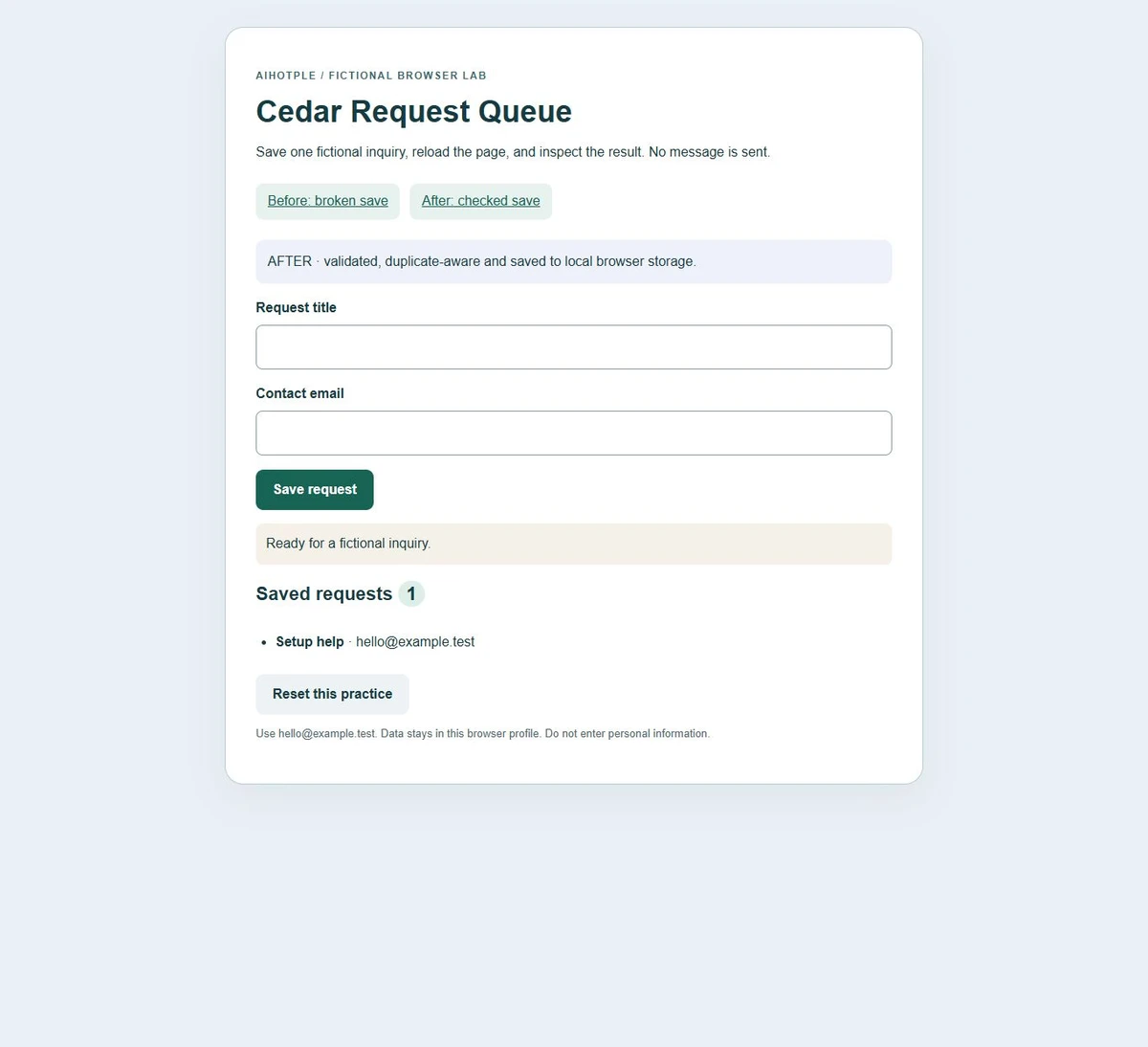
- Check rejected input
Whitespace-only title and malformed email must keep the saved count at zero.
- Save, repeat and reload
One valid row, a duplicate warning on repetition, and one row after reload.
- Reset, then reload again
The practice must remain empty. Check the result after the second page load.
4. Compare the observations with the code checks
We recorded nine browser observations: the Before row appeared, the Before row disappeared after reload, and seven After checks covered whitespace, malformed email, valid save, duplicate rejection, reload retention, reset and reset retention. “Passed” for the two Before observations means the deliberate defect was reproduced, not that the broken version passed acceptance.
The six Node tests exercise normalization, whitespace, email shape, duplicate comparison, a distinct request and the title-length bound. Run them with the command below. They test the shared validation function. They do not establish that the form was wired correctly or that a particular browser allowed local storage.
The browser and core checks complement each other: pure validation can pass while a submit handler still skips persistence, and one successful browser click cannot cover every input boundary. Keep the original failing observation alongside the corrected result so a future change has a concrete regression case.
| Action | Before observation | After observation |
|---|---|---|
| Save one valid inquiry | One row appears | One row appears |
| Reload | Row disappears | Row remains |
| Repeat the same inquiry | No duplicate protection in source | Warning; still one row |
| Whitespace or malformed email | Validation skipped in source | Rejected; no row added |
| Reset, then reload | Not the persistence fix | Empty state retained |
node --test browser-lab/test.mjs5. Apply the same method to your own app
Write a short list of expected outcomes before asking an assistant to change your app. Include what remains after a reload, what happens to a repeated action, and what error the user can recover from. Attach a fictional sample and name the files or route, rather than granting access to an entire personal browser profile.
For localStorage specifically, keep the same protocol, host, port and browser profile when comparing runs. Moving from 127.0.0.1 to localhost, changing the port, using private browsing or clearing site data changes the context. Local storage is not a server backup or a way to share requests across devices.
For a real inquiry system, add server persistence, permissions, concurrency and delivery checks as separate work. A locally saved row does not mean an email was sent or a customer record reached a server. The next exercise moves the check to the server boundary and shows why hiding a control is not an access policy.
Sources & verification
Agent Skills 0.6.13 browser-testing-with-devtools invoked in Claude Code 2.1.310 on 25 October 2026. That session had Read access and no Chrome DevTools MCP server, so its output is explicitly source-based. AIHotple separately replayed the original fictional app through its browser automation connection: two Before observations and seven After checks. Six Node core tests passed. The saved state is browser localStorage, not a shared database; no real contact, message delivery, browser extension or production account was used.
- Agent Skills · tested release 0.6.13
- Agent Skills · browser testing with DevTools
- Claude Code · skills and invocation
- MDN · browser localStorage
Sources checked: 2026.10.25