- Identify the exact Gemini surface and source route.
- Keep Drive permissions separate from local-upload results.
- Distinguish rolling limits from saved-data storage.
- Verify a known fact after access works.
Choose the route that actually failed: local upload, a Drive source, a rolling file restriction or a saved-data warning. Use the current account message and official instructions for that route. The preparation kit supplies a harmless TXT, a review request and a private error-report template. AIHotple Fix does not connect Drive, broaden sharing, delete activity or inspect your account.
Files for this exercise
AIHotple example files and prompts. Try the exercise before substituting real work data.
Write down where the file is coming from
Gemini Apps in a browser, Gemini in Drive and other Workspace surfaces are not interchangeable account routes. Record which surface you are using, which Google account is active, whether it is a personal or organizational account, and whether the source is local or in Drive.
Keep the exact visible error. A file you can open in one account is not automatically available to an assistant using another. If you are preparing a support note, describe the route without posting document links or workplace information publicly.
Choose your situation in AIHotple Fix ↗
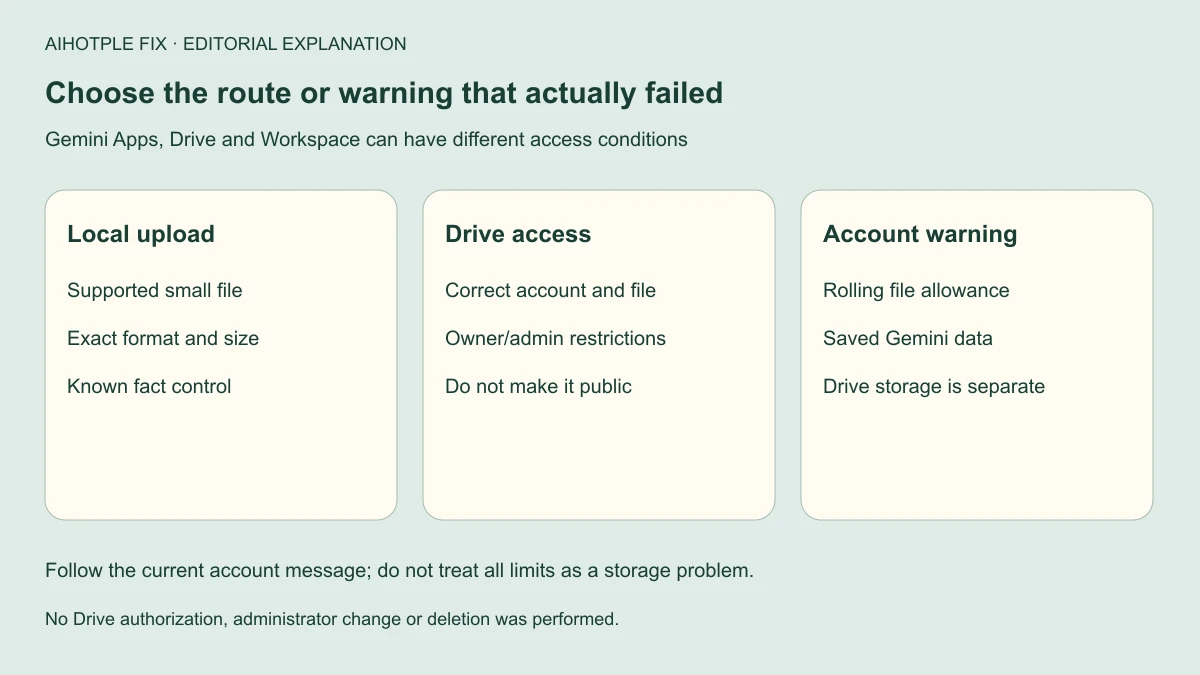
For a local upload, use a small known source
In Gemini Apps on the web, the documented path uses Add files → Upload files. Select the fictional upload-control.txt from the kit only when the account is not displaying a wait restriction. Read it locally first, then ask about facts that are in the attachment rather than in the prompt.
A tiny source makes the next result easier to interpret. If it works while your original fails, inspect the original’s format, size and relevant content. Make a smaller permitted copy rather than renaming an unsupported file extension. Keep a note of what changed between attempts.
- Confirm the active account.
Use the account that is permitted to process the source. Do not switch to an unmanaged personal account to bypass workplace restrictions.
- Attach the fictional TXT.
Use the local-upload route and wait for the attachment to appear before submitting the request.
- Check the returned marker and fact.
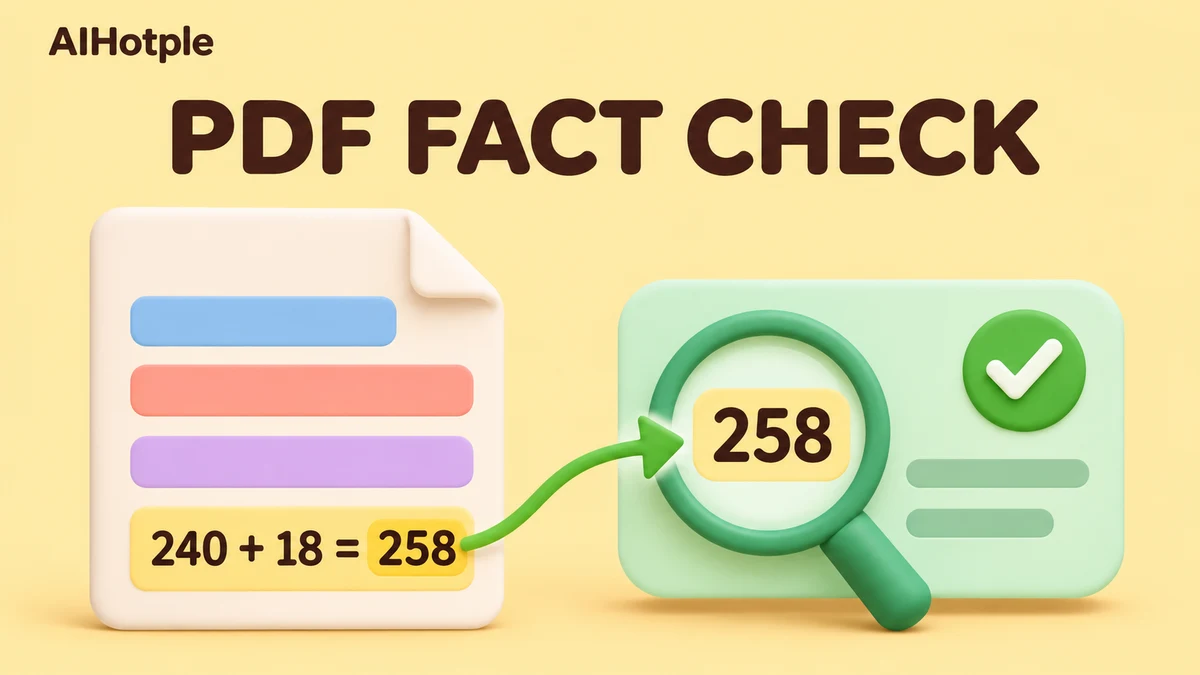
The shared control contains CONTROL-042 and total GBP 258. Tax treatment remains not stated. Attachment appearance alone is not the result check.
Use only the file I have actually attached. First identify the visible source name, then return the control ID, total and tax treatment with short source quotations. If the attachment or Drive source is inaccessible, stop and state that. Do not infer the answer from the filename or connect additional services.For Drive, check access without making the document public
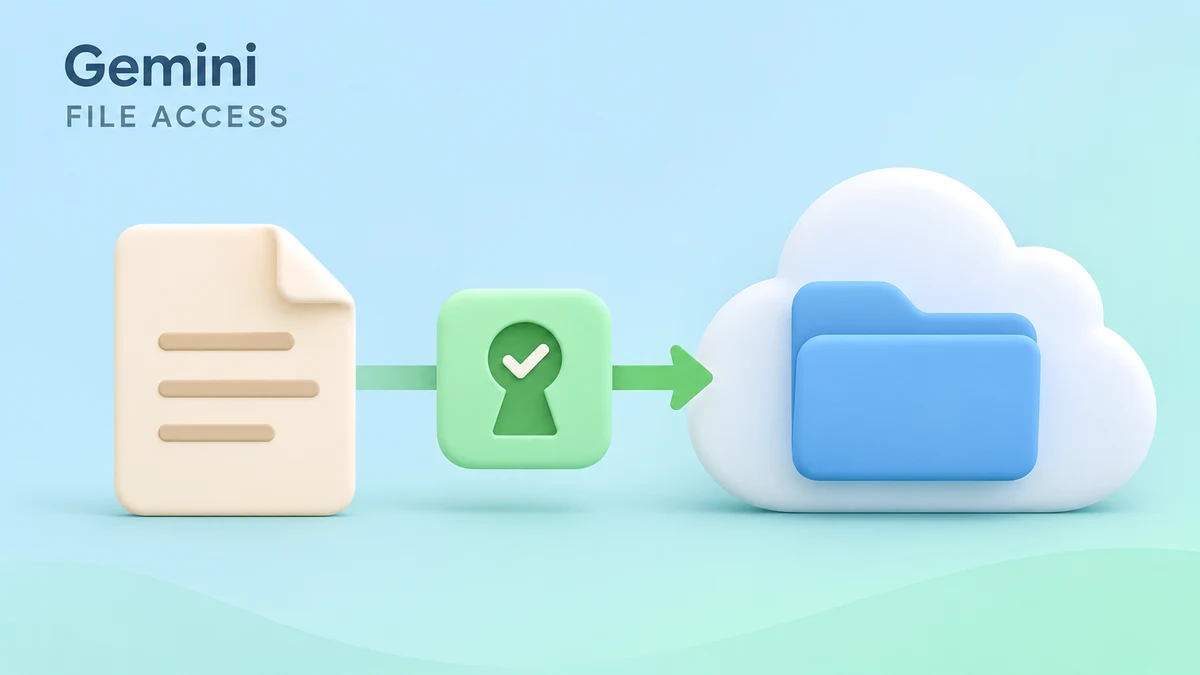
First confirm that the same account can open the intended source. Google documents administrator controls, connection conditions and content-owner restrictions that can affect Gemini access. Being able to view a shared file does not establish that every Gemini processing route is allowed.
Use the permitted connection path or ask the administrator or owner when required. Do not change a private document to “anyone with the link” as a generic troubleshooting step. A successful local upload can provide a separate test if policy permits, but it does not prove the Drive connection was repaired.
Match the message to the right kind of limit
The current Gemini upload help distinguishes a rolling limit for chats with files from a saved-data warning that says to delete data to upload. It also explains that Gemini Apps saved-data storage is separate from Google Drive or Workspace storage. Increasing one storage allowance is not a universal fix for the other condition.
For a rolling restriction, follow the displayed retry information. For a saved-data warning, read the current account-specific instructions and preserve anything you need before deciding what to remove. Work or school accounts can require administrator involvement. This helper does not identify disposable data or perform deletion.
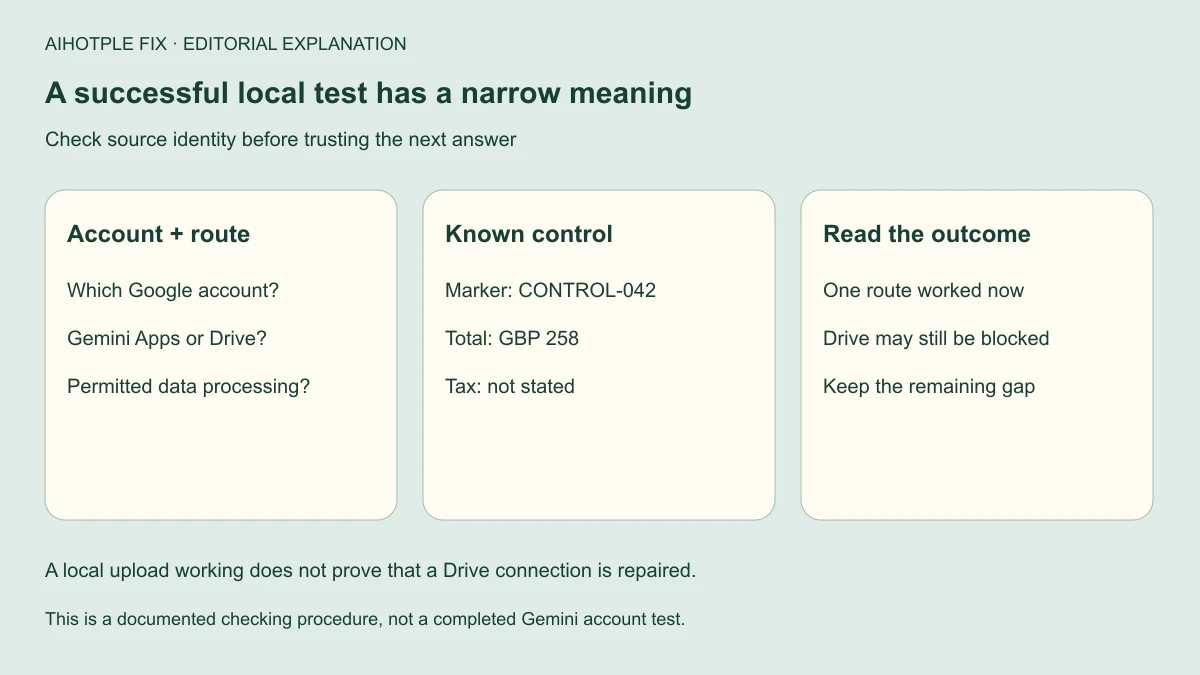
Read a successful test narrowly
If the control attaches and its facts are read correctly, record that this local route worked at that time. Do not generalize it into support for a large video, repository or every file in Drive. Different content and account routes have different constraints.
If the original now uploads but the answer omits details, reduce the question to a few source claims. Ask which readable passage supports each one. A usage or access problem and a wrong interpretation can occur at different stages of the same task.
Escalate with evidence you are allowed to share
Use the kit’s private error-report template to record the app surface, error, file format, size and small control result. Share only relevant redacted information through the official support or organizational channel. Do not include account passwords, tokens or a whole confidential source.
A good report says what failed and what was tested. It does not claim that an administrator connection was fixed because a local TXT worked, or that storage was cleared merely because a page refreshed. Keep those states separate when you return to your real task.
Check source evidence when the file is available but the answer is wrong →
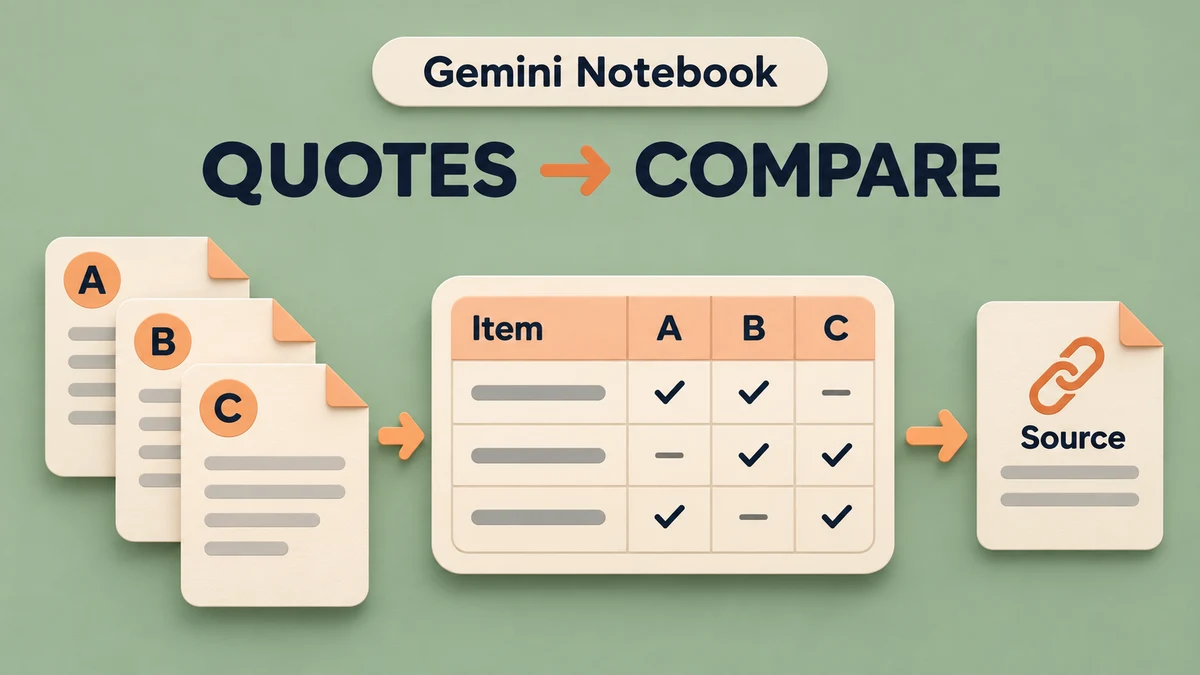
See a separate completed quote-PDF comparison in Gemini Notebook →
Sources & verification
Official Google Gemini file and Workspace-access documentation checked on 6 November 2026. The source file and checking materials are actual local AIHotple artifacts. No new Gemini upload, Drive authorization, administrator change, activity deletion or quota exhaustion was performed for this article. The account paths below are documented procedures, not a claim that a particular reader has access or that an account error was reproduced.
Sources checked: 2026.11.06