- Define the recording workflow you need before requesting a comparison.
- Check decision-changing conditions in the original sources, even when a report is detailed.
- A completed research report is not a measured Korean-transcription benchmark.
On 16 October 2026 we generated a plan and completed a report in Gemini web with Google Search selected. Three report conditions were checked against official help. Plan editing, Docs export and either product’s transcription performance were not tested.
Files for this exercise
AIHotple example files and prompts. Try the exercise before substituting real work data.
Start with a decision instead of a broad recommendation
Uploading recordings you already have and capturing future Google Meet calls are different tasks. A request for “the best meeting AI” can blur that distinction. Our exercise asks which of two tools a small team recording Korean meetings should try first.
We compare uploads, the Meet workflow, Korean support, and usage versus transcript-access limits. This keeps the research connected to a choice you can act on rather than collecting every feature or recent announcement.
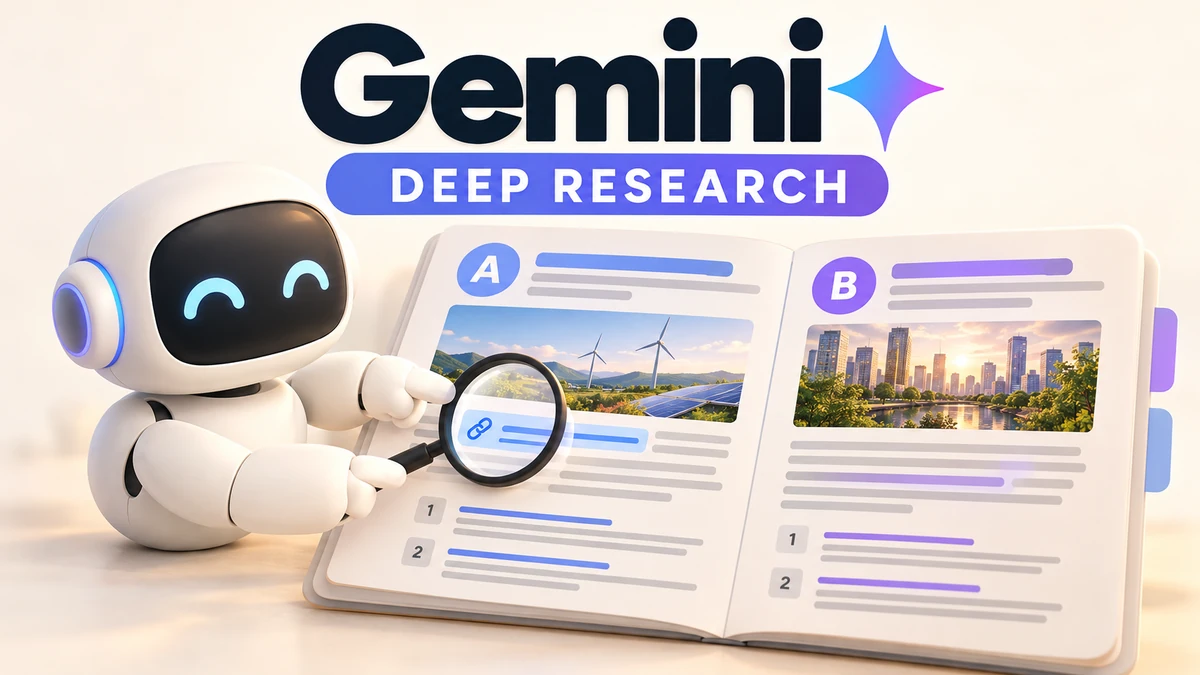
1. Open Deep Research and choose the sources
Sign in at gemini.google.com on a computer. Open the plus/upload-and-tools control and select Deep Research. Our Korean interface required an additional “more tools” step. The official feature has an 18+ requirement and account-dependent availability and quotas.
Check Sources before submitting. Google Search was the selected source in our run; we did not connect Gmail or Drive. Public product research did not require private messages. If your account already has connected sources, retain only those needed for this task.
Extract request-en.txt from the ZIP. For a first run, keep the two products and comparison questions intact so you can see how the request maps to the resulting plan.
2. Tell Gemini what the comparison must establish
The request identifies the reader, decision, required conditions, source standard and excluded evaluations. It specifically excludes measured accuracy, a price ranking and estimated savings. Otherwise, a feature comparison can drift into claims the research has not established.
A check date is a review reference, not proof that every source was updated that day. Inspect the underlying documents and account conditions before relying on changing limits.
Use public web sources only to investigate Notta and Tactiq for a small team recording Korean meetings. Do not use personal Gmail, Drive or previous chats.
Check date: 2026-10-16. Compare audio/video uploads, the Google Meet workflow, official Korean support, and the difference between transcription minutes, upload counts and accessible transcript length.
Prefer official help pages and attach the supporting URL and check date to each claim. Show a research plan first. Exclude measured accuracy, price rankings and estimated savings. Mark conflicts or uncertainty for follow-up.
Starting sources:
https://support.notta.ai/hc/en-us/articles/15358519267611-Import-files-from-local-storage
https://help.tactiq.io/en/articles/9546387-how-to-upload-video-audio-and-transcripts-to-tactiq
https://help.tactiq.io/en/articles/9535734-how-to-use-tactiq-with-google-meet-meetings
3. Read the plan before starting
The generated plan covered media uploads, browser meeting workflows, Korean support, account restrictions and a comparison. Ask whether your required workflow is missing and whether language support is being confused with measured quality.
The screen showed Edit research plan and Start research. Google documents editing before starting. In our run a plan was created, research started and a report completed; we did not verify a successful plan edit.
If your plan expands to ten products or a purchasing recommendation, narrow it before proceeding. A completed report can also be followed by a more focused question. Completion time and available runs depend on the task and account.
4. Check three conditions that could change your choice
The completed report included a long specification and account comparison. We opened the original help pages for three useful conditions. This is a manually checked sample, not certification of every report claim or a live test of the meeting tools.
Notta import and accessible-length conditions ↗
Tactiq upload and language conditions ↗
| Question | Condition checked in official help | Practical consequence |
|---|---|---|
| Can Notta upload whenever minutes remain? | Both transcription time and upload allowance are required. Free accessible length is 3 minutes per record. | Check upload count and full-record access as well as minutes. |
| Does Tactiq only handle live calls? | It also accepts audio/video uploads and offers Korean selection; a file uses one meeting credit except on unlimited plans. | Existing recordings can use an upload workflow. |
| How does Tactiq work with Meet? | Its Meet instructions describe a Chrome/Edge extension. | Check your browser and organization’s extension permissions. |
5. Separate documented conditions from recommendations
Our report also concluded broadly that practical Notta use requires a paid subscription. The specific condition we checked is a three-minute accessible limit for Free records. Someone reviewing a short clip and someone reading an hour-long meeting have different needs. Do not turn that condition into a universal purchasing requirement.
Try the single workflow that matters most. For existing recordings, use a non-sensitive file you own and check upload, Korean selection and access to the full text. For Meet, first check extension permission and appropriate participant notification. Teams relying on names or technical vocabulary should compare those transcription passages separately.
Open the cited page and find the relevant condition. If it cannot be located, leave the claim unconfirmed. Official support for a feature does not establish availability in every account or measured transcription quality.
Extract only conditions that affect our adoption decision. For each, give [documented condition / official URL / what to test in our account / unresolved question]. Do not broaden a documented restriction into a universal recommendation. Separate Korean support from measured transcription accuracy.6. Keep the useful evidence and reuse the request
The report’s Share and export menu provides options including exporting to Docs or copying content. We inspected the report and sources but did not create a Docs export. When sharing with a team, include the checked conditions and unresolved questions.
The download contains original KO/EN requests, a small evidence CSV and scope notes. For a different comparison, replace both the products and the decision criteria. The next article shows how reusable instructions can keep recurring briefs consistent.
Sources & verification
On 16 October 2026 we generated a plan and completed a report in Gemini web with Google Search selected. Three report conditions were checked against official help. Plan editing, Docs export and either product’s transcription performance were not tested.
- Google · Deep Research
- Notta · Import files from local storage
- Tactiq · Upload files
- Tactiq · Google Meet
Sources checked: 2026.10.16