- Keep a brief point beside an original timestamp link.
- Supply timestamped captions when direct access fails.
- Download reusable requests and actual results.
This walkthrough uses web Work. The example analyzes supplied automatic captions, not video frames watched from a link.
Files for this exercise
AIHotple example files and prompts. Try the exercise before substituting real work data.
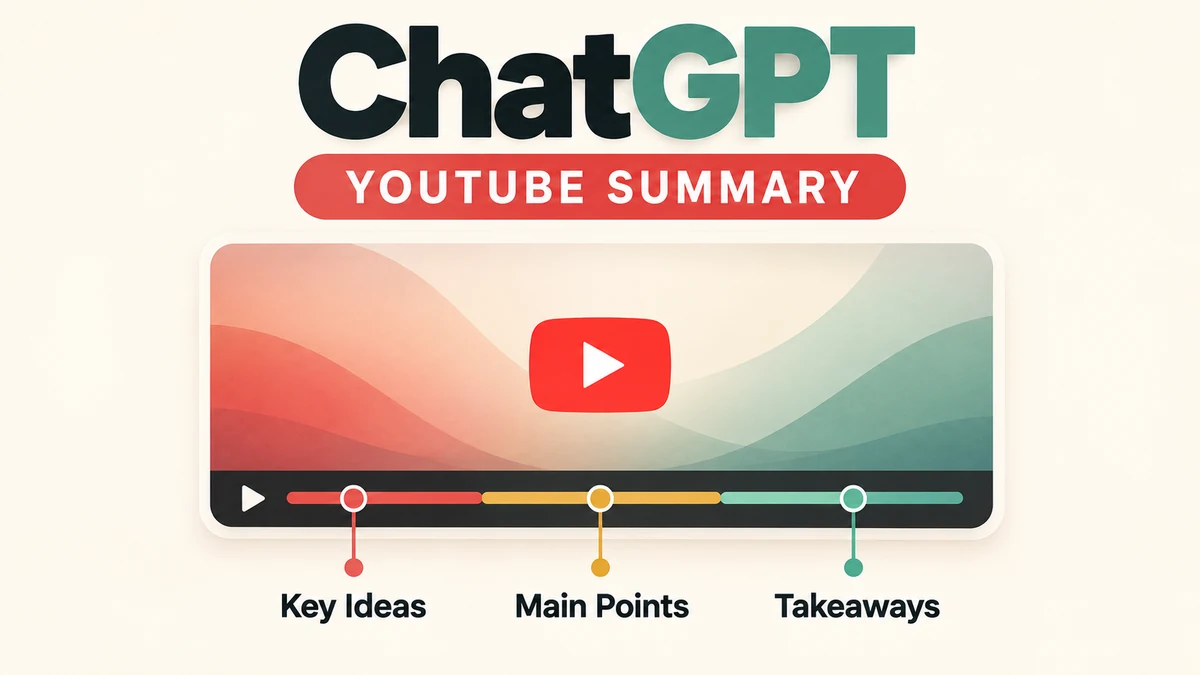
The result: five moments you can revisit
A useful summary lets you return to the explanation behind it. These entries condense the actual supplied-caption response for the first eight minutes of an OpenAI presentation from July 2025. They describe that historical presentation, not current availability.
| Original moment | Key point |
|---|---|
| Open 00:32 | Combining research and web actions in one agent. |
| Open 02:05 | Researching wedding outfits, hotels and gifts under stated conditions. |
| Open 03:06 | Introducing the virtual computer’s browser and terminal tools. |
| Open 04:40 | Learning which tool to use and when to switch. |
| Open 06:44 | How long-form research and page interaction complement each other. |
1. Start a new web Work conversation
Sign in at chatgpt.com, start a new conversation and select Work where Chat/Work controls are available. Paste the request and replace the video URL. Account interfaces and available tools differ. This does not promise the same browser task in an environment without Work.
Official web getting-started instructions ↗
Check the first eight minutes of [YouTube URL]. Identify the title, channel, caption access and analyzed scope. Return five brief points with mm:ss start times and original timestamp links. If captions cannot be read, leave the points unknown. Distinguish caption analysis from viewing frames. Mention automatic-caption uncertainty and avoid long quotations.2. Obtain a timestamped transcript
On YouTube, expand the description and look for Show transcript. It is available for captioned videos. Clicking a caption line moves to that moment. Copy the needed interval with times, then check that timestamps survived pasting. Add the visible offsets if necessary; text without times cannot establish precise links. If unavailable, look for creator-supplied material instead of substituting a description snippet for the unseen video.
3. Supply the missing input
Our first link-only task failed. Supplying automatic captions 00:01–07:59 produced the five entries above. This changes the input to supplied text; it does not establish direct video access.
Keep the earlier direct-access failure. These are [language / automatic or edited] captions I obtained for [interval]. Analyze only this supplied text. Return five concise points with original timestamp links. Do not claim to have viewed frames.
[timestamped excerpt]
4. Check and adapt the result
00:32 is 32 seconds;02:05 is 125 seconds. Open several links to check context. If the point begins too early, ask for the caption where the explanation starts. For lectures, request concepts and examples; for launches, stated conditions; for focused research, retain only your topic. Verify consequential names and numbers.
Practice files
The ZIP contains requests, actual Korean failure/retry responses and links-and-summary.html with clickable moments. It does not redistribute the full transcript. Try a short video you partly know and revisit one point through its link.
Sources & verification
Executed on 16 October 2026 in ChatGPT web Work, GPT-6.1 Sol/Light. Direct caption access failed. A second request used separately obtained English automatic captions from 00:01–07:59. We checked offsets, not video frames. The documented browser-extension feature was not independently installed or tested. English prompts are adaptations.
Sources checked: 2026.10.16