- Distinguish the chat link from a file already saved locally.
- Regenerate from available source material; do not keep reusing an expired URL.
- Test a tiny attachment and inspect its actual content.
- Keep manually saved fallbacks distinct from native product exports.
Keep the source, request a fresh small attachment and inspect the local download. An old generated-file link can expire; repeating that URL cannot recreate its missing contents. The useful success check is a saved, readable file with the expected facts. Our practice kit includes a fictional control, a regeneration request and a review log. It is not a tool for restoring an expired file.
Files for this exercise
AIHotple example files and prompts. Try the exercise before substituting real work data.
First identify what failed
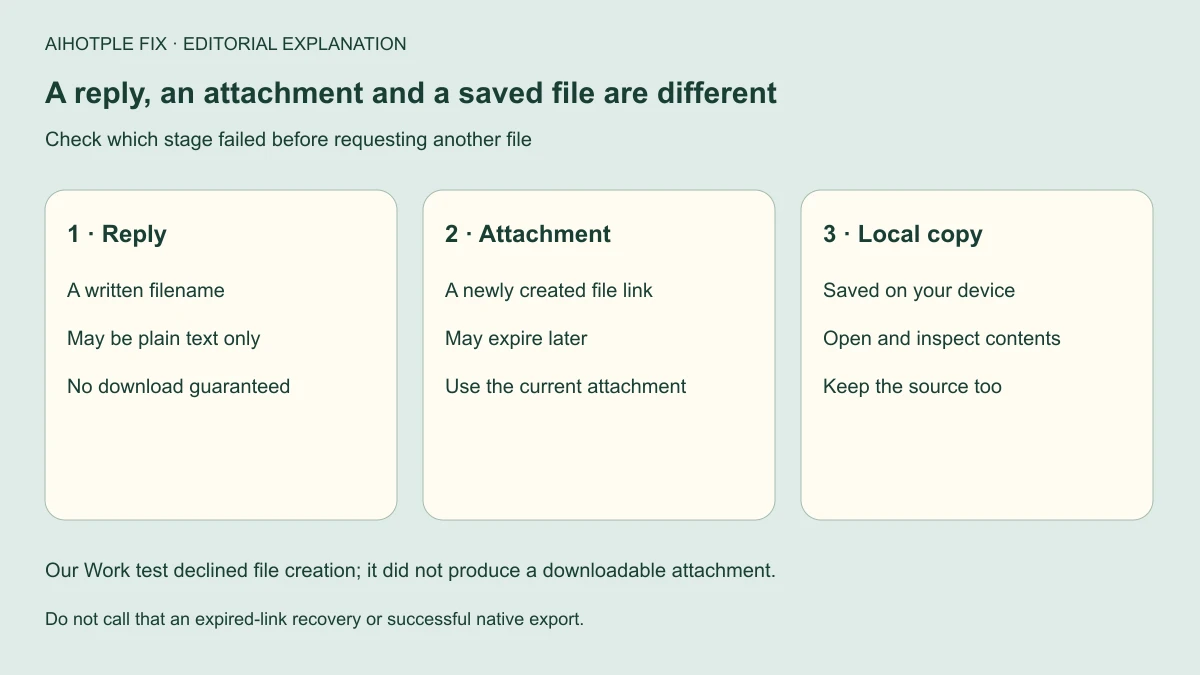
A response may display a filename, a link to a generated attachment, or an actual file already saved on your device. Those are different objects. Before regenerating anything, check the browser’s Downloads list and the destination folder. A missing chat link does not invalidate a local copy you already have.
Record the exact message and whether the link was created just now or in an older conversation. Keep the source data locally if you have permission to use it. If the source is no longer available, tell the assistant that instead of asking it to reconstruct an unseen document from memory.
Choose your situation in AIHotple Fix ↗
Ask for a new small file, not another copy of the old URL
Open the relevant conversation and ask for a newly created attachment from the source that is still available. If the input has expired too, attach an authorized copy again. Requesting a different filename is useful for distinguishing the new result in Downloads; renaming an expired URL does not repair it.
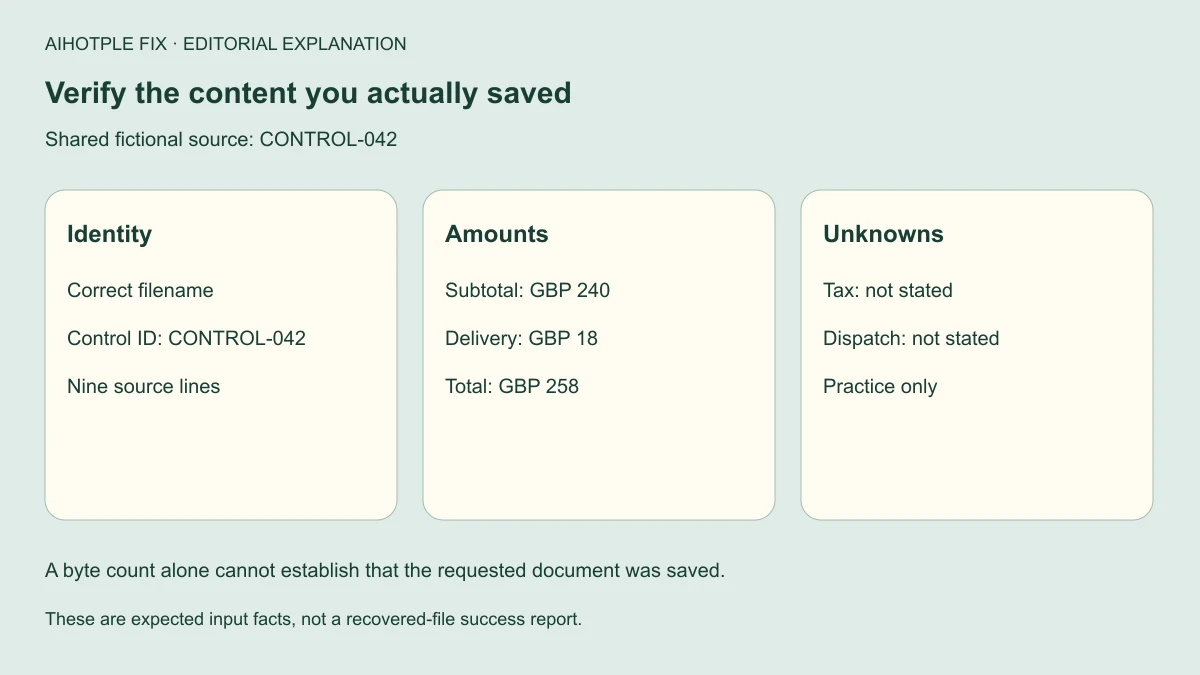
Use a tiny control before rebuilding a large spreadsheet or presentation. The supplied source contains CONTROL-042, three amounts and two explicit unknowns. That gives you something concrete to inspect after downloading. A TXT control tests a simpler path than a multi-sheet workbook, without claiming that every format is now fixed.
- Choose the file-capable route available in your account.
Our web exercise uses Work. Interfaces vary; do not assume a chat response can create an attachment merely because it can print formatted text.
- Submit the small fictional request.
Use the request above. It asks for a real attachment, with an explicit text fallback if file creation is unavailable.
- Use the new attachment promptly.
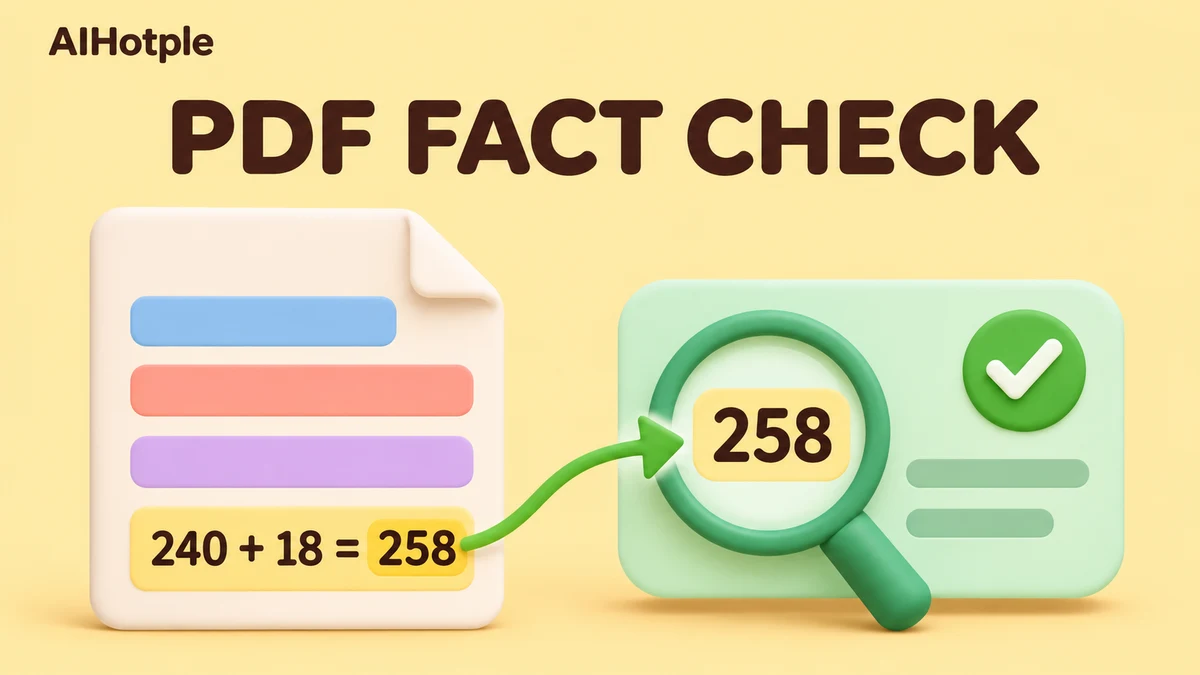
Check its filename in Downloads. Open the saved file and compare the control ID, GBP 258 total and “not stated” fields.
Create a real downloadable UTF-8 text file named aihotple-file-control.txt containing exactly the text below, in the same line order. Do not browse, connect apps, send messages or use private account data. Return the actual attachment and its byte size. If file creation is unavailable, say so and print the text; do not invent a file link. This is a fictional control test, not recovery of an old expired file.

AIHotple fictional upload control
Control ID: CONTROL-042
Customer: HarborDesk demo team
Subtotal: GBP 240
Delivery: GBP 18
Total: GBP 258
Tax treatment: not stated
Dispatch date: not stated
No real order, customer or payment is involved.
Read the saved result instead of trusting the completion message
In our actual web Work test on 6 November 2026, ChatGPT reported that file creation was unavailable and printed the source text instead. It produced no downloadable attachment and did not verify a byte count. We kept that failure; this was not an expired-link recovery or a successful native export.
The control source has nine lines. In addition to the amounts, it says there is no real customer, order or payment. Preserve that label if you reuse the file in a demonstration. The kit includes the actual refusal and the authored text separately. You can manually save the source as a fallback, clearly labeled as such.
Check the file’s byte size and readable text. Differences in newline encoding can change byte counts without changing the visible lines, so compare both the content and basic metadata. A downloaded HTML error page renamed with a .txt extension is not the requested text file.
If a newly created attachment also fails
Check the official service status, then compare an approved browser or app using the same harmless control. Keep a note of which combination succeeds. Changing the model, file format, conversation and network all at once makes it harder to identify the relevant difference.
For a custom GPT, the owner should inspect its file-creation capability and saved configuration. If you are only using someone else’s GPT, ask its owner rather than looking for account settings you do not control. A generic file-link problem can still happen in an otherwise correctly configured GPT.
On managed equipment, use the organization’s support process. Do not disable required security software or expose private conversation links as a public troubleshooting shortcut. Our helper does not alter browser settings or inspect your machine.
Use a plain-text fallback when that is sufficient
If you only need a short table or note, ask for its text directly and save it in a local editor. Label that as a manually saved fallback, not a native workbook, PDF or recovered attachment. Complex formatting, formulas and presentation objects may not survive that route.
For CSV you have recovered, the local workbench can inspect its structure before you open it in another application. Keep the original file and review any transformation explicitly. You do not need to upload customer data to AIHotple to use its browser tools.
Know when another retry is not a useful test
If a fresh control fails across approved clients, record the time, time zone, error and the smallest reproducible steps for official support. Keep account identifiers and private conversation URLs in the official support channel, not in a public forum or AIHotple inquiry.
This workflow does not recover a deleted source, guarantee how long generated files remain available, or bypass an account restriction. Keep important deliverables on your own device after checking them. The final test is whether you can open the file you saved and find the expected content.
If the missing source will not upload, separate upload limits from file problems →
Check the contents of a recovered PDF before relying on its answer →
Sources & verification
Official instructions checked on 6 November 2026. The fictional source and checking materials were created by AIHotple. In authenticated ChatGPT web Work on a Pro account, the exact creation request returned a file-creation-unavailable response and no attachment. Model selection was not independently recorded. No expired user file was recovered, no production outage was reproduced, no account setting was changed and no paid upgrade was used. Suggested browser comparisons are manual troubleshooting options, not actions performed on the reader’s device.
Sources checked: 2026.11.06