- Use the same date range and site when comparing reports.
- Group actions by session ID before counting visits.
- Use a failing URL to investigate a technical issue and a referred session to investigate reader behavior.
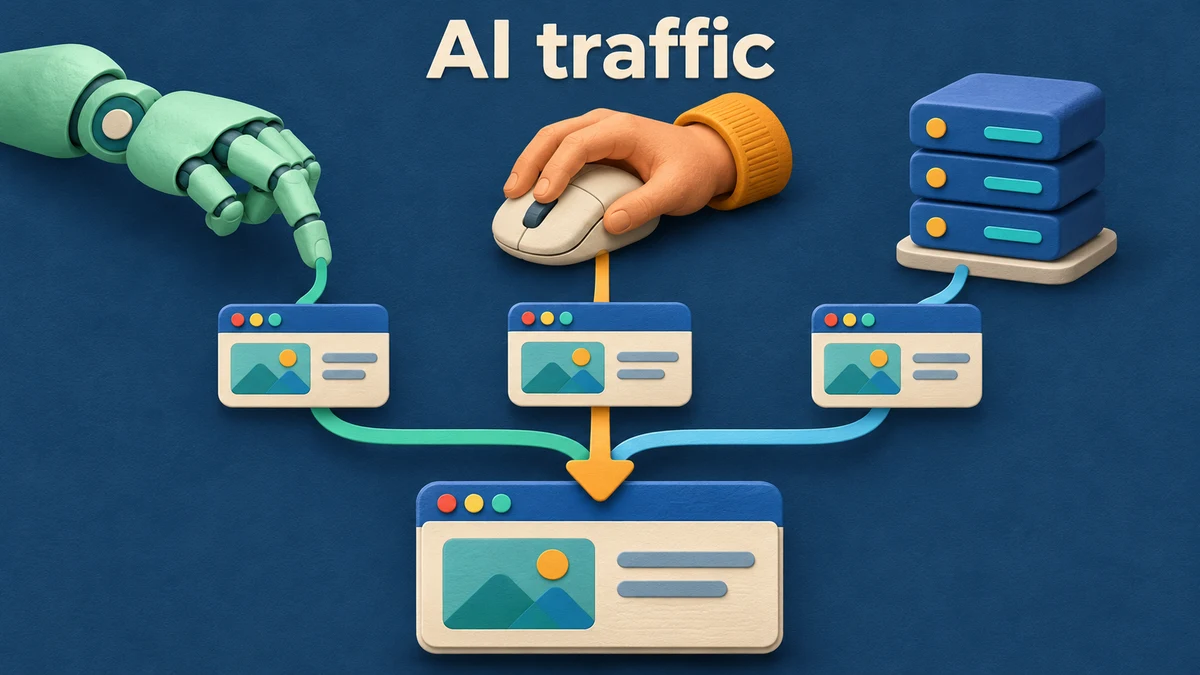
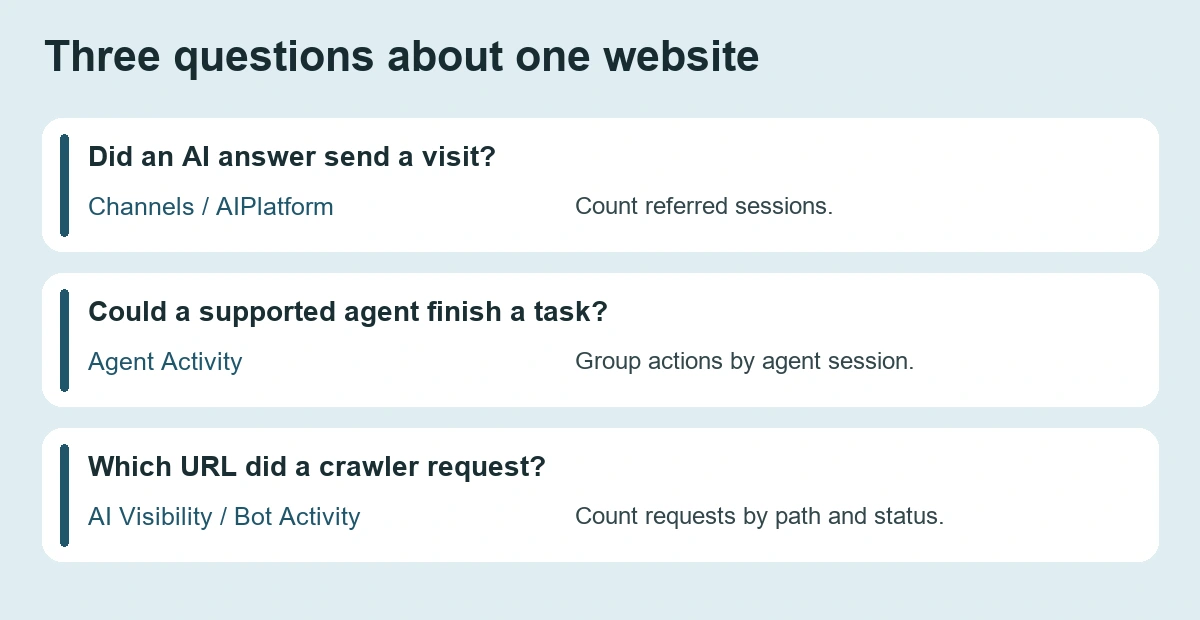
If you want to know whether an AI answer brought someone to your site, start with the referral channel. If you want to know whether an assistant could finish a task on your site, open Agent Activity. A crawler requesting a page answers a third question entirely.
Files for this exercise
AIHotple example files and prompts. Try the exercise before substituting real work data.
Start with the question your weekly report needs to answer
Suppose a shop owner asks, “Did that AI recommendation bring anyone to our returns guide?” Finding the guide in a bot log tells the owner that a machine requested it. To learn whether someone arrived through an assistant, look for a browser session with a recognized referral source. One reader can open the same guide several times.
Find sessions that arrived from an AI answer
Open your Clarity project dashboard and set a date range. On the traffic or referrer card, open the channels tab and select AIPlatform for organic referrals. PaidAIPlatform is the separate channel for paid placements. Look at the landing page, then inspect the next action in that session. For a guide with a printable return label, a download is a useful next action.
Record the number as “AI-referred sessions.” Hidden referrers can appear as Direct. Microsoft also excludes AI features embedded in other products from these channels. A visit attributed to Google search alone cannot establish whether someone clicked an AI-generated summary.
Look for what an agent tried to do
In your Clarity project, open the Agent Activity dashboard. Pick the same reporting period and look at the operators and actions represented. Microsoft names Google, OpenAI and Anthropic as supported operators at launch. A missing operator leaves a gap in what you can measure.
For a shop, follow a task such as finding a size chart and adding the correct size to a cart. Separate reaching the chart from completing checkout. For a publisher, opening the article and downloading its companion file are two actions that can belong to one agent session. Keep any simulation results labeled as tests.
Check what the crawler requested
For a project collecting server logs, open Dashboards → AI Visibility → Bot Activity. Find path requests and inspect the HTTP result. Repeated successful requests to the same guide are useful when diagnosing load. Repeated 404s point you toward a missing or outdated URL. Neither outcome identifies the answer a reader saw.
If the dashboard has no data, check with the project admin whether the server or CDN integration is enabled under Settings → AI Visibility. Log delivery can incur provider charges. Mark the measure unavailable for that week if the feed was disconnected.
Try it on nine records from a fictional shop
Open the sample CSV in a spreadsheet. All rows fall on November 5 UTC. Filter the source column first, then group rows that share a record_id. This file combines three illustrative record types for teaching. A real dashboard export has its own column names.
| Filter the sample by | What you should count | What the shop learns |
|---|---|---|
| browser_session + AIPlatform | 2 sessions (S1 and S2) across 3 rows | S1 downloaded the returns file. S2 landed on the size chart. |
| browser_session + Direct | 1 session (S3) | Its referral source is unknown. Leave it unassigned. |
| agent_session | 1 session (A1) with 2 actions | The agent searched for and opened the size chart. |
| server_request | 3 bot requests including 1 failed request | R3 received a 404 at /old-sizes. Check where that URL is still linked. |
Write the finding with the unit attached
Our shop could report “Two sessions arrived through recognized AI links. One downloaded the returns file. A supported agent opened the size chart. A crawler hit an obsolete URL.” The next step is to check the old link and repair it if there is a current replacement.
If you also track citations, record them separately. A mention can appear in an answer without someone clicking it. Keep the date range, exclusions and source of each count beside the result so next week’s comparison means the same thing.
Using only the example CSV, group rows by source. Within each browser channel, count distinct record_id values. For agent sessions list actions per ID. For server requests count responses by status and name the failing path. Report each unit separately, leave unknown visits unassigned and make no estimate of unique people.Sources & verification
Based on Microsoft’s November 4 Agent Activity announcement and its public reporting documentation. We checked counts against a fictional shop log. The exercise uses no customer records or live Clarity installation.
- Microsoft Clarity introduces Agent Activity
- Microsoft Learn explains the AI referral channels
- Microsoft Learn explains server-side Bot Activity
Sources checked: 2026.11.07